
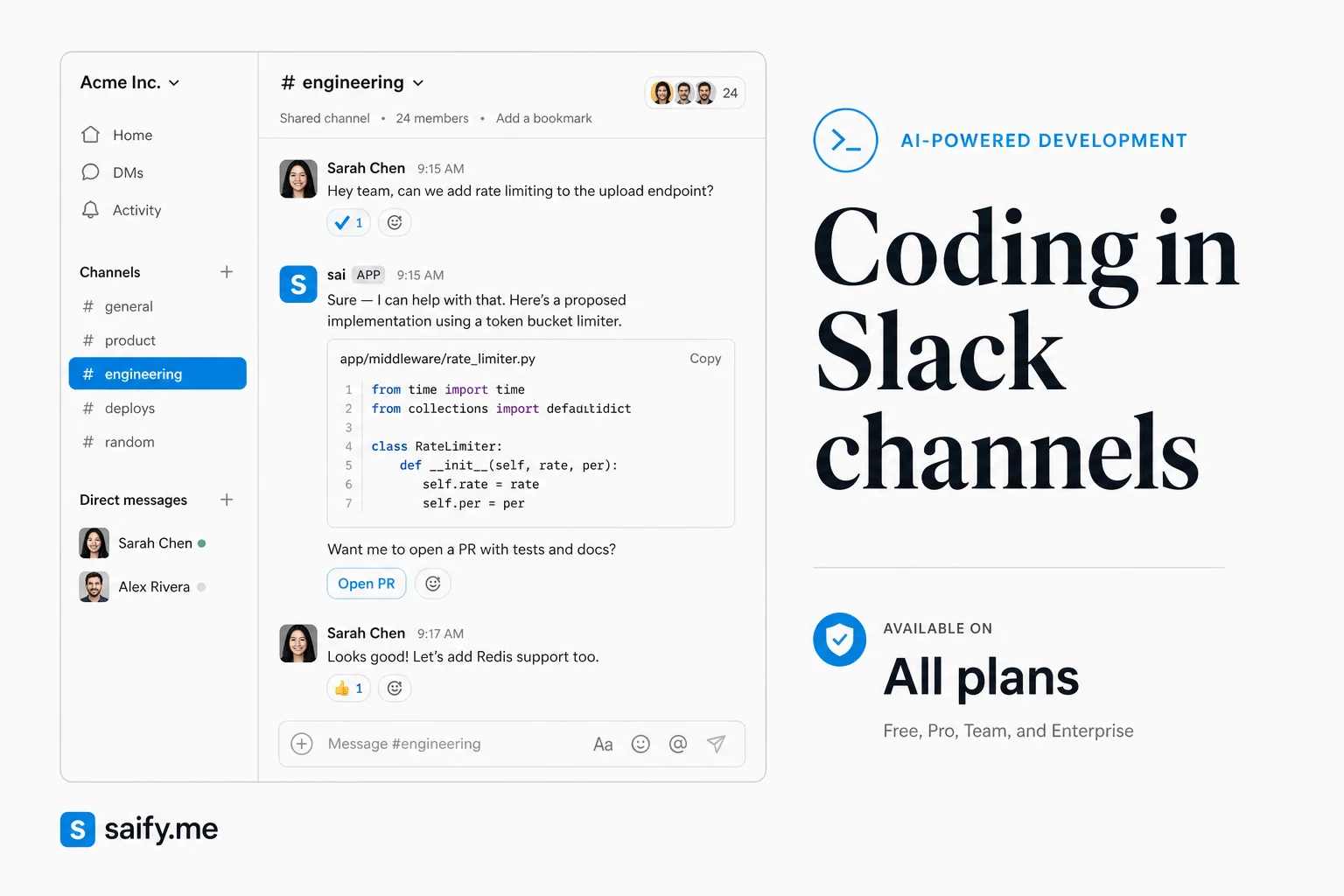
The industry keeps asking who will build the best AI coworker. Salesforce is betting the harder problem is where teams already work.
On August 20, 2026, Salesforce introduced Slack Code: agentic coding inside dedicated Slack channels where engineers, PMs, and non-technical teammates watch agents write software, steer direction, and approve deploys before anything ships. Every Slack plan gets it at launch.
I have shipped agent workflows in Slack for clients who refused another tab. Slack Code productizes the pattern I usually wire manually: a shared room, named agents, human gates on dangerous verbs.
What Slack Code actually adds
Each code channel is a persistent build room, not a one-off thread.
| Capability | What it means in practice |
|---|---|
| Multi-role presence | PMs, designers, and engineers join the same channel while agents code |
| Live previews | Non-engineers see output as it forms instead of waiting for a PR link |
| Deploy gates | Shipping requires explicit human approval |
| Archived record | Finished projects leave a searchable channel history |
Salesforce's pitch: AI coding is a team sport. Agents do the typing. Humans own direction, review, and release.
That matches what I saw with Raft-style agent teams and Spotify's multi-agent coding workspace. The difference is venue. Slack already owns the office chat graph.
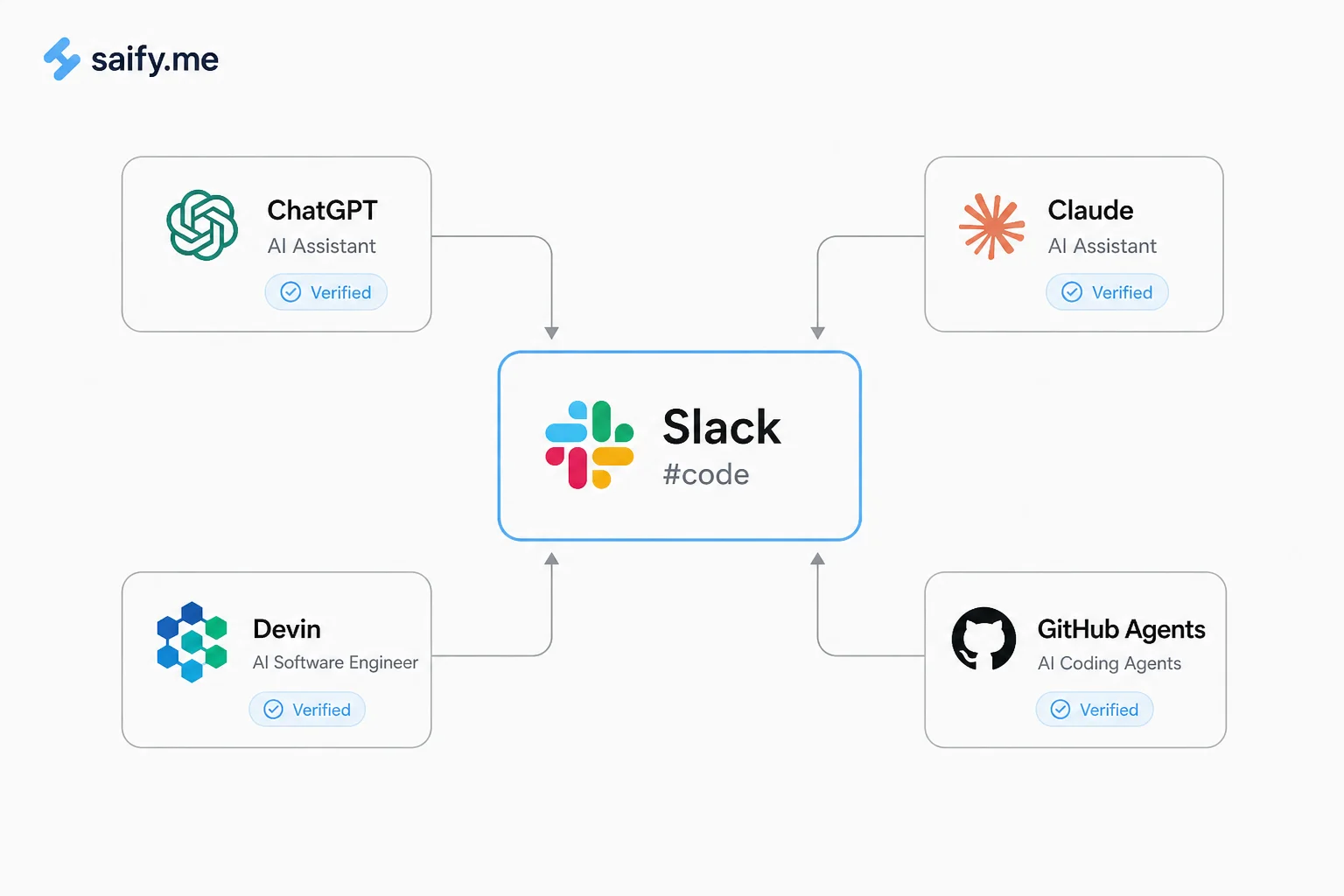
Agents you can add after connection
Launch integrations include:
You connect each agent to the workspace, then invite it into a code channel. That is closer to a marketplace of runtimes than betting on one model vendor inside Slack.
For teams already running Claude Tag with agent identity, the identity question gets sharper: which agent posts, which service account opens the PR, and who clicks approve?
Why the venue matters more than the model
Most labs are racing to ship the smartest coding agent. Slack is racing to own the coordination surface:
- Context already lives in channels (decisions, links, stakeholder comments)
- Non-engineers can steer without learning an IDE
- Deploy approval stays visible to the whole room
- The archive becomes onboarding material for the next hire
The Rundown framed it well: with humans and agents both trending toward messaging-native builds, Slack wants to be the stadium, not the player.
I agree with the direction. I am cautious about the default permissions.
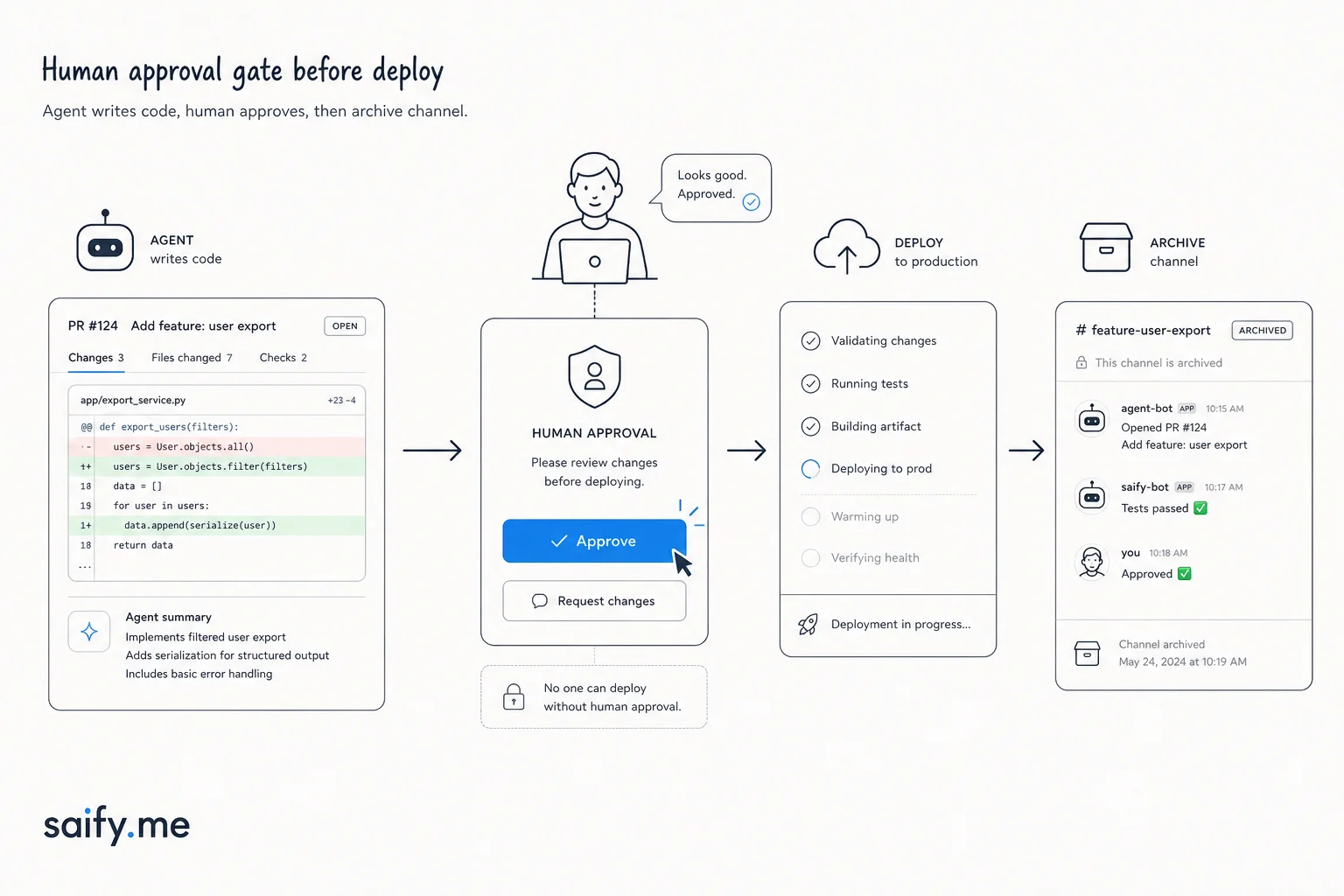
Governance checklist before you open a code channel
If a client asked me to pilot Slack Code next week, I would insist on:
| Control | Why |
|---|---|
| Separate code channels per initiative | Stops context bleed between unrelated builds |
| Least-privilege GitHub app scopes | Agent writes only to allowed repos and branches |
| Required human on deploy | No silent production pushes from a busy channel |
| Read-only preview for guests | PMs steer copy and UX without merge rights |
| Weekly archive policy | Searchable history is an asset until it becomes a leak |
Pair this with solo agents breaking at enterprise scale. A code channel with four agents and six humans can get noisy fast. Assign roles: one lead human, one primary agent, observers muted unless tagged.
How Slack Code fits next to Claude Tag and Cursor
| Tool | Best for |
|---|---|
| Slack Code | Cross-functional builds where everyone stays in Slack |
| Claude Tag | Enterprise Slack with per-channel agent credentials |
| Cursor Cloud Agents | Engineer-heavy async work tied to repos |
| Codex CLI | Deep refactors on a developer machine |
None of these replace code review or CI. They shorten the loop between "idea in chat" and "diff ready for review."
Who should try it first
| Profile | Fit |
|---|---|
| Product team with Slack as source of truth | High |
| Agency shipping client MVPs | Medium-high if deploy gates are strict |
| Regulated enterprise | Pilot only with scoped repos and audit exports |
Slack Code will not fix a messy branching strategy. It will surface that mess in front of your PM.
If you want help scoping a pilot (agent choice, GitHub app permissions, deploy gates), book a free discovery call. I can map whether Slack Code, Claude Tag, or a lighter Cursor setup fits your team first.