
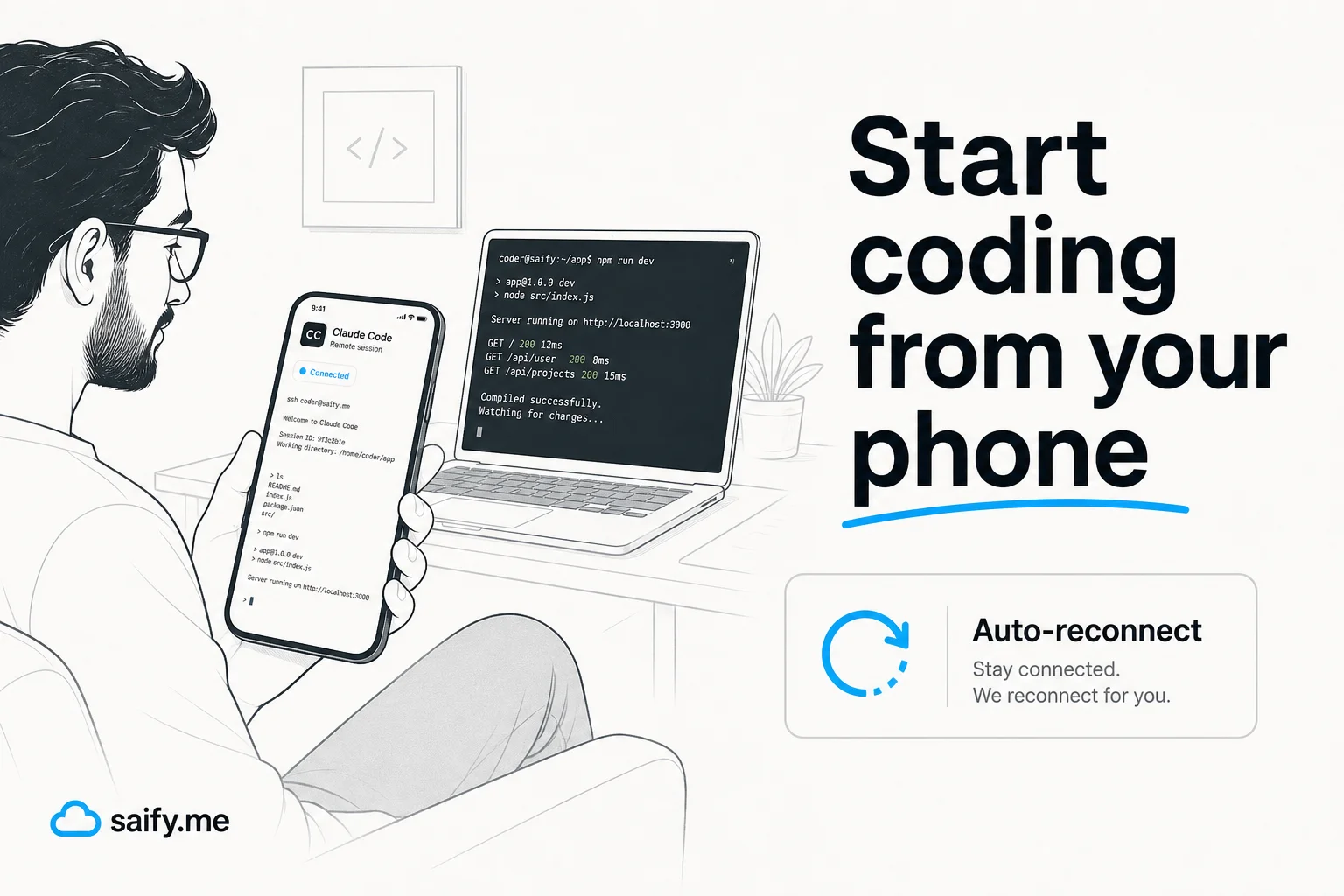
I have approved Claude Code permission prompts from a parking lot more times than I want to admit. Remote Control was supposed to fix that. Early builds felt brittle: stale sessions on my phone, reconnect loops, model drift between devices.
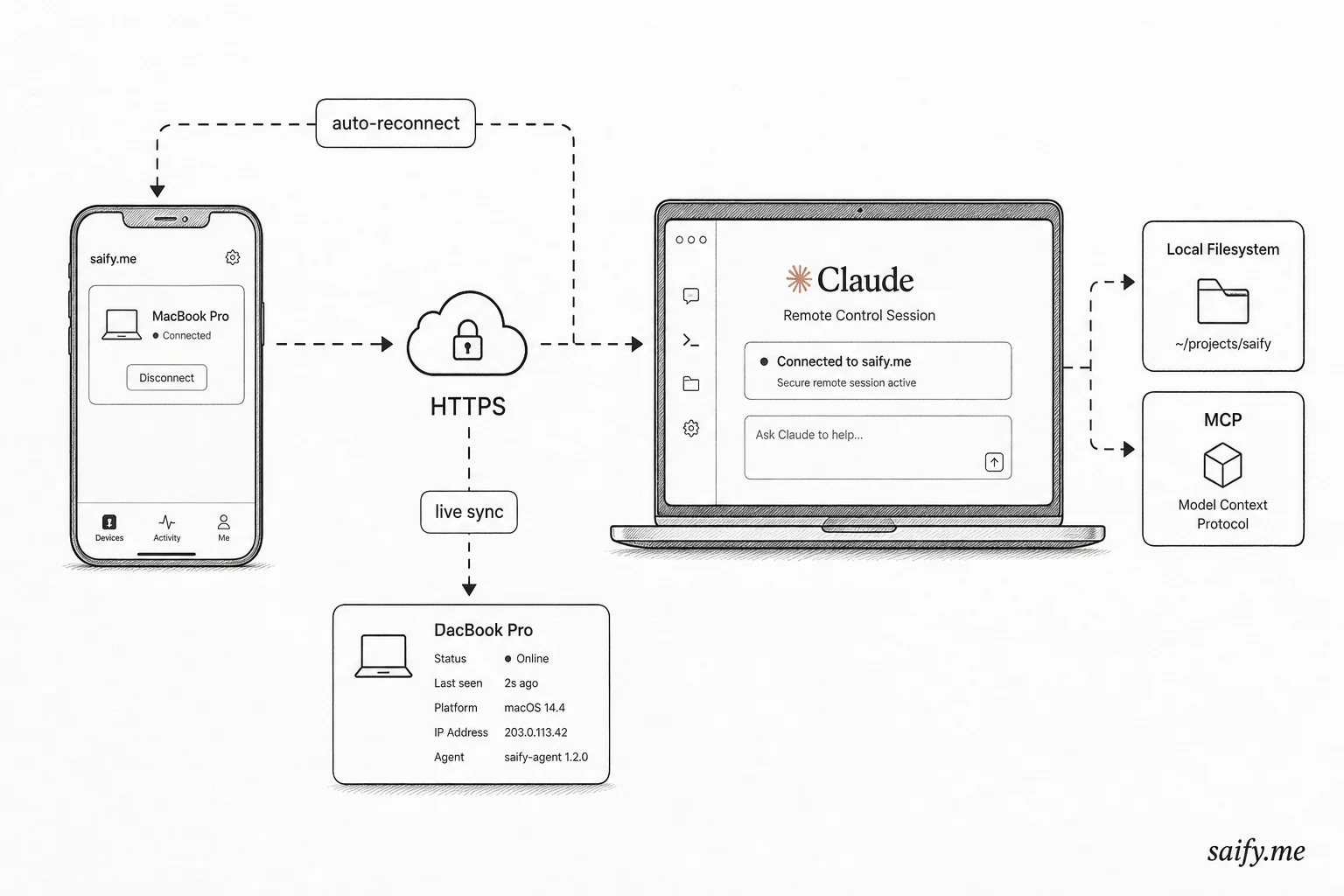
Anthropic's August 2026 update is the first version I would trust for a real handoff. You can start a session from your phone, auto-reconnect after sleep or Wi-Fi blips, and keep model, effort, and session state matched between CLI and mobile.
What actually changed
The Remote Control docs and Anthropic's dev thread spell out four reliability wins:
| Feature | What it fixes |
|---|---|
| Phone-to-machine start | No SSH + terminal gymnastics on mobile |
| Auto-reconnect | Laptop lid close or Wi-Fi hop no longer kills the session |
| Live sync | Model + effort level match across phone and CLI |
| Clean shutdown | Phone shows offline within seconds when Claude Code exits |
Slash commands also behave better on mobile now: /clear resets the phone view, /compact shows a compaction marker, and /diff opens the native diff sheet.
Three ways to turn it on
From the official guide:
Server mode (phone drives, terminal watches):
claude remote-control
The process stays in server mode, prints a session URL, and you can press spacebar for a QR code.
Interactive + remote (both active):
claude --remote-control
Mid-session toggle:
/remote-control
For always-on remote access, run /config inside Claude Code and enable Remote Control for all sessions, or set remoteControlAtStartup to true in ~/.claude/settings.json.
Managed settings can force Remote Control on org-wide. Project-level
settings.jsoncan turn it off for a repo, but cannot force it on for teammates.
Why local still matters
This is not cloud-hosted Claude Code. The session executes on your machine with your filesystem, MCP servers, and project config. The phone is a remote window, not a new environment.
That is the whole point for applied work:
- Private repos stay local
- Custom MCP tools (CRM, internal APIs) stay attached
.claude/project settings travel with the repo
I wrote about adjacent patterns in ngrok + Cursor remote coding and Codex Windows computer use. Remote Control is Anthropic's first-party version of "keep the harness local, move the UI."
My workflow: couch to desk without a reset
Here is the loop I have been running on client repos:
- Evening:
claude remote-controlon the dev laptop in the project root - Couch: open Claude mobile, tap the device card, pick the folder, kick off a refactor or test fix
- Morning: resume at the desk in the same terminal session; phone stays on the live thread instead of archiving a ghost session
The quality-of-life win is not "code entirely on phone." It is no context rebuild when I change rooms.
Limits you should plan around
| Constraint | Practical impact |
|---|---|
| Machine must stay on | Shutdown kills the session; sleep is OK |
| ~10 minute disconnect timeout | Long flights need a fresh claude remote-control |
| No API-key auth | Billing goes through Claude subscription plans |
| Team/Enterprise gating | Admins must enable Remote Control org-wide |
If you rely on scheduled Claude agents or cross-session messaging, Remote Control is complementary: it moves your interactive session, not background workers.
Security notes worth a one-minute read
Remote Control uses outbound HTTPS only. No inbound ports, no VPN required. Sessions are tied to your Claude account.
Still treat the phone like a second keyboard on your dev machine: lock the device, use org SSO where available, and do not leave claude remote-control running on a shared workstation logged into production credentials.
Checklist before you trust it on a client repo
- Update CLI, desktop, and mobile to the latest builds (Anthropic ships these features cross-surface).
- Confirm MCP servers reconnect after a forced sleep test.
- Verify
/diffon mobile for the file types you edit most (TSX, Python, infra). - Document for the team: Remote Control is not a replacement for CI or security plugins.
Bottom line
Remote Control went from demo to daily driver when Anthropic fixed reconnects and phone-initiated sessions. The interesting engineering is still local: your MCP graph, your repo, your agent discipline files.
If you are wiring agentic coding into ops workflows and want a second pair of eyes on harness design, book a free discovery call. I help teams ship agents that survive real devices, not just demo laptops.