
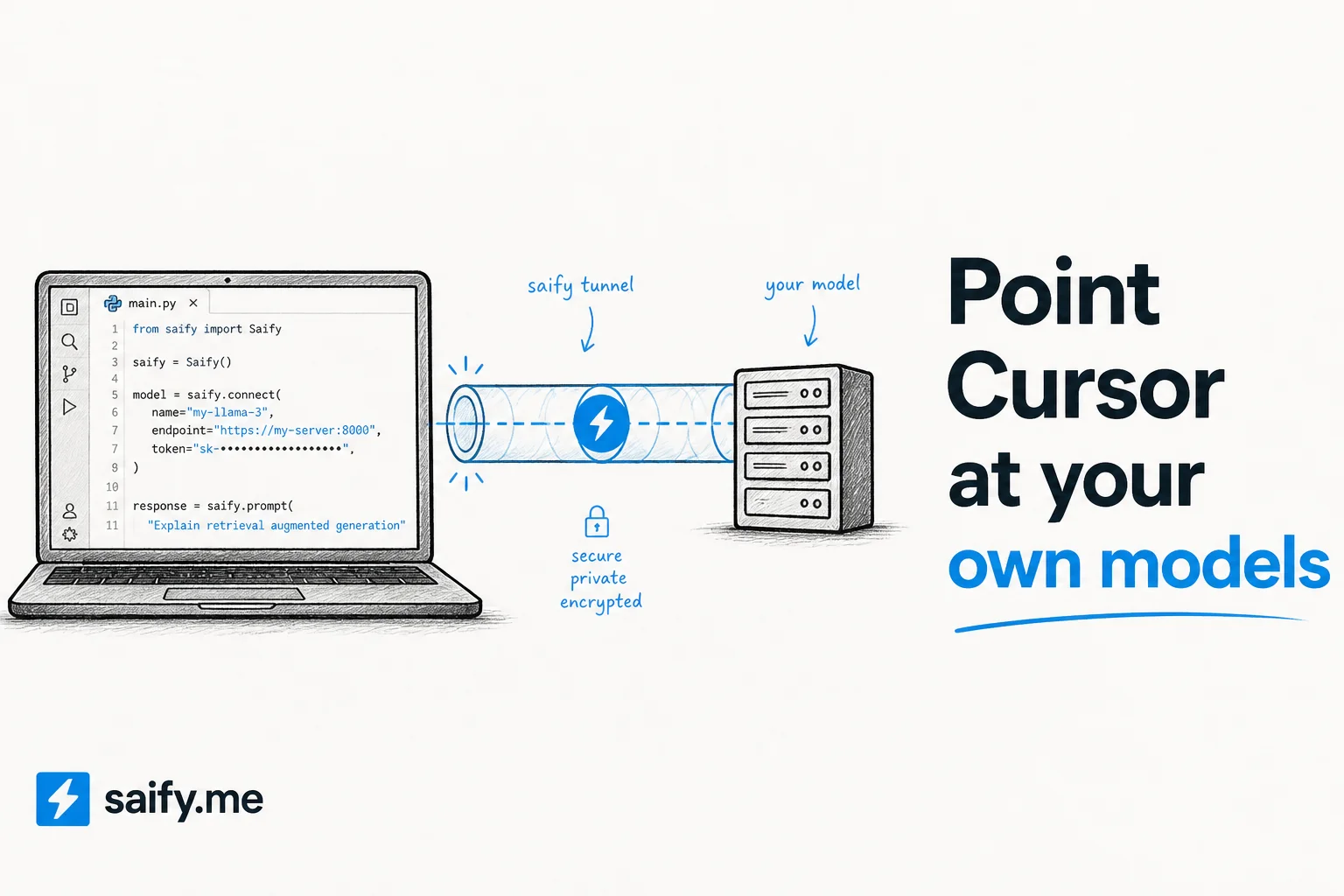
Your best model runs on a home lab GPU, a Colab instance, or a rented H100 somewhere cheap. Cursor wants to call OpenAI. Those two facts used to mean maintaining a custom proxy, fighting CORS, and debugging auth at midnight.
ngrok's AI Gateway fixes the plumbing: point any OpenAI-compatible coding agent at https://gateway.ngrok.ai/v1 and route to models running anywhere you can reach them.
I wire coding agents for clients daily. This is the cleanest "use your own model in Cursor" path I have seen that does not require running your own reverse proxy.
The problem ngrok solves
Modern coding agents speak OpenAI's chat completions protocol (POST /v1/chat/completions). Cursor, Zed, Pi, and most terminal agents can override the base URL to hit a custom endpoint.
The hard parts are everything else:
- Exposing a local Ollama or vLLM server securely to a cloud IDE
- Routing
provider:modelnames to the right backend - Handling auth without leaking keys into config files
- Making it work when your laptop sleeps and the tunnel drops
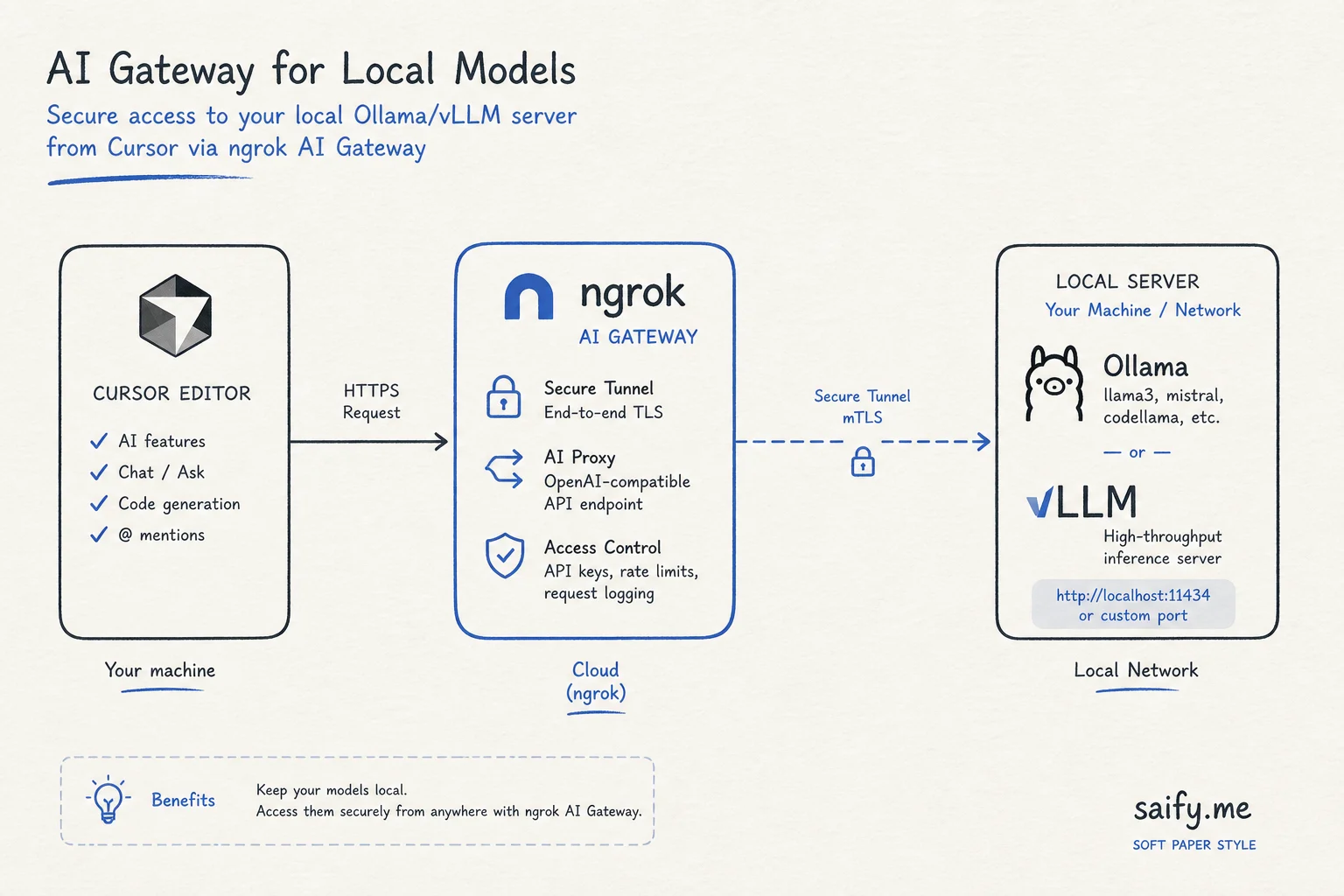
ngrok's AI Gateway sits in the middle. Your agent thinks it is talking to OpenAI. The gateway forwards to Ollama on your Mac, vLLM on a remote GPU, or any other supported provider.
Cursor setup (step by step)
This needs a paid Cursor plan. Free plans only use Cursor's Auto model and cannot select a named custom model.
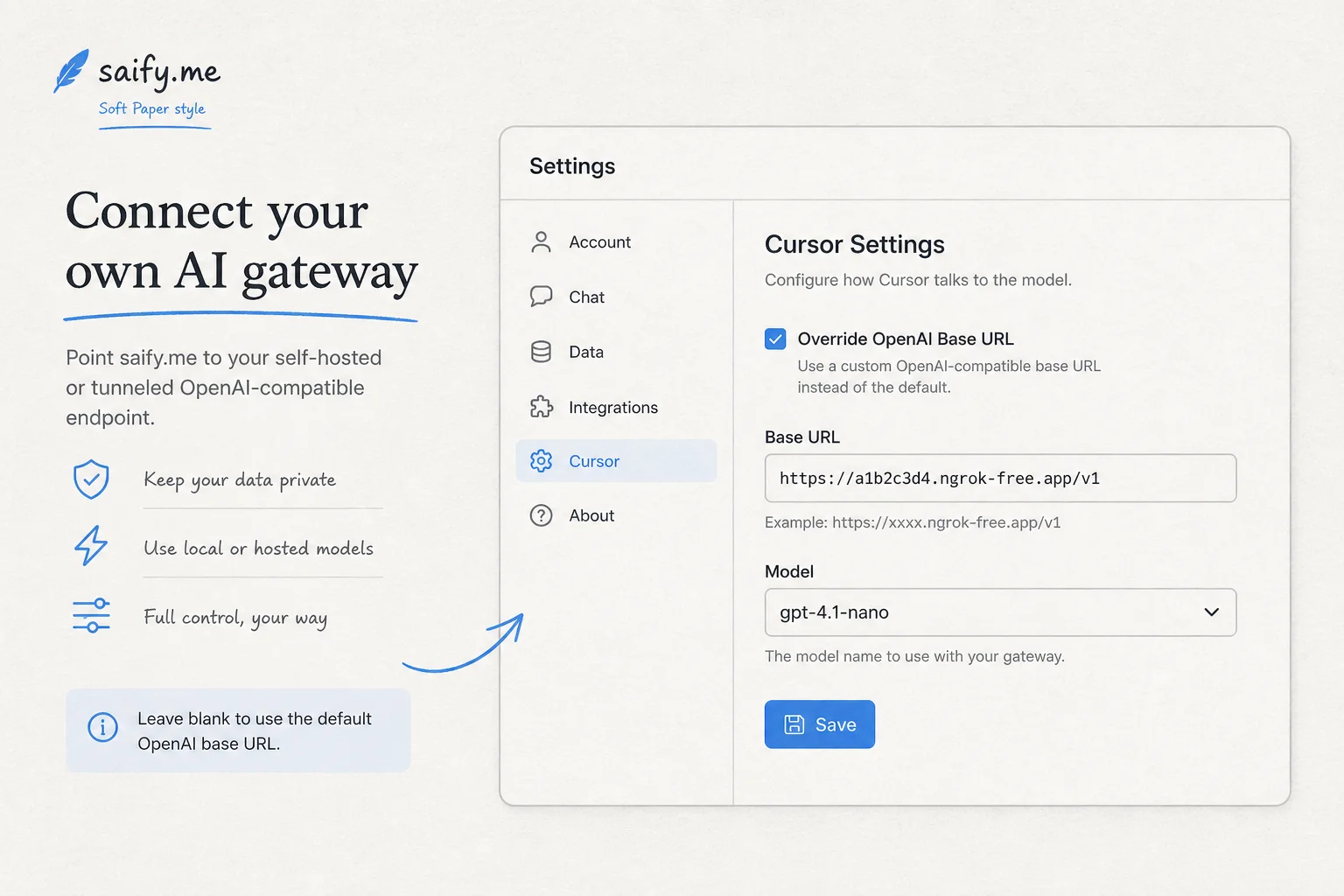
- Open Cursor Settings → Models → API Keys
- Enable OpenAI API Key and paste your ngrok.ai access key (labeled OpenAI, but Cursor sends it to whatever endpoint you configure)
- Enable Override OpenAI Base URL → enter
https://gateway.ngrok.ai/v1(keep the/v1suffix) - Click + Add model → enter full
provider:modelname, e.g.ollama:llama3.2 - Click Verify to confirm the gateway responds
Your agent mode and chat panel now route through ngrok to your model.
Zed and terminal agents
Zed configures custom providers in settings.json:
{
  "language_models": {
    "openai_compatible": {
      "api_url": "https://gateway.ngrok.ai/v1",
      "available_models": ["ollama:llama3.2"]
    }
  }
}
For Pi:
pi --provider ngrok --model "ollama:llama3.2" -p "Explain this function."
Same gateway URL works across agents. One tunnel, many clients.
Supported endpoints
| Endpoint | Format | Use for |
|---|---|---|
/v1/chat/completions | OpenAI | Ollama, LM Studio, vLLM |
/v1/responses | OpenAI | Newer OpenAI-style APIs |
/v1/messages | Anthropic | Providers with Messages API |
Ollama, LM Studio, and vLLM expose the OpenAI surface. Use /v1/chat/completions for self-hosted models.
What still does not route through custom endpoints
Know the limits before you bet your governance model on a gateway:
| Feature | Routes through override? |
|---|---|
| Cursor Agent / Chat | Yes |
| Cursor Plan mode | Yes |
| Tab autocomplete | No (Cursor backend) |
| Inline edit (Cmd+K) | No (Cursor backend) |
| Cursor sub-agents (background) | Sometimes no (known bug as of mid-2026) |
If every token must flow through your gateway for compliance, terminal agents like Claude Code, Codex CLI, or Cline give you more control. Cursor's override covers the main agent loop but not the full editor surface.
When I use this in client work
Prototype on local Qwen before API spend. Spin up Qwen3.8-27B via Ollama, point Cursor through ngrok, and validate agent workflows on client code without burning frontier API credits.
Air-gapped eval environments. Model stays on client hardware. Tunnel is the only egress. Easier to reason about than opening inbound ports.
Team model routing. One gateway URL, centralized keys, swap backends without reconfiguring every developer laptop.
Remote GPU burst. Rent a cheap GPU instance, run vLLM, tunnel through ngrok. Your local Cursor stays the same.
Alternatives worth knowing:
- LiteLLM for self-hosted routing
- LLM Gateway for multi-model access
- TheRouter.ai for provider fallback
Security notes
Tunnels are convenient and risky if you treat them casually:
- Use ngrok auth, do not expose raw Ollama on
0.0.0.0without a gateway - Rotate keys if a laptop is lost
- For Ollama locally, set
OLLAMA_ORIGINS=*only when you understand the exposure - Log requests at the gateway if compliance requires audit trails
The takeaway
ngrok turned "run models anywhere, code in Cursor" from a weekend infrastructure project into a settings change. That matters when local models like Qwen3.8-27B are finally good enough for real agent work.
If you want help wiring a coding agent stack (model routing, eval harness, CI gates) for your team, book a free discovery call. I care more about whether the agent ships working code than which logo is on the model card.