
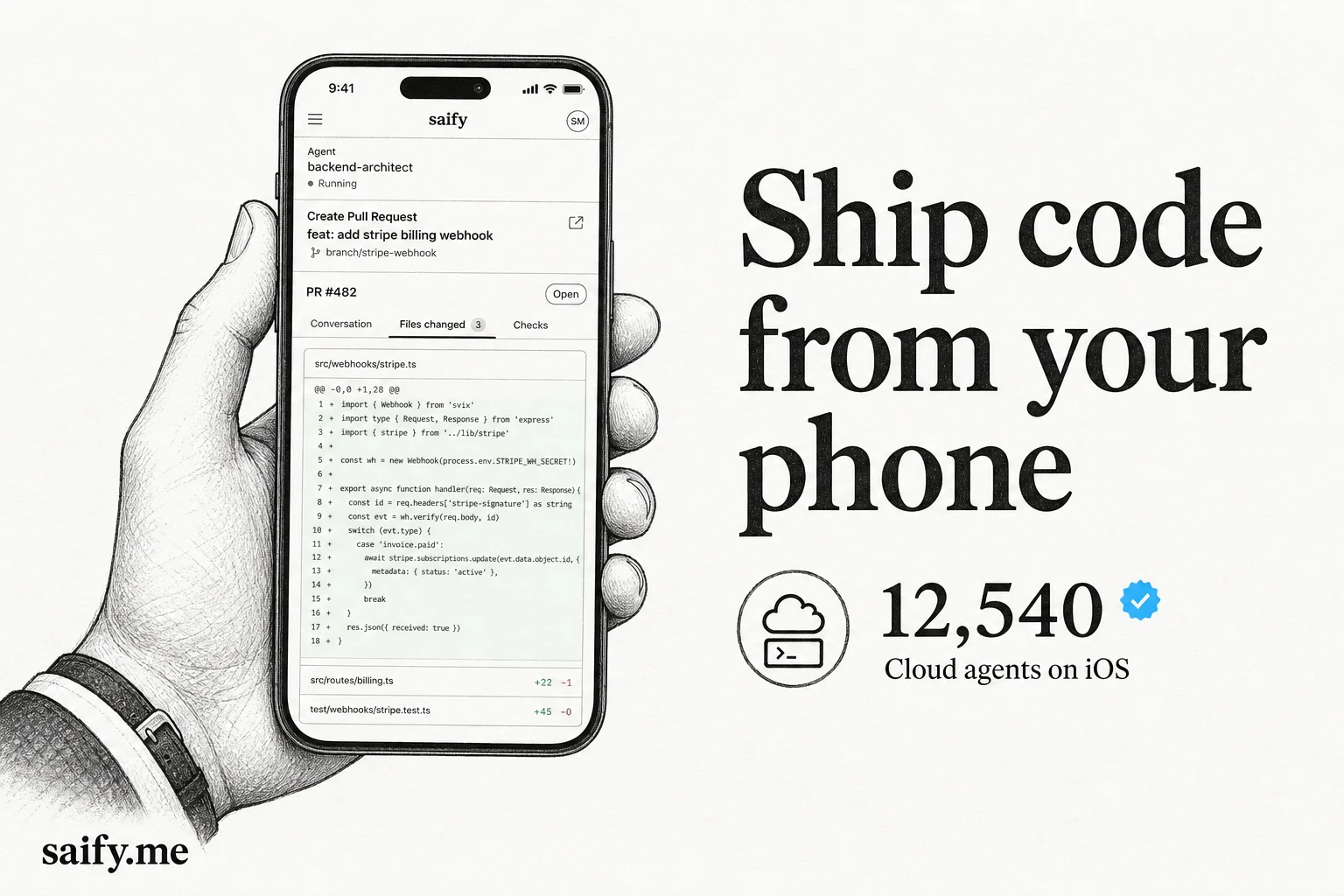
I have merged pull requests from a grocery line. Not because I enjoy it. Because the agent finished while I was away from my desk and the CI gate was the only blocker.
Cursor for iOS is built for that moment. It is not a tiny code editor on a phone. It is a control center for agents that keep shipping while you are not at your keyboard.
Two modes: cloud VMs vs your machine
The app supports two distinct workflows. Confusing them leads to "why did my agent die when I closed my laptop?"
| Mode | Where work runs | Laptop can close? | Best for |
|---|---|---|---|
| Cloud agents | Cursor isolated VM | Yes | Feature branches, tests, demos |
| Remote Control | Your local machine | No (must stay awake) | Local MCP, private data, real checkout |
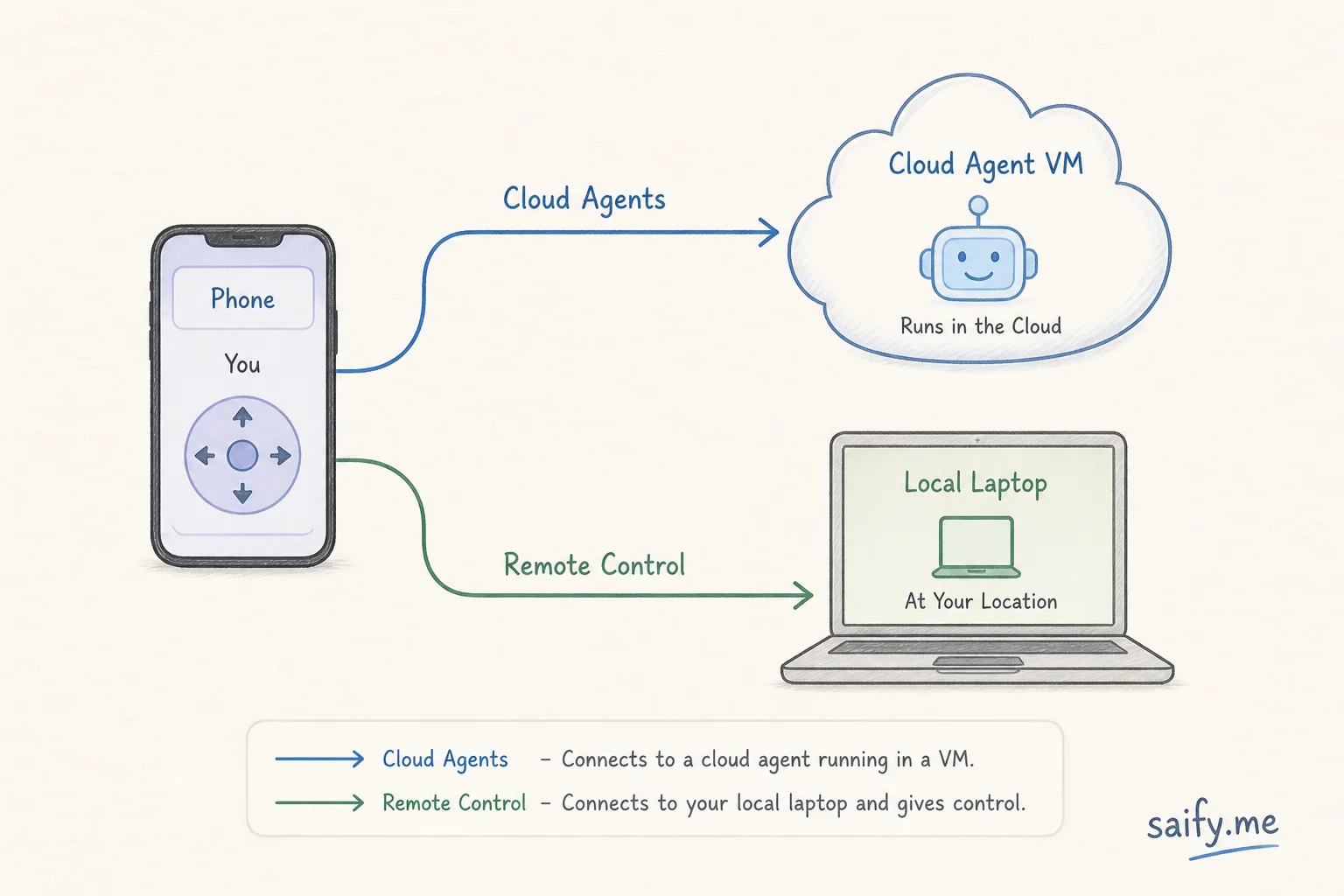
Cloud agents get a full dev environment in an isolated VM. They can run tests, verify their own work, and open PRs. You pick a repo, describe the task (voice or slash commands), and walk away.
Remote Control hands off a local agent session to your phone. Tool calls still execute on your machine. Per the mobile docs, you need Cursor 3.9.8+ on desktop, a Git-backed workspace with a remote, and the feature enabled under Settings > Agents.
I covered Claude Code's phone story in Claude Code remote control from your phone. Cursor's version is broader: launch cloud work from zero on mobile, not only steer an existing local session.
What shipped in public beta
From the iOS changelog:
- Launch cloud agents from any paid plan
- Remote Control for local runs from the Agents Window
- Voice input and slash commands on mobile
- Live Activity lock screen updates when agents finish or need input
- Review diffs and merge PRs in-app
- Handoff local to cloud mid-task, then pull back before merge
- 75% off Composer 2.5 runs in the mobile app (promo through July 5, 2026)
That local-to-cloud handoff is the feature I did not expect to use daily. Start a plan at your desk, push it to a cloud VM before a flight, review the PR on landing.
How this fits my shipping loop
My default loop already uses cloud agents for async work. The iOS app adds three practical wins:
- Approval latency drops. Permission prompts and "CI is red" moments do not wait for me to reopen my laptop.
- Parallel agents become manageable. I can kick off a second cloud run from my phone without context-switching on desktop.
- Review happens in the gap time. Diff review on mobile is good enough for small PRs when the agent already ran tests in the VM.
It does not replace local development for me. Anything touching private MCP stdio servers, local secrets, or heavy GPU inference still starts on my machine. Remote Control bridges the gap when I step away mid-run.
Pair this with Cursor cloud agent subscriptions if you want agents that wake on CI or Slack without you tapping the app at all. The iOS app is the human override layer on top of that automation.
Setup checklist I actually follow
Before trusting mobile for a real ticket:
- Repo is on GitHub (or supported remote) with branch protections you trust
- Cloud agent VM has the test command documented in
AGENTS.mdor a skill - For Remote Control: machine set to stay awake, Cursor 3.9.8+, feature enabled
- Teams/Enterprise: admin enabled Remote Control in the dashboard
- Sensitive tools use HTTP MCP, not stdio, if subagents or cloud VMs are in play
On Teams and Enterprise, admins must enable Remote Control before individuals can use it. Budget that IT step early.
Risks I still respect
Mobile agent control is powerful and easy to overuse.
- Merge without full review is one thumb tap away. I only merge small, test-verified PRs from the app.
- Remote Control dies if the laptop sleeps or loses network. Cloud handoff is the escape hatch.
- Voice prompts are lossy. I still paste critical constraints in text when the task is security-sensitive.
- Composer promo pricing may lure you into runs you would not start on desktop. Watch spend.
Bottom line
Cursor for iOS completes the "agents ship while you are away" story. Cloud agents for closed-laptop async work. Remote Control for local MCP fidelity. PR review and merge without reopening the IDE.
If your team already pays for cloud agents but still assigns a human to babysit every branch, this is the surface that changes the coordination math.
Want help wiring cloud agents, skills, and CI guardrails into a repo your team can steer from anywhere? Book a free discovery call.