
Sound is the last step in most video workflows and the first thing viewers notice when it is wrong.
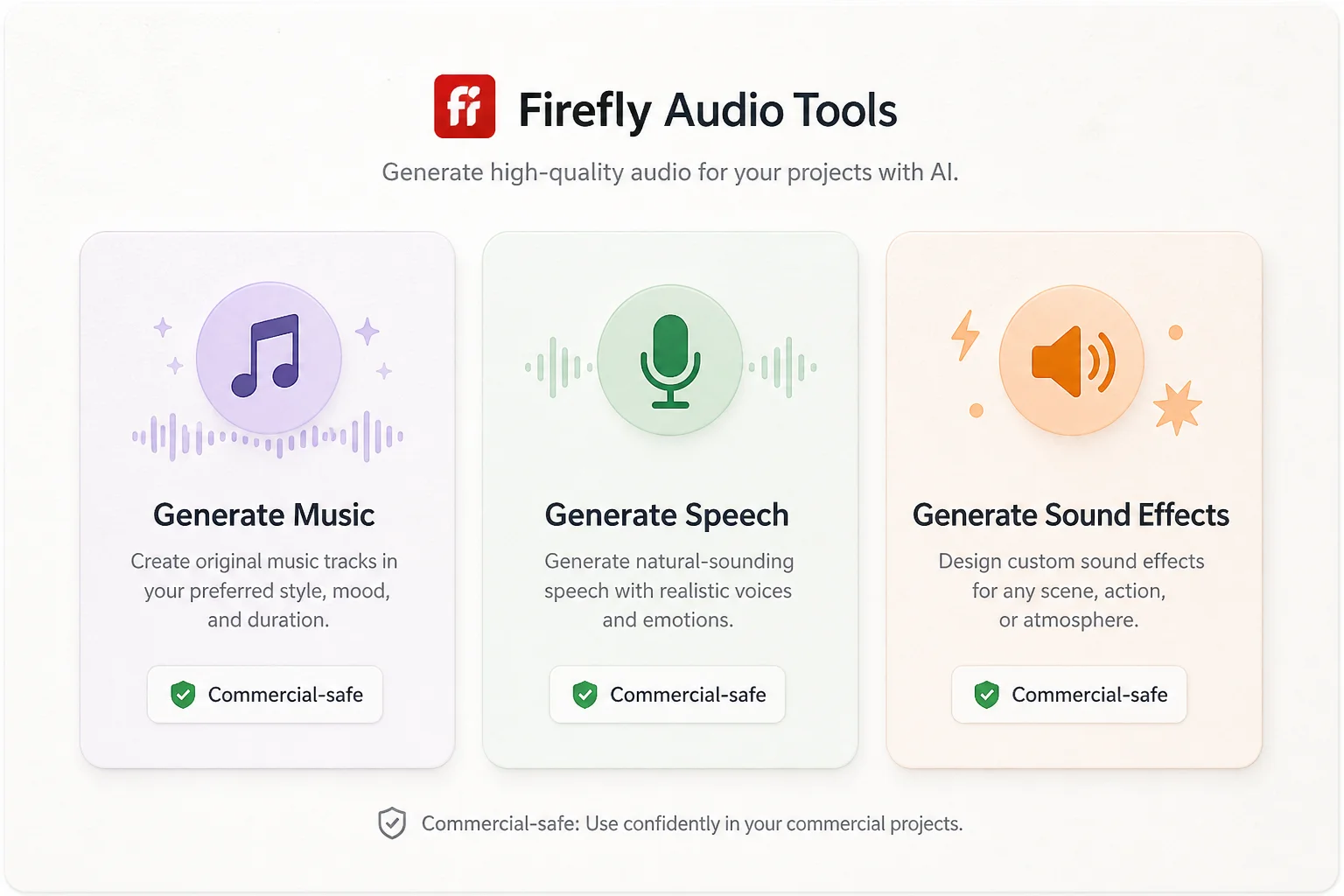
On August 20, 2026, Adobe moved Firefly audio to general availability: Generate Music, Generate Speech, and Generate Sound Effects inside one creative studio, with licensing aimed at commercial use.
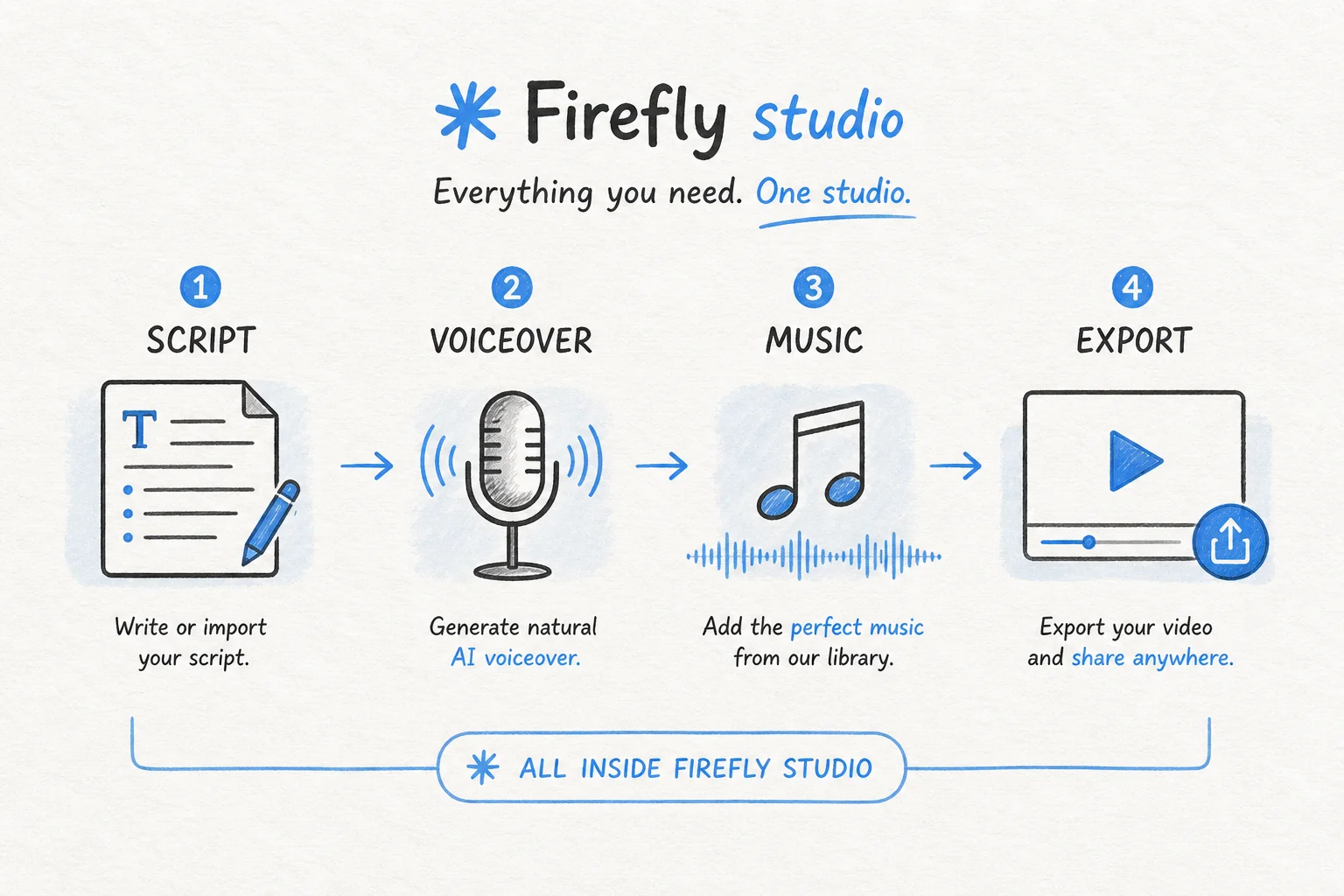
For agencies and creators shipping daily short-form, this attacks the "tab hop" tax: script in one app, voice in another, stock music in a third, then stitch it back together.
The three audio pillars
| Tool | Model | Use case |
|---|---|---|
| Generate Music | Firefly Music Model | Original tracks matched to video length and mood |
| Generate Speech | Firefly Speech Model (+ optional ElevenLabs) | Script to voiceover with pacing and emotion controls |
| Generate Sound Effects | Firefly Audio Model | Custom SFX timed to on-screen action |
Adobe's pitch is commercial safety: universes licensed for the outputs you publish, not a stock track you hope clears YouTube Content ID.
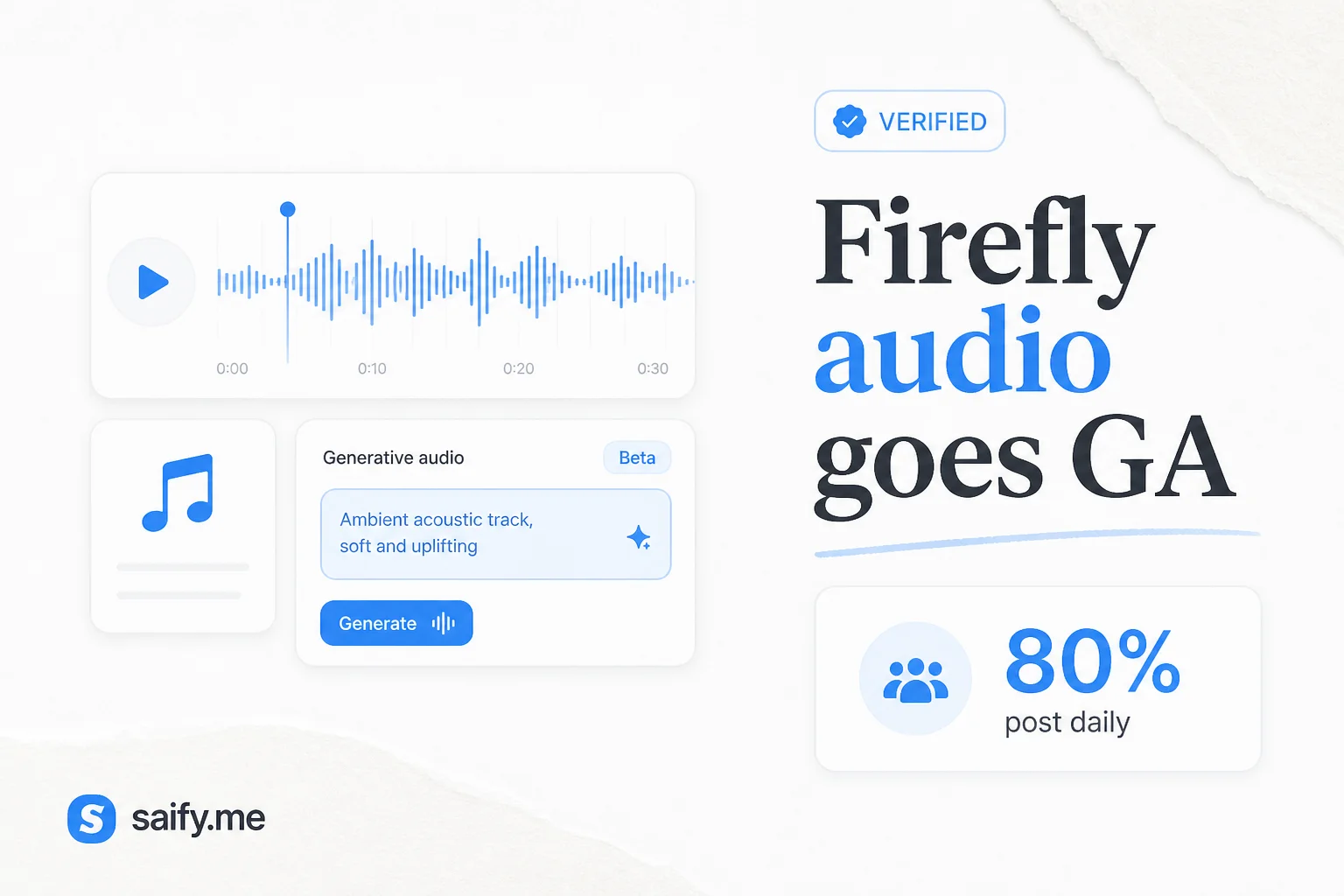
A Berklee / Adobe survey cited in the launch found 80% of video creators post daily or several times a week, and every respondent uses music in video. That is a lot of licensing friction if you are not on a studio legal team.
Why "commercially safe" is the real feature
Creators in Adobe's launch stories (fashion/lifestyle, brand SFX-heavy shorts) stressed handoff confidence: when you deliver to a client, you sign your name on the whole piece.
That maps to problems I see on lead-gen video projects:
- Wrong stock license tier
- Voice clone terms that do not cover paid ads
- Music that triggers platform flags after the client posts
Firefly does not remove legal review for regulated industries. It shrinks the "random stock site" risk for everyday marketing clips.
Compare to Pika's cheap generative audio and BFL Flux 3 native audio. The market is converging on audio inside the video tool, not a separate DAW hop.
Firefly AI Assistant and model choice
Same announcement:
- Free AI Assistant tier with daily generations for storyboards, brand kits, batch edits
- Gemini Omni Flash added alongside Google, Kling, Luma, OpenAI, Runway models
- Multimodal prompting: video, audio, and image inputs plus text
More model choice inside one studio is the counter-move to single-vendor lock-in. For teams already on Gemini Omni Flash, you can stay inside Firefly instead of juggling tabs.
Practical pipeline I would test
- Storyboard in Firefly AI Assistant
- Generate voiceover from approved script
- Generate music to exact clip duration
- Add SFX on key transitions
- Export with license metadata saved in project folder
For client work, I still store: prompt log, export date, and which Firefly models were used. Cheap insurance if a platform updates policy language.
Limits to keep in mind
| Gap | Mitigation |
|---|---|
| Not a full DAW | Fine for social; not for album mastering |
| Brand sonic identity | Train human reviewers on "Firefly sound" |
| Lip-sync longform | Pair with dedicated avatar tools |
Who should switch first
| Profile | Fit |
|---|---|
| Daily short-form creator | High |
| Agency delivering brand social | High if clients fear copyright strikes |
| Podcast-first team | Medium; test speech quality on your mic standards |
Firefly audio GA is boring in the best way: it removes a recurring chore (hunt a track you are allowed to use) from a workflow that already has enough steps.
If you want help wiring generative media into a Next.js lead site or client content pipeline, book a free discovery call.