
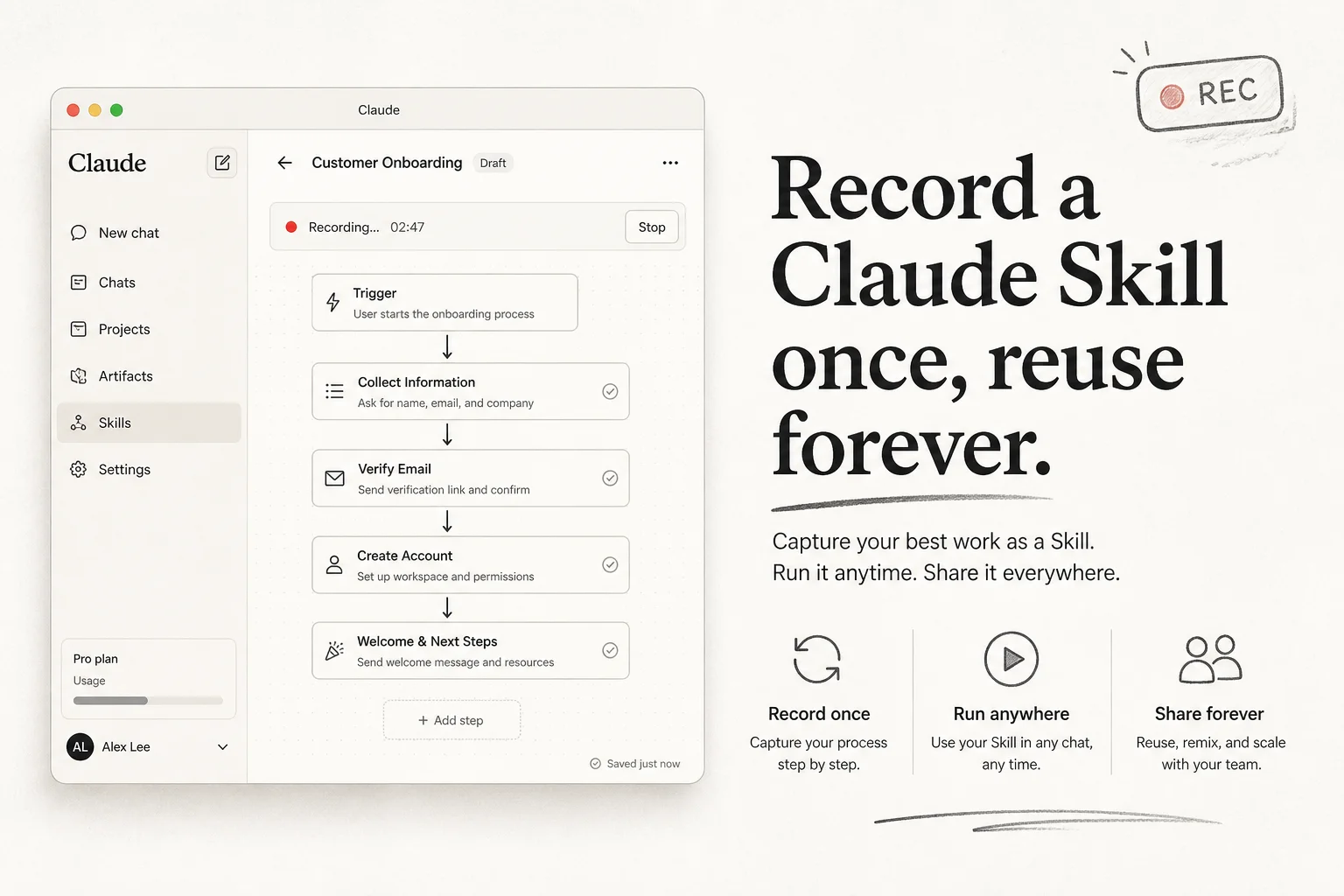
Most teams repeat the same AI chores: pull CRM notes into a brief, reformat a spreadsheet, draft a follow-up email with the right tone. Typing the prompt from scratch every time is wasted motion.
Claude desktop Cowork now lets you record a Skill by doing the task once while narrating your decisions. Claude packages it into a reusable /skill-name command. You can even ask Claude to schedule it.
Download: Claude desktop app. Docs: Claude Code and agent tooling overview.
When recording beats prompt engineering
| Approach | Best for |
|---|---|
| One-off chat prompt | Novel problems, exploration |
| Saved prompt snippet | Stable text transformations |
| Recorded Skill | Multi-step UI workflows with branching rules |
| Scheduled Skill | Weekly reporting, inbox triage, CRM hygiene |
Skills shine when the work spans apps and judgment calls ("if the deal is >$10k, cc finance") that are painful to encode in a single paragraph.
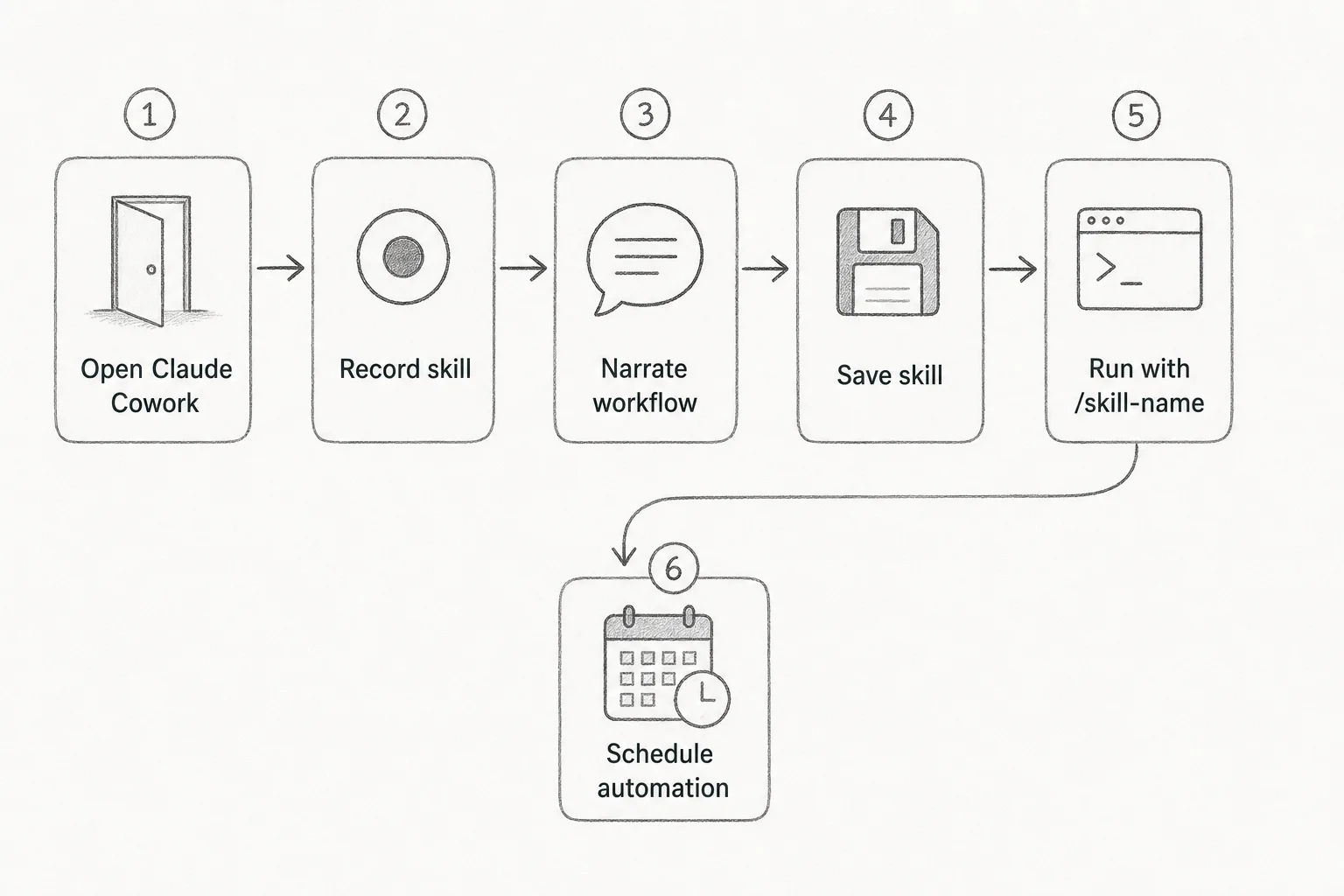
Step-by-step: record your first Skill
1. Open Cowork and start recording
- Launch the Claude desktop app
- Open Cowork
- Click + → Record a skill
- Grant screen recording permissions when macOS prompts you
- Click Start Recording
2. Perform the task once, out loud
Do the full workflow start to finish. Narrate why, not just what. Claude uses your speech to infer rules you never typed.
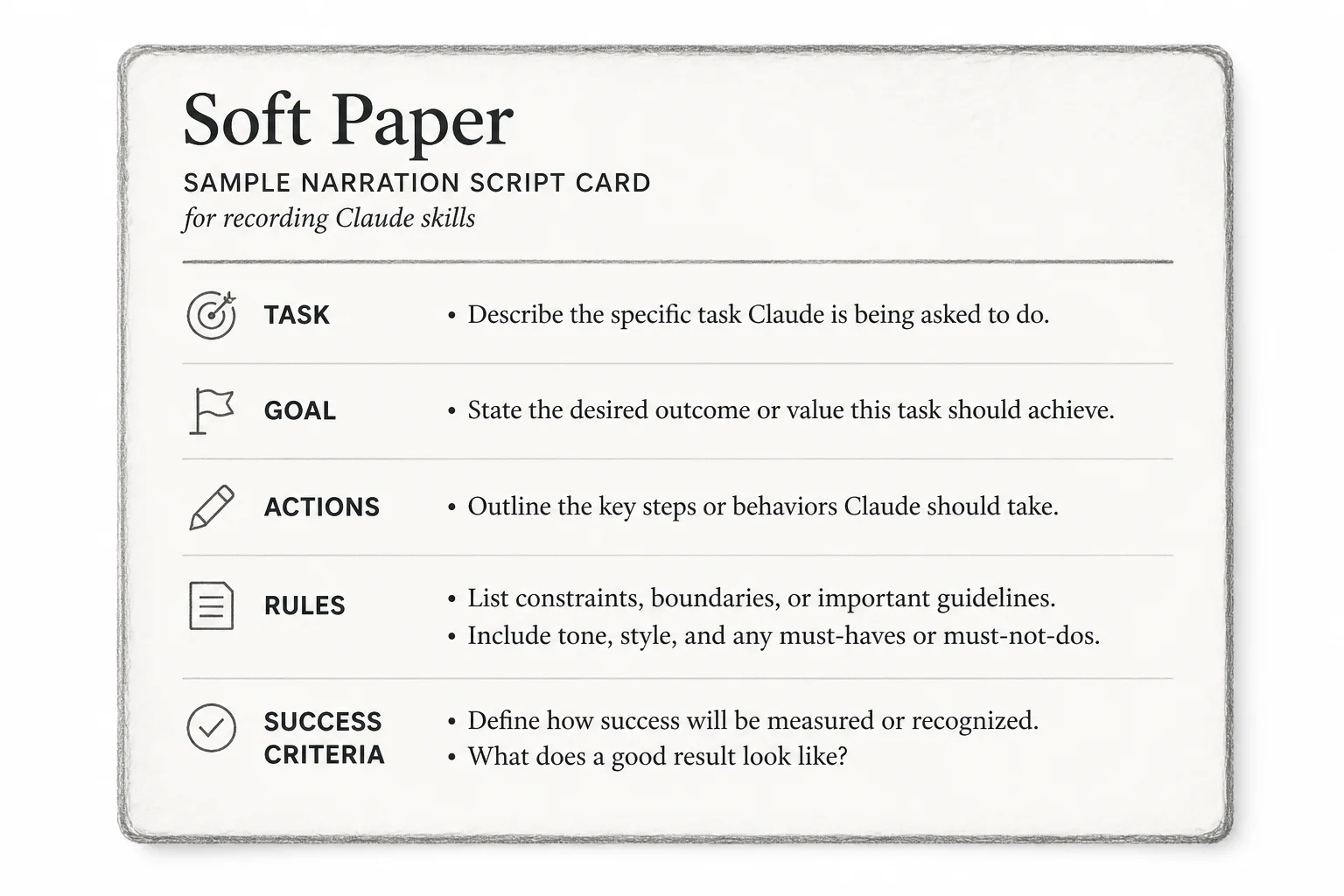
Sample narration you can adapt:
I'm doing weekly pipeline cleanup to keep our CRM accurate.
First, I open HubSpot and filter deals stuck in "Proposal" for 14+ days because those need manager review.
Next, I export the list so I can annotate blockers in a column called "Stall reason."
If a deal has no activity in 30 days, I tag it "At risk" instead of deleting it.
Most important rule: never change the deal owner without leaving a note explaining why.
Ignore any clicks that are just checking Slack.
When I'm done, I verify every exported row has either a next step date or an "At risk" tag.
3. Stop and save
Claude converts the session into a packaged Skill. Name it something you will remember (/pipeline-cleanup).
4. Run it in a fresh chat
Open a new Cowork chat and invoke:
/pipeline-cleanup
Claude should replay the structure with updated data.
5. Optional: schedule it
Prompt:
Let's make this a scheduled task. Ask me when it should run, then create the schedule for me.
Good cadence for ops work: Monday 8am local, before standup.
Tips that actually improve Skill quality
Narrate decision rules. "If X, do Y" beats silent clicking.
State success criteria. "Verify every row has a next step date" gives Claude a checklist.
Call out noise. Tell it which tabs or apps to ignore so the Skill does not learn your Twitter detours.
Keep one job per Skill. Pipeline cleanup and invoice drafting should be two recordings.
Review before scheduling. Run manually twice on real data. Watch for destructive steps (bulk deletes, irreversible sends).
- [ ] Narration includes at least one conditional rule
- [ ] Success criteria stated aloud at the end
- [ ] Dry run on non-production data
- [ ] Sensitive actions (email send, delete) require confirmation
- [ ] Skill name matches the verb (`/weekly-ops-brief`)
How this fits client work I do
I wire AI into CRMs, voice ops, and lead sites. Recorded Skills are not a replacement for proper automation (n8n, webhooks, audited pipelines). They are a fast layer for knowledge work that still lives in desktop apps.
Use Skills for:
- Weekly KPI summaries across Excel + CRM
- Consistent proposal formatting
- Research briefs with your firm's section order
Use proper automation when:
- You need idempotency, retries, and audit logs
- PHI or payment data is involved
- Multiple users must share the exact same execution path
Limits to expect
- Screen recording permissions are OS-specific; test on each machine.
- UI changes break Skills faster than API automations.
- Governance: decide who may record Skills that touch customer data.
Bottom line
Recording a Skill is the fastest way I have seen to turn "how Sarah does it" into something the whole team can run. Narrate like you are training a junior operator, not like you are talking to yourself.
Ship one boring weekly task as a Skill this week. If it saves 20 minutes every Monday, that is 17 hours a year back.
Want help deciding which ops workflows should become Skills vs proper automations? Book a free discovery call.