
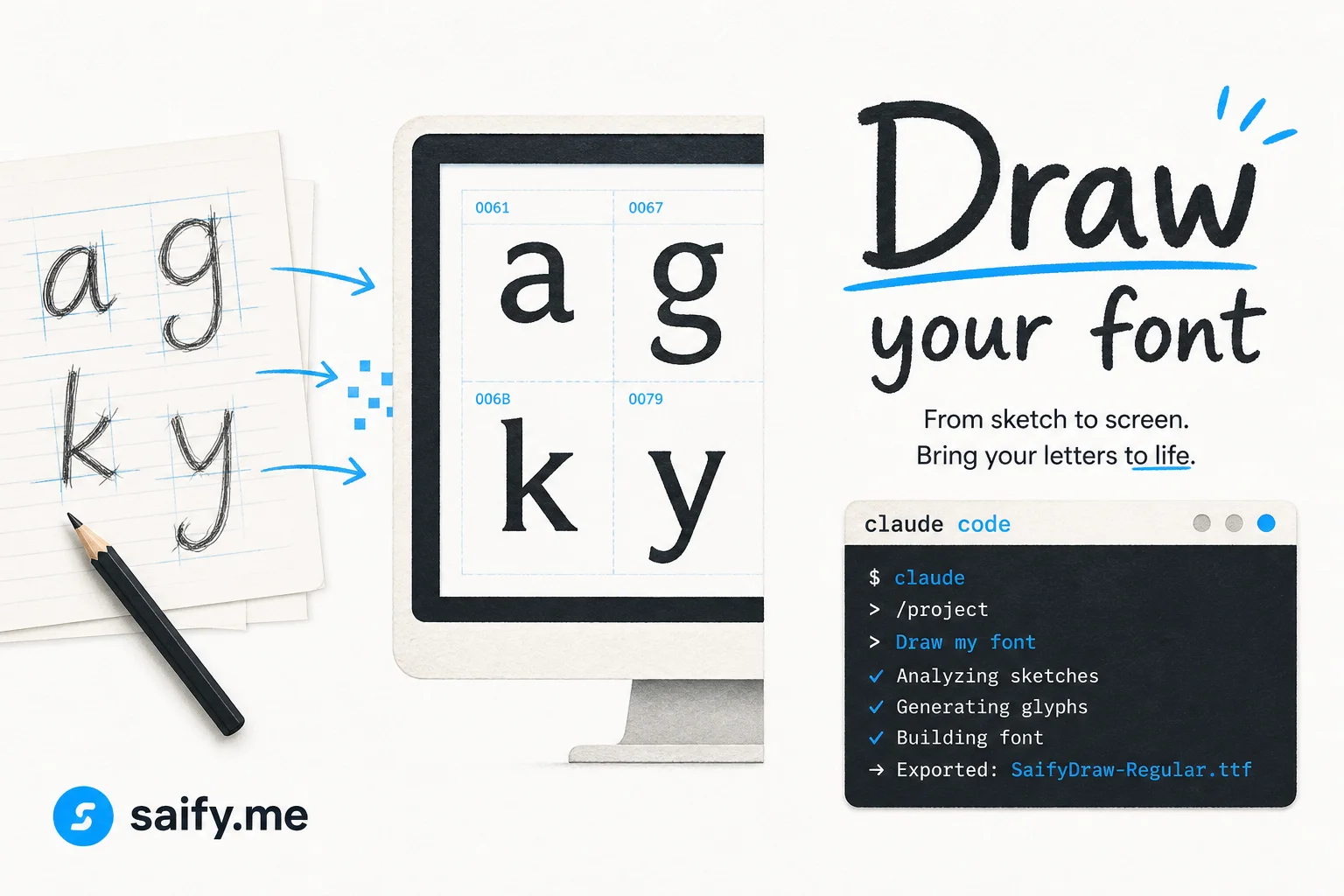
Custom fonts used to mean hiring a type designer or fighting FontForge for a weekend.
The open-source draw-your-font repo (600+ GitHub stars in July 2026) compresses that into a repeatable pipeline: capture an alphabet, vectorize glyphs, export TTF / WOFF / WOFF2, and wire the files into CSS or Figma.
The fun part is packaging it as a Claude Code skill so you narrate the steps once and reuse them for every family member, client brand, or memorial project where handwriting matters.
Why handwriting fonts are an agent skill, not a one-off script
Font build pipelines are picky:
- Glyph coverage must include punctuation you actually use
- Baseline and x-height need consistent alignment across letters
- Export formats differ between web (
woff2) and print (ttf)
A single Python script helps, but non-designers still stall on step order. A skill encodes:
- How to photograph or scan the sample
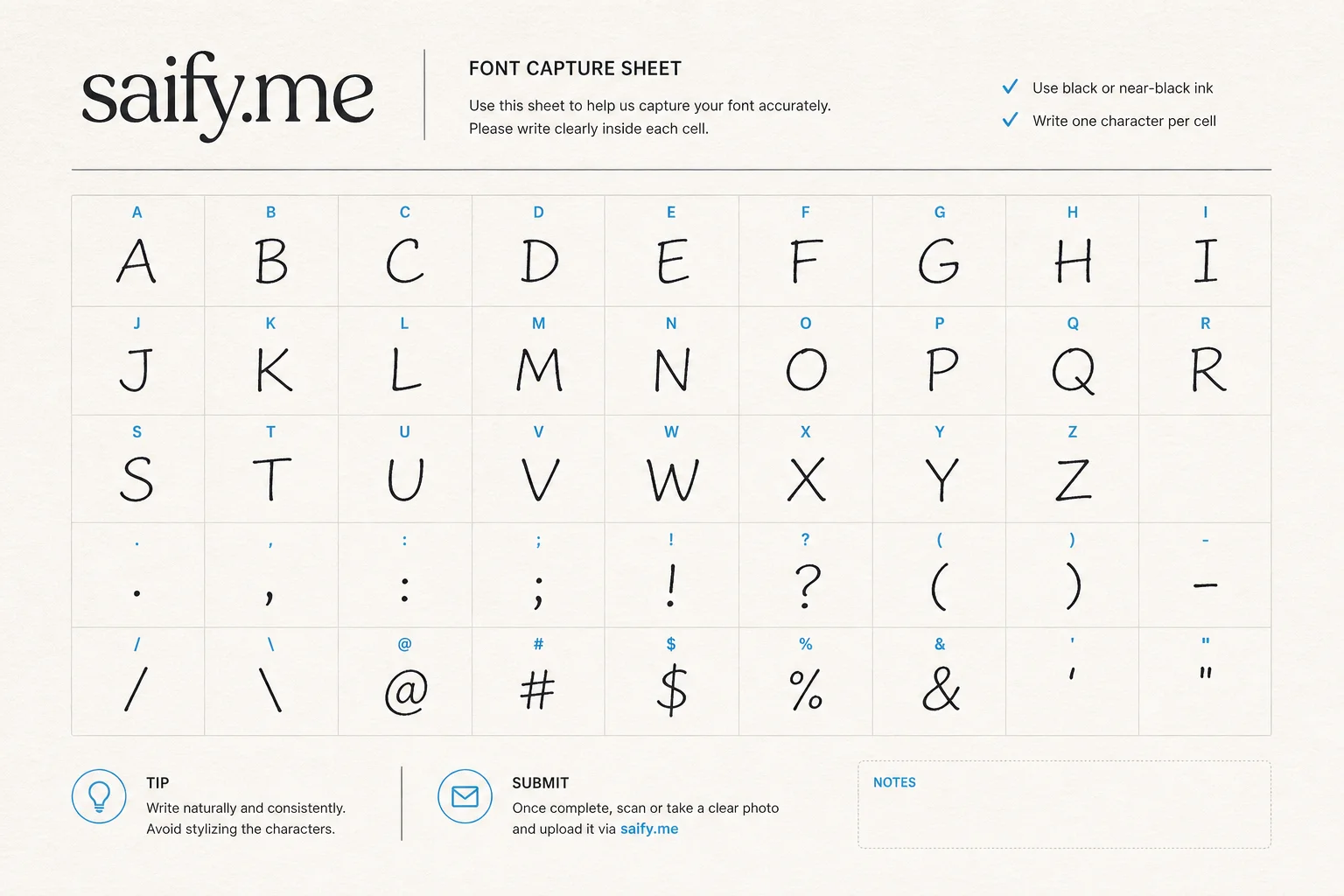
- Which characters to include on the capture sheet
- How to name output files
- How to validate the font in a browser test page
That is exactly the kind of repeatable UI-plus-terminal workflow Claude Code skills were built for.
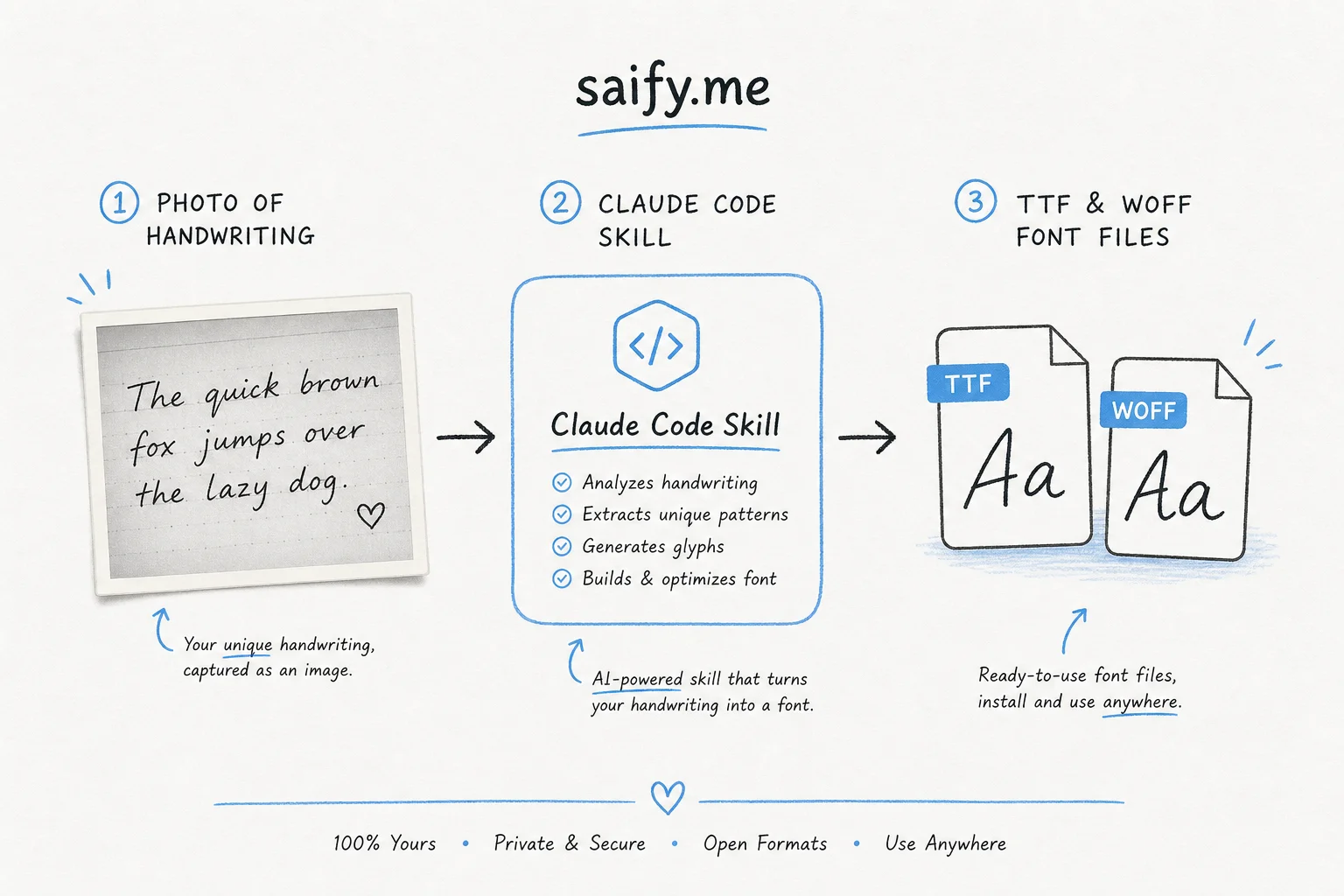
Install as a Claude Code skill
Repo docs: Use it as a Claude Code skill.
High-level steps I use:
- Clone the repo into a tools folder on your machine.
- Copy or link the skill definition into your Claude Code skills directory (see Claude Code skills documentation).
- Open Claude Code in the project root.
- Run
/draw-your-font(or the skill name you configured).
Sample prompt once the skill is loaded:
I have a photo of my mother's handwriting on lined paper.
Run the draw-your-font workflow:
- crop to the alphabet grid
- include lowercase, uppercase, numbers, and basic punctuation
- export woff2 for a Next.js site and ttf for print
- name the family "ElenaHand" and show me the @font-face CSS
Claude should download dependencies if missing, generate the glyph set, and leave font files in a predictable dist/ folder.
Capture sheet tips that save hours
Bad input is the main failure mode. Before you photograph:
| Tip | Why it matters |
|---|---|
| Use a flat neutral background | Reduces cleanup artifacts in vectorization |
| Fill every cell in the template | Missing glyphs fall back to system fonts in production |
| Keep pen pressure consistent | Weight jumps look like two different fonts |
| Photograph perpendicular to the page | Perspective skew breaks baseline alignment |
Include .,!? and @#$ if you write them | Social posts and emails need punctuation |
Reddit threads in July 2026 highlighted a emotional use case: preserving a loved one's handwriting for cards and sites. The technical stack is the same as brand work. The skill just lowers the courage threshold.
Wire the font into a Next.js lead site
After export, drop ElenaHand.woff2 into public/fonts/ and add:
@font-face {
  font-family: "ElenaHand";
  src: url("/fonts/ElenaHand.woff2") format("woff2");
  font-weight: 400;
  font-style: normal;
  font-display: swap;
}
Use it sparingly: hero quotes, pull quotes, or a single CTA label. Full-body handwriting fonts fatigue readers fast and hurt accessibility if contrast is weak.
For client lead sites I usually pair a handwriting accent with a neutral sans for body copy. See WordPress to Next.js lead sites for the broader migration pattern.
Limits and licensing
- Quality ceiling — this is not a human typographer refining kerning for weeks. It is a fast personal font.
- Similarity risk — do not clone commercial fonts by tracing them. Use original handwriting.
- Commercial use — verify the repo license before selling templates that bundle the font.
Relation to Claude Cowork Skills
Recording UI workflows in Claude Cowork is great for ops tasks. Font generation is a repo-native skill: lots of CLI, file outputs, and validation scripts. I covered Cowork recording in How to record a Claude Skill in Cowork. Use Cowork for screen flows; use Claude Code skills for build pipelines like this one.
Bottom line
draw-your-font turns a photo into real font files. Wrapping it as a Claude Code skill makes the pipeline repeatable for web and print without reopening FontForge every time someone asks for "my handwriting as a font."
Building a branded lead site with custom typography or agent skills for design ops? Book a free discovery call.