
WordPress still runs a huge share of the web. For many local service brands it also runs a quiet tax: slow mobile loads, plugin updates that break checkout forms, and a CMS that fights you when you want an AI booking widget next to the hero.
I build lead sites for operators who care about calls and booked calendars, not enterprise CMS theater. When those sites move to Next.js, the win is not "React is modern." The win is faster pages, cleaner SEO plumbing, and a stack where AI features are just more TypeScript.
What actually changes for a lead site
Direct answer: WordPress is a PHP app that often hits a database on each request. Next.js (with the App Router) can ship static or edge-rendered HTML, put assets on a CDN, and keep your CRM and AI logic in the same codebase. For a clinic, contractor, or agency site, that usually means better Core Web Vitals, fewer plugin footguns, and room to add estimators or chat without bolting on five more extensions.
| Pain on WordPress | What Next.js changes |
|---|---|
| Slow LCP on mobile from themes + plugins | Pre-render or stream lean pages; image and font control in one place |
| Security surface of popular plugins | No random PHP plugins; smaller public attack surface |
| Form plugins fighting CRM embeds | First-party forms posting to your API or CRM webhook |
| "Add AI chat" means another SaaS snippet | Same deploy as the site; shared auth, logging, and design tokens |
| Staging / preview chaos | Preview deployments per branch on Vercel or similar |
Google still ranks content and links. Speed and stability decide whether that content gets a fair shot. See Google's Core Web Vitals guidance and the Next.js docs before you treat this as a redesign brief alone.
The latency problem operators feel
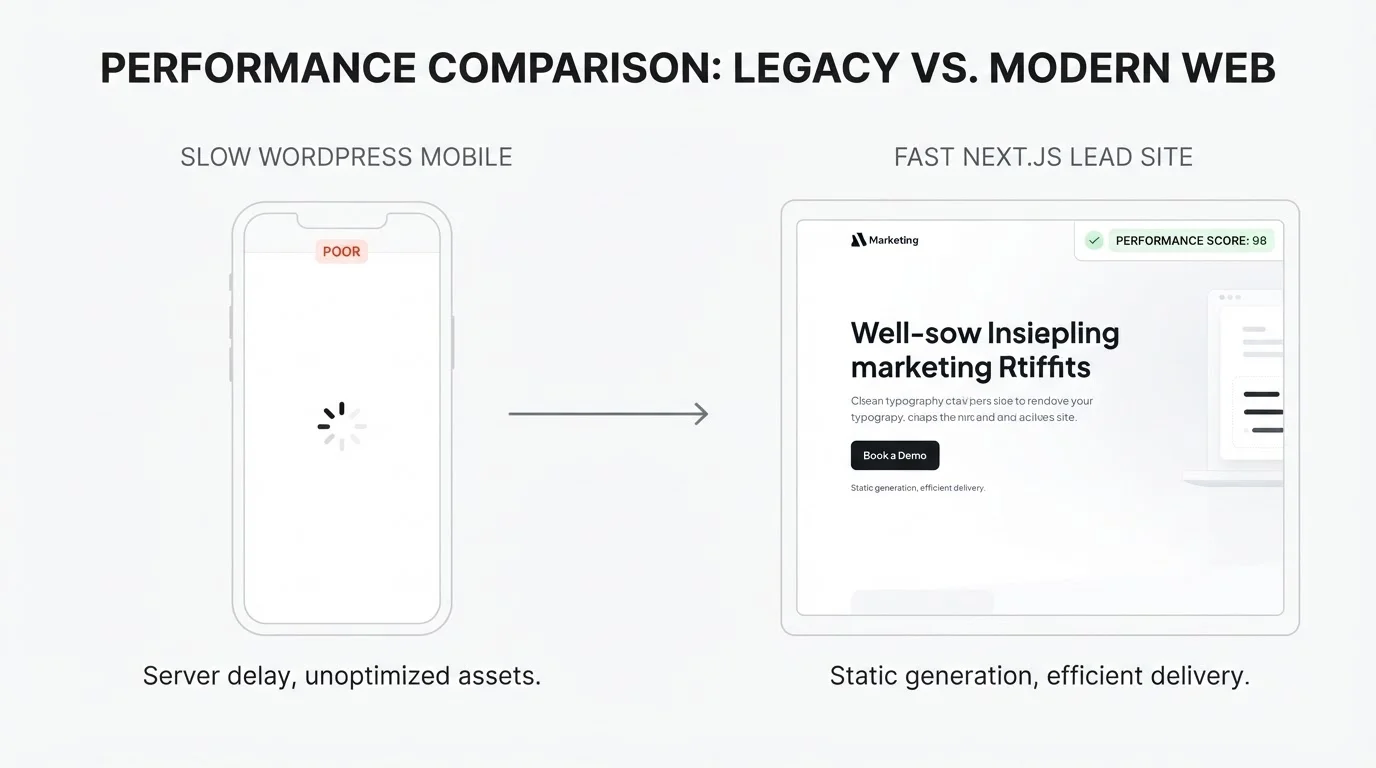
Your buyer is on a phone in a parking lot. If the hero takes four seconds and the "Book" button jumps when a chat widget loads, they bounce. WordPress stacks often pay that cost because every page pulls PHP, MySQL, and a pile of CSS from page builders.
Next.js lets you:
- Statically generate marketing pages at build time
- Server-render only the pages that need fresh data
- Ship optimized images with
next/imageinstead of hoping a plugin remembered WebP - Host on an edge network so TTFB is not your origin's mood that day
I aim for LCP under ~2.5s on a mid-range phone for money pages. When we miss, it is almost always oversized hero media or third-party scripts, not "React is heavy."
Security without the plugin lottery
WordPress is popular, so bots probe it constantly. A neglected plugin is enough. Headless or fully Next.js frontends remove that PHP plugin layer from the public site. Your content can still live in a headless CMS if editors need one. The public surface is HTML and your APIs.
For lead sites that collect phone numbers and appointment intent, that smaller surface matters. You still harden forms (rate limits, spam traps, server validation). You just stop depending on twelve vendors' PHP to stay patched.
Scaling when a campaign spikes
Service businesses do not need "infinite enterprise scale." They need the site to stay up when a Google Ads campaign or a viral Reel dumps traffic on /book for 48 hours. WordPress on a cheap VPS dies in that story unless you pay for caching layers and someone who knows them. Static and edge-friendly Next.js deployments absorb the spike as CDN traffic.
If your "site" is really an app (client portals, heavy auth), you still design for it. Most local lead sites are not that. They are brochure + proof + form. Treat them like product, not like a blogging install from 2014.
The AI angle (why this fits my web offer)
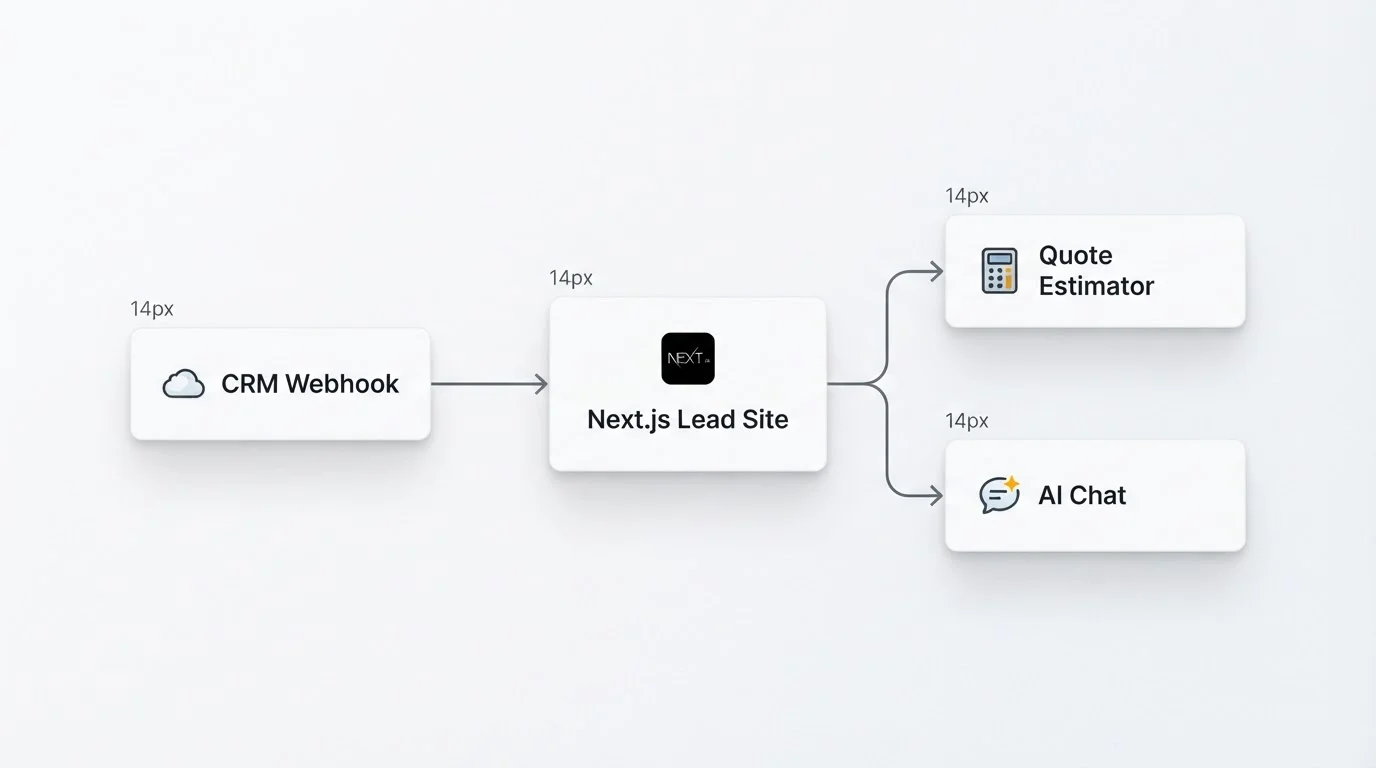
Operators ask for chatbots, quote estimators, and missed-call text-backs. On WordPress those usually become third-party scripts that hurt CLS and fight your theme. On Next.js I ship:
- Server routes that talk to n8n, GoHighLevel, or HubSpot
- On-page estimators that share design tokens with the marketing site
- Structured data and answer-ready sections that help both Google and AI search citations
- Optional chat UI that posts to your webhook, not a black-box iframe with mystery CSS
The site stops being a brochure that points at tools. It becomes the front door of the ops stack. That is the conversion website lane I sell: fast Next.js lead sites with SEO and AI hooks, not another Elementor clone.
Useful refs while you plan features:
Migration checklist (keep the rankings)
Do not "redesign and hope." Treat migration like a release.
Before you build
- Inventory URLs that earn traffic or leads (Search Console + analytics). Mark money pages.
- Export content (posts, service pages, FAQs, legal). Decide what dies.
- Map forms to CRM fields. List every hidden field and UTM habit you rely on.
- List third-party scripts (chat, pixels, booking). Decide what stays and what becomes first-party.
- Pick content ownership after launch: MDX in repo, headless CMS, or hybrid.
During build
- Match or improve IA. Do not bury the old
/services/xpaths without a reason. - Implement 301 redirects for every kept URL that changes. Test them in staging.
- Parity on titles, H1s, and meta for top pages unless you are intentionally rewriting SEO copy.
- Wire forms end to end with a test lead into the real CRM pipeline.
- Measure Core Web Vitals on preview URLs with PageSpeed Insights before cutover.
Cutover and after
- Lower DNS TTL a day ahead. Flip when you can watch Search Console and ads.
- Submit updated sitemap. Watch coverage and 404 reports for two weeks.
- Keep WordPress read-only for a short rollback window if risk is high.
- Re-verify pixels and call tracking the morning after launch.
| Phase | Typical range for a lead site |
|---|---|
| Content + URL audit | 2 to 5 days |
| Design system + templates | 1 to 3 weeks |
| Build + CRM wiring | 1 to 3 weeks |
| QA, redirects, cutover | 3 to 7 days |
Complex membership, WooCommerce, or multilingual plugin mazes take longer. A ten-page trades site with Calendly and HubSpot is usually on the short end.
What not to do
- Do not migrate everything, including 400 forgotten blog drafts, on day one. Move money pages and a sane content subset.
- Do not keep a page builder mental model inside React (div soup, no components, inline chaos).
- Do not add five marketing tags before the site is fast. Earn the budget for scripts after LCP is healthy.
- Do not promise "Next.js equals page one." Content and backlinks still matter. The stack removes friction; it does not replace substance.
When WordPress is still fine
If the site is a low-traffic brochure, one editor who only knows WP admin, and you have no AI or CRM roadmap, a well-hosted, minimal WordPress install can be enough. Migration has a cost. Pay it when speed, security, or product features are blocking revenue.
If ads are expensive, mobile bounce is high, plugins keep breaking forms, or you want AI booking on-brand, the move usually pays for itself in fewer lost leads and less firefighter time.
Next step
I ship conversion-focused Next.js sites with SEO wiring and the hooks your ops already need. If you want a sober look at your current WordPress funnel (what to keep, what to kill, what to rebuild), book a free call on cal.com/saifyxpro. Bring Search Console access or a CSV of top URLs and we will sketch the redirect map and the first release scope.