
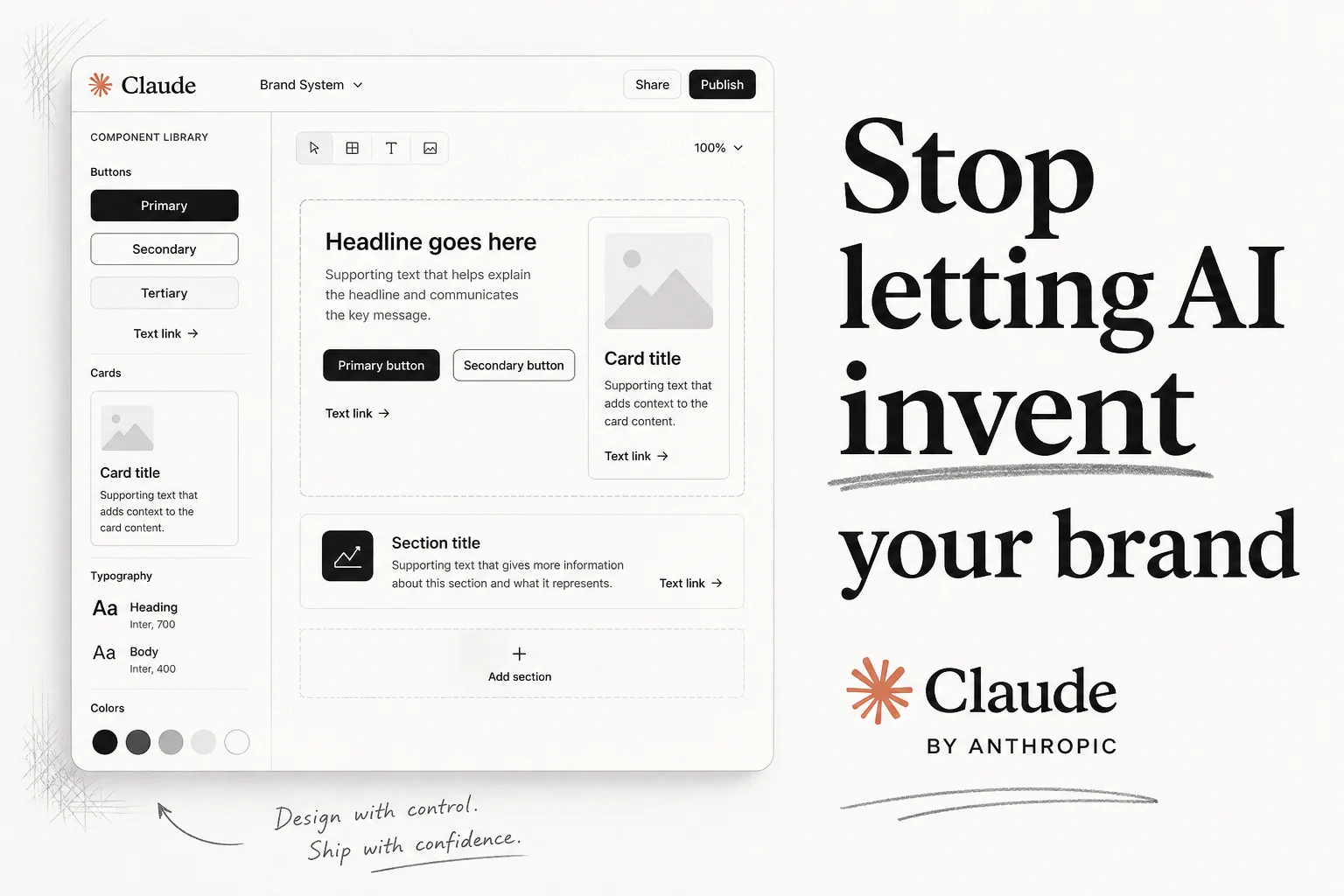
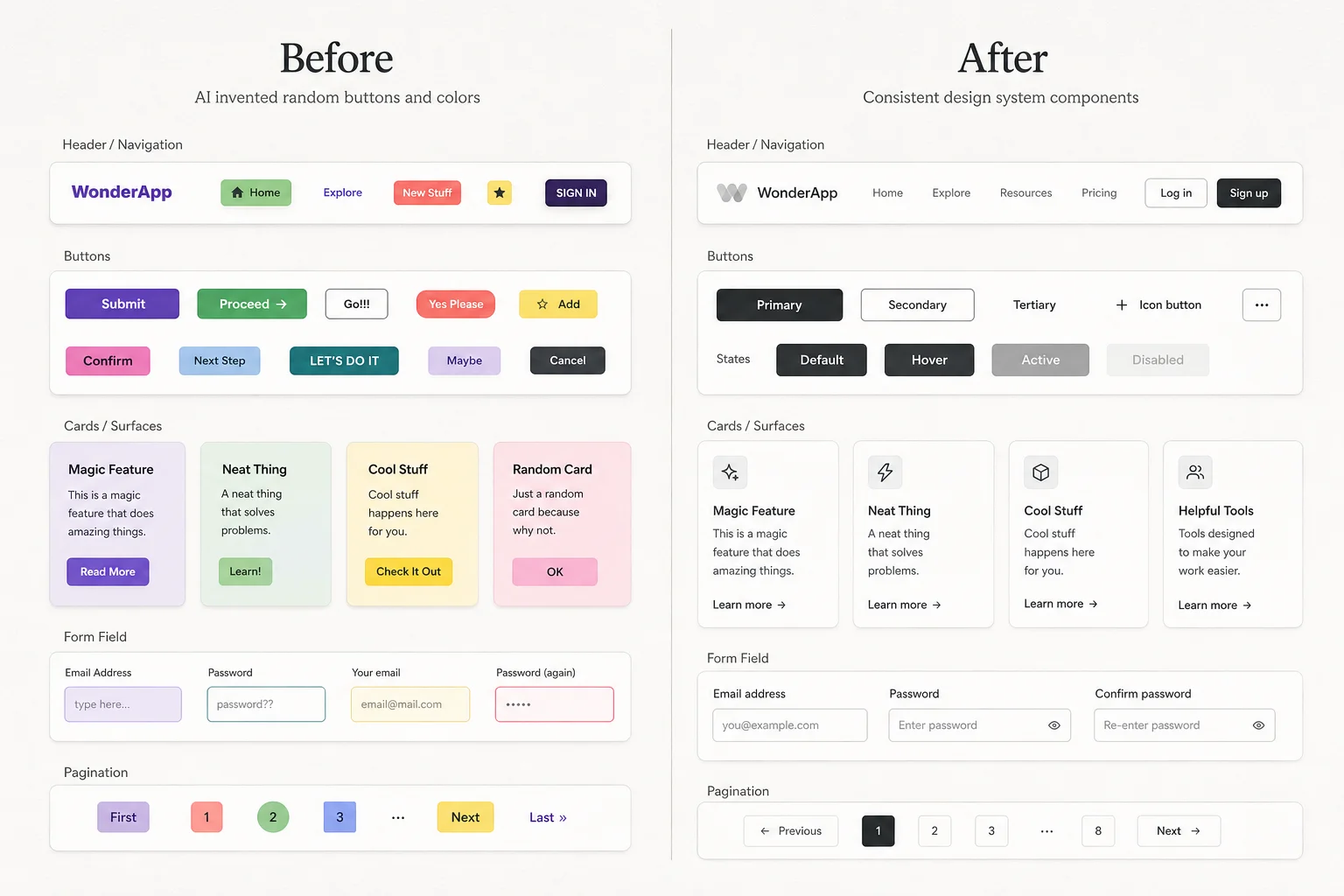
You prompt an AI to build a landing page. It invents a new shade of blue, random border radius, and buttons that look nothing like your product. You spend the next hour fixing spacing by hand.
That was the default Claude Design experience until Anthropic's June 2026 update. The rebuild is not about prettier canvas editing. It is about importing your actual design system and making Claude validate its output before you see it.
What changed in the June update
The headline features sound incremental: drag-and-resize on canvas, exports to Canva and PowerPoint, shared usage limits with Claude Code. The part that matters for production work is the design system pipeline.
| Capability | Before | Now |
|---|---|---|
| Component source | AI guessed from prompts | GitHub repo, design files, or raw uploads |
| Brand compliance | Manual cleanup | Auto-check and correction pre-preview |
| Team governance | Per-project drift | Admin can lock one approved system |
| Code handoff | Screenshot rebuild | /design-sync and /design round-trip with Claude Code |
Anthropic positions Claude Design as a visual workspace powered by Opus 4.7. For teams already on Claude Pro, Max, Team, or Enterprise, access is included at claude.com/product/design or in the Claude desktop app sidebar.
Why design system import is harder than it sounds
Ingesting a React component library and using those components faithfully across dozens of layout variations is a real engineering problem. Token names in Figma do not always map to CSS variables in code. Compound components break when an LLM swaps a Dialog for a Modal with different prop names.
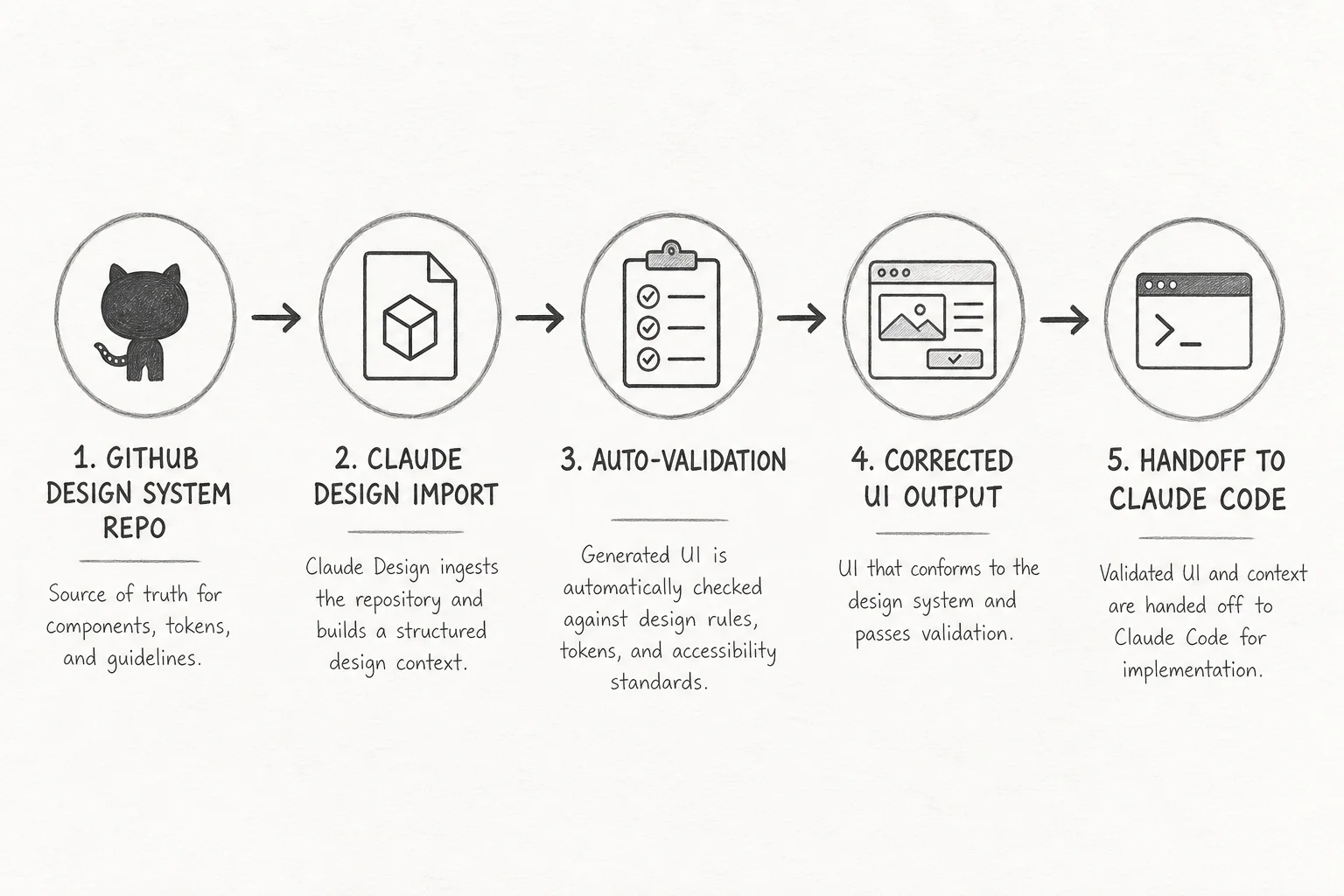
Anthropic's answer is a validation loop: Claude builds with your components, checks output against your system, and corrects before rendering the preview. Enterprise admins can publish one locked system so every project in the org starts from the same source of truth.
I have shipped enough client dashboards to know where this breaks. A messy codebase produces messy prototypes. Incomplete Figma files leak wrong typography. The Claude Design setup guide is explicit about that: import quality is only as good as the source.
For large monorepos, Anthropic recommends linking from Claude Code with /design-sync instead of uploading through the browser to avoid lag.
The Claude Code round-trip
The second big piece is bidirectional integration with Claude Code. This is where Applied AI shipping gets interesting.
From design to code: When a prototype is ready, Claude packages a handoff bundle. Claude Code picks up the work without starting from a PNG.
From code to design: Run /design-sync in Claude Code to pull your local design system into Claude Design. Everything you build on the canvas starts from real components.
Terminal-native design: The /design command lets you create, edit, and sync design projects without leaving the terminal.
That last path is the one I would actually use on client work. I live in Claude Code for scaffolding. Being able to spin a visual prototype from the same repo, then push changes back, cuts the "designer threw it over the wall" loop.
Token economics still matter
VentureBeat flagged the elephant in the room: generative design burns tokens. Anthropic addressed part of this by sharing usage limits between Claude Design and Claude Code, so you are not paying twice for the same subscription pool.
Still, if you are on Pro and generating full marketing sites daily, you will hit walls. For agency work, I would scope Claude Design for exploration and stakeholder review, then lock the handoff bundle into your Next.js repo for production polish.
What I would use it for this week
Good fits:
- Client discovery: three landing page directions in 20 minutes, all on-brand
- Internal tools where your component library already exists
- Sales decks and one-pagers that need to match product UI
- Onboarding new engineers to your design tokens via visual exploration
Still cautious:
- Greenfield brands with no system yet (Claude will invent one, which is fine for mood boards, not for production)
- Highly regulated UI where every pixel needs audit trails
- Projects where your "design system" is really three CSS files and hope
Setup checklist
If you want to try this on a real repo:
- Open Claude Design on a paid plan.
- Import your component library from GitHub or run
/design-syncfrom Claude Code. - Publish the generated system (toggle "Published" in org settings for teams).
- Prompt for a specific screen, not "make me a website."
- Hand off to Claude Code when the layout is approved.
The getting started docs cover canvas editing, web capture from live sites, and export formats including PDF, PPTX, Canva, and standalone HTML.
The bigger pattern
Anthropic is not selling a Figma clone. They are building a design system enforcer that sits between prompt and production code. That matches what I see in client RFPs: teams do not need more AI mockups. They need AI that respects the system they already paid to build.
If you are wiring agents into a product team, this is worth a pilot. Import one repo, run five real screens through the pipeline, and measure how much cleanup time you save before the handoff.
Building UI with agents and need the design-to-code loop to actually work? Book a free discovery call and we can map it to your stack.