
Spreadsheet agents fail in boring ways: wrong VLOOKUP range, stale currency units, a grand total that does not sum.
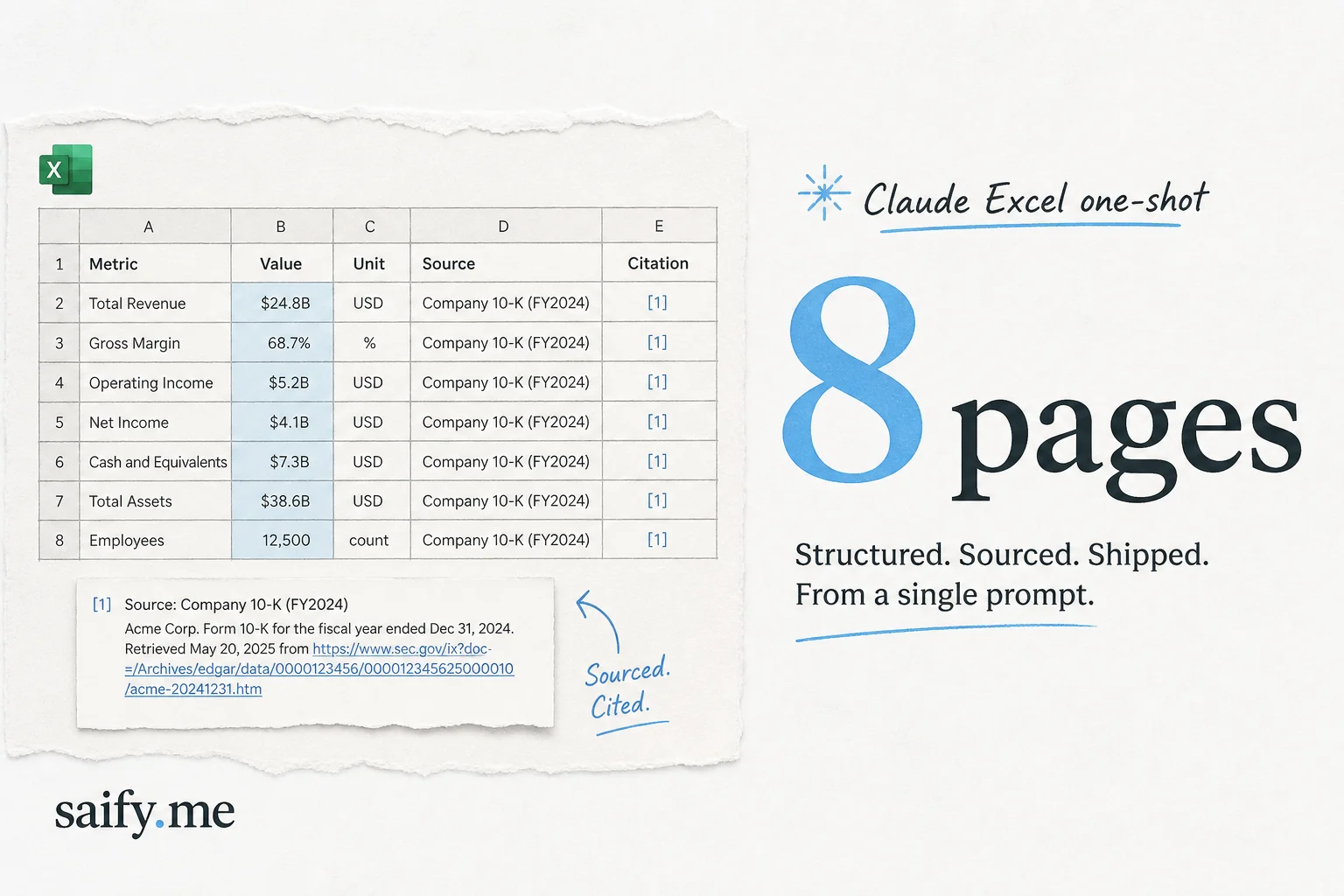
The July 2026 buzz around Claude's Excel extension is different. Creators like Riley Brown showed Claude Opus 5 building an 8-page workbook with fully sourced citations in one session, enough to leave experienced operators "shook" (his words on X).
I do not ship client models on vibes. But sourced multi-tab workbooks are exactly what finance, policy, and consulting teams ask agents to do. This extension is worth a serious test plan.
What "sourced" means in Excel
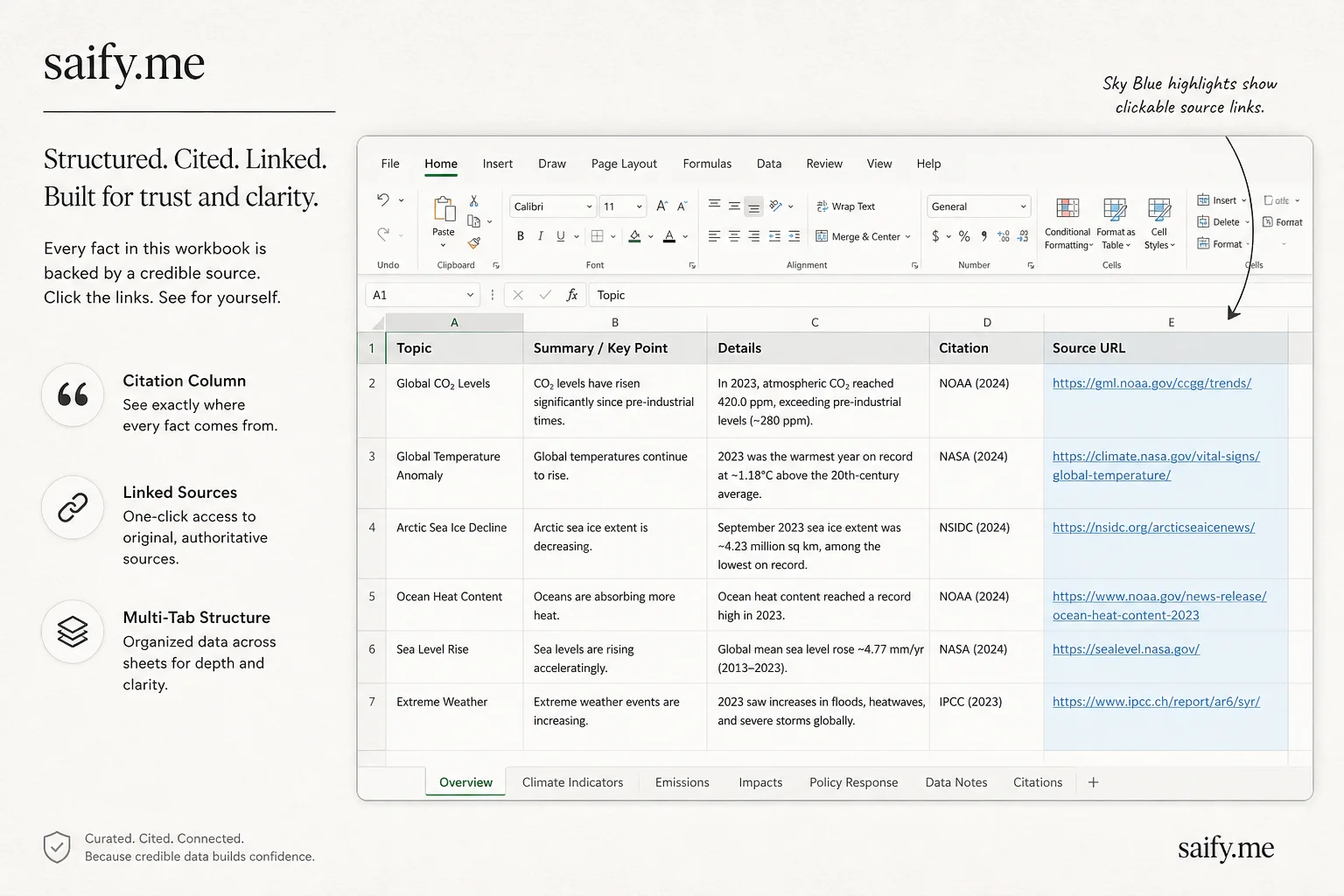
A sourced workbook is not just numbers in cells. Each material figure should carry:
- Provenance — URL, document name, or dataset ID
- Timestamp — when the figure was valid
- Transformation — FX rate, unit conversion, or formula lineage
Claude's Excel agent can populate citation columns, hyperlinks, or comment threads while it builds tabs. That moves spreadsheets closer to audit-ready artifacts, not snapshot paste jobs from chat.
How the Excel extension fits Anthropic's agent map
Anthropic's leaked Mythos prompt framing (see Claude Fable Mythos leak analysis) described Cowork orchestrating specialists: Claude Code for repos, Chrome for browser tasks, Excel for spreadsheets.
The Excel extension is that specialist surface. It matters because Excel is still the universal interchange format between ops, finance, and executives. Agents that only export CSV to Slack do not survive contact with a CFO.
Pair Excel work with Cowork background execution (cross-device background tasks) when the workbook refresh is recurring, not one-off.
Prompt pattern I use for sourced tables
Build a 6-tab research workbook on [TOPIC].

Tabs:
1. Executive summary (5 bullets, each with a source cell)
2. Market size (year, value, currency, source URL per row)
3. Competitors (name, segment, revenue if public, source)
4. Risks (severity 1-5, evidence link)
5. Methodology (assumptions, FX, date pulled)
6. QA checklist (empty = fail)

Rules:
- Every numeric cell in tabs 2-4 must have a sibling Source column with a working URL.
- Use consistent units in column headers.
- No hard-coded totals without SUM formulas.
- Flag low-confidence cells with a yellow fill and a comment explaining why.
Run QA yourself:
| Check | Pass criteria |
|---|---|
| Link liveness | URLs resolve, not redirect loops |
| Formula audit | Formulas > Show Formulas, scan for literals |
| Unit consistency | No mixed thousands vs millions |
| Double counting | Segment sums ≤ total market |
| Version stamp | Methodology tab lists model + date |
Where it beats Perplexity Computer on Windows
Perplexity's July drop added local Office file access on Windows. Claude's Excel extension is the native Excel lane:
- Lives inside the app finance teams already trust
- Preserves rich formatting, pivot stubs, and macro containers better than generic file agents
- Pairs with Opus-class reasoning for multi-tab structure
Choose Perplexity when you want a council of models across file types. Choose Claude Excel when one strong model should own the workbook architecture.
Failure modes I still expect
- Citation theater — links that look official but point to SEO spam. Click every link.
- Formula literals —
=1200000instead of=B2*B3. Breaks refresh. - Locale commas — EU vs US decimal separators in CSV imports.
- Hidden dependency on web fetches — numbers that were true at generation time only.
Agents do not know your filing deadline. You do.
Soft comparison to ops automation I build
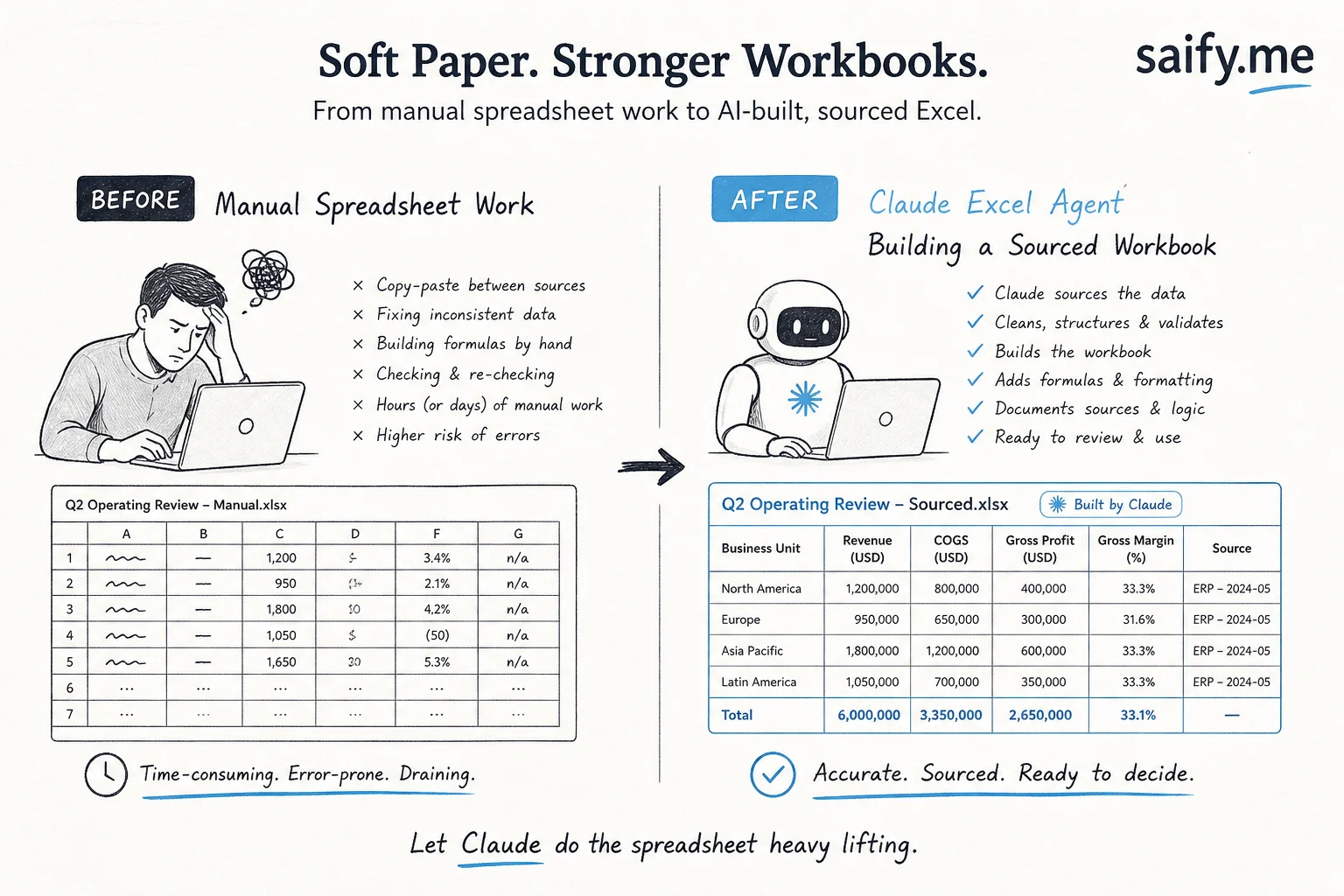
For recurring client reporting I still wire database → Python → Excel template with locked formula regions. Agents are great for exploratory workbooks and client workshops. Production pipelines need git-versioned templates and CI checks.
When a client wants "AI in Excel" without a six-month data engineering project, this extension is the fastest responsible demo. Ship a sourced workbook, review it like a junior analyst's first draft, then automate the tabs that survived audit.
Bottom line
Claude's Excel extension is not magic accounting. It is a fast path to multi-tab, citation-backed spreadsheets when you prompt for provenance and run a real QA pass.
If Opus 5 can one-shot an 8-page sourced workbook today, the bar for "AI research deliverable" just moved. Your review process should move with it.
Want agent workflows for finance ops, CRM exports, or client reporting without breaking audit trails? Book a free discovery call.