
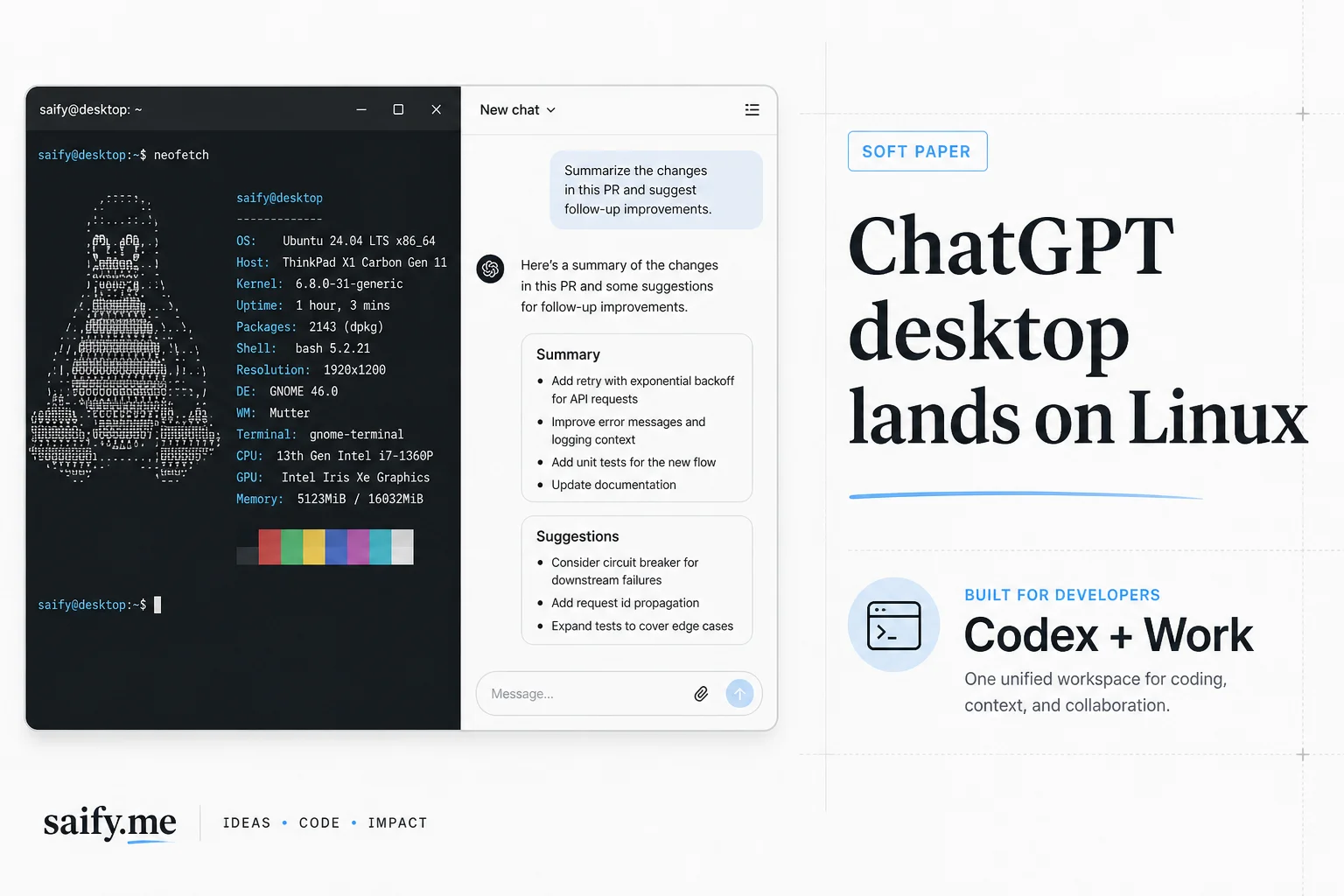
Linux developers have been asking for an official ChatGPT desktop app for years. On August 11, 2026, OpenAI finally shipped a preview that puts ChatGPT, ChatGPT Work, and Codex in one native package.
I run agent harnesses on Linux daily for client work. This is not a cosmetic release. It closes the last gap in OpenAI's major desktop OS matrix and puts Codex beside your repos without a browser tab farm.
What shipped in the preview
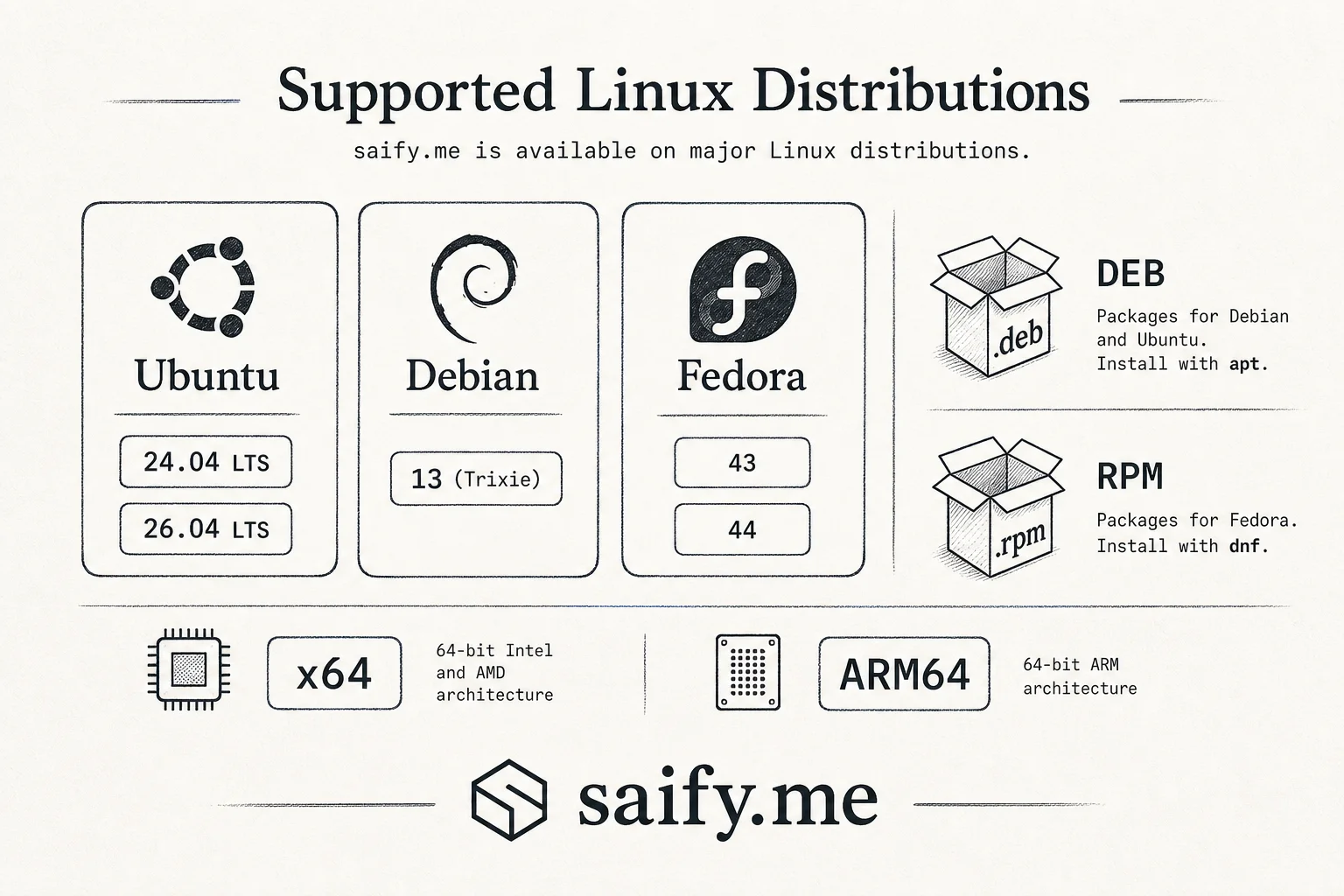
OpenAI's Linux documentation lists supported desktop distributions:
| Distribution | Architectures | Package |
|---|---|---|
| Ubuntu 24.04 / 26.04 LTS | x64, ARM64 | .deb |
| Debian 13 | x64, ARM64 | .deb |
| Fedora 43 / 44 | x64, ARM64 | .rpm |
Install via apt or dnf. The package configures a signed OpenAI repository for updates. That is the right distribution model for enterprise Linux shops that ban random AppImages from unknown URLs.
The app is a workspace, not just chat:
- Multiple projects and long-running tasks in one view
- Local file access with explicit permissions
- In-app browser and Chrome extension support
- Codex for coding sessions beside ChatGPT and Work
- Voice in core ChatGPT surfaces
TechCrunch noted Anthropic beat OpenAI to Linux desktop by about a month with Claude for Ubuntu 22.04+ and Debian 12+. OpenAI's distro list is narrower but targets current LTS and Fedora cycles that feed Pop!, Mint, and corporate standard builds.
Install on Ubuntu or Debian
Download the .deb for your architecture from OpenAI's download page, then:
sudo apt install ./chatgpt_*_amd64.deb
Launch from the applications menu or run chatgpt in a terminal. Sign in with your ChatGPT account.
Fedora users install the .rpm with dnf the same way. The repository hook means sudo apt upgrade or sudo dnf upgrade picks up future builds without manual re-downloads.
What Codex on desktop adds over CLI
The Codex CLI already ran on Linux. So did the IDE extension. The desktop app adds orchestration UI:
- Keep cloud and local tasks visible while you review diffs
- Inspect artifacts and file trees without juggling terminals
- Switch between chat, Work, and coding modes without losing session context
The New Stack quoted OpenAI saying the Linux app supports the core ChatGPT and Codex experience including Voice. The value is coordination, not a new model.
If you already standardized on Codex harness benchmarks across providers, treat this as another surface for the same agent loop, not a reason to change models.
The launch gap: no Computer Use on Linux yet
The important limitation is native Computer Use. On macOS and Windows, ChatGPT can interact with desktop apps like office suites and image editors. Linux preview does not include that at launch.
Downstream features that depend on desktop control are also affected:
- Appshots
- Record and Replay
- Voice requests that need desktop app or browser control beyond the in-app browser
Browser workflows and the Chrome extension still work. If your automation playbook assumes Computer Use on Linux, wait or run a macOS/Windows node for those steps.
Other preview constraints from OpenAI docs:
- Wayland support is experimental. The app may use XWayland. For native Wayland, quit fully and launch with the documented flag from a terminal.
- Unlisted distros (Arch, NixOS, openSUSE) may work unofficially but sit outside validated support.
Who should adopt now vs wait
Adopt now if:
- You run Ubuntu, Debian, or Fedora on developer laptops
- You want Codex beside local repos without browser-only chat
- Your security team prefers signed vendor repos over third-party wrappers
Wait if:
- Computer Use is core to your agent workflow
- You need Wayland-native behavior without XWayland quirks
- You are on distros outside the supported list and cannot standardize
For teams comparing desktop agent surfaces, also look at Claude Cowork background tasks and Cursor cloud agents. The race is workspace UX, not raw model IQ.
Security notes for team rollouts
Before you push the .deb to 200 engineers:
- Pilot on a non-production machine with restricted project folders first
- Log which directories Codex can read; desktop apps make exfiltration easier than read-only CI bots
- Align with your existing OpenAI enterprise policy (data retention, ZDR, workspace vs consumer accounts)
- Document the missing Computer Use gap so support does not promise macOS parity
If you want help designing a Linux-first agent stack that does not lock you to one vendor desktop app, book a free discovery call. I wire coding agents into real repos with audit trails, not demo magic.