
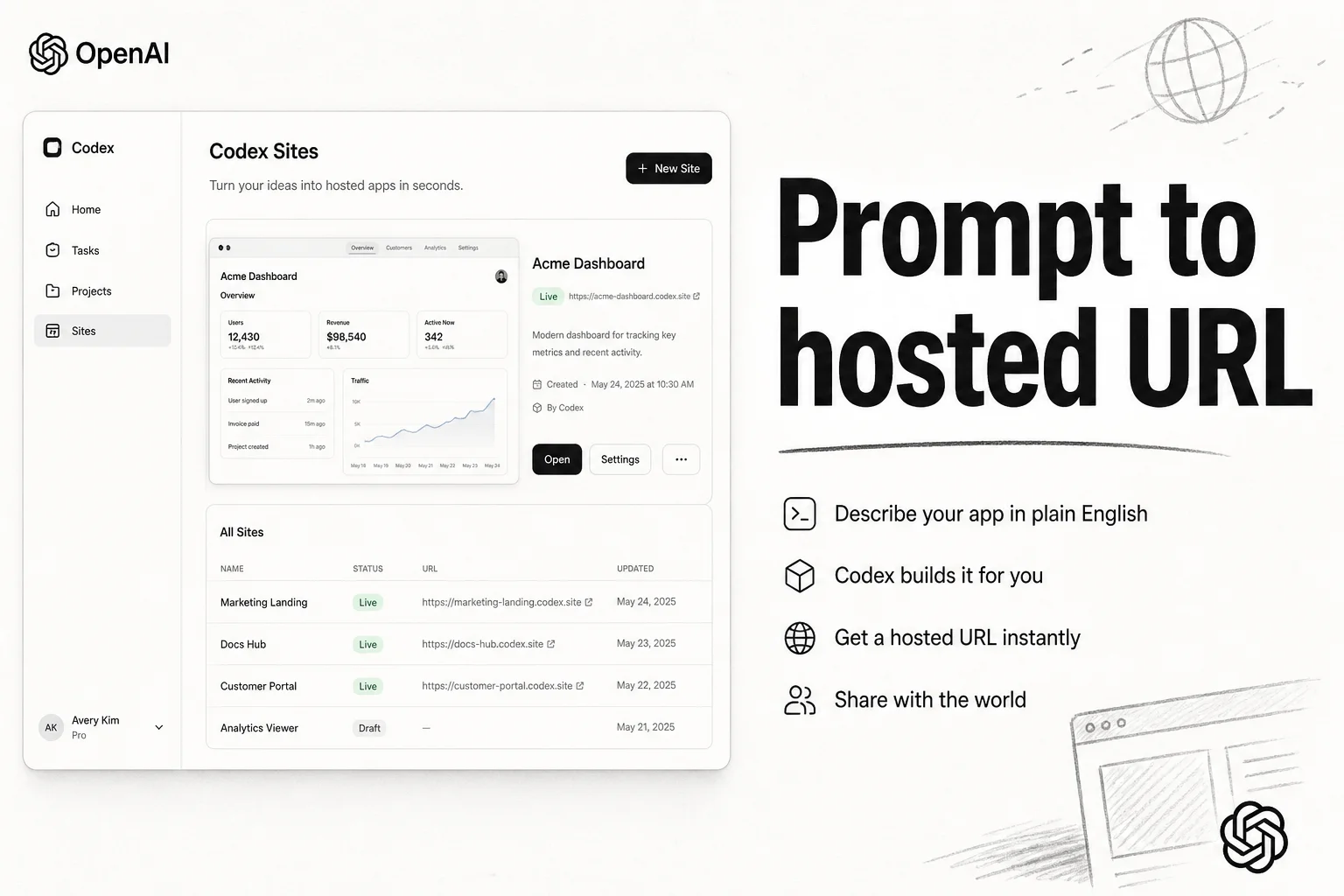
On June 2, 2026, OpenAI shipped Sites inside Codex. Describe a dashboard, tracker, or internal tool in plain language. Codex builds it, deploys it to OpenAI-managed hosting, and hands back a URL your workspace can open.
I've been waiting for this category to mature. Not another static artifact preview. A real hosted surface with access controls, versioning, and persistence when you need it.
What Codex Sites actually is
Sites is managed hosting inside ChatGPT and the Codex desktop app. You prompt for a web experience. The agent scaffolds the project, runs it for testing, publishes it, and stores the linkage in .openai/hosting.json so you can reopen and refine later.
The official docs frame it for:
- Content-led sites and landing pages (no persistent app state)
- Saved records, user progress, or game scores (relational storage)
- Uploads with searchable metadata (object storage bindings)
Every published Sites URL is a production deployment. If you want to review before go-live, ask Codex to save a version without deploying. That detail matters when stakeholders confuse "preview" with "staging."
Who can use it today
Rollout is plan- and region-specific. As of the June launch:
| Plan | Sites access |
|---|---|
| ChatGPT Business | On by default |
| ChatGPT Enterprise | Admin must enable via RBAC |
| Plus / Pro / Go / Free | Not available at launch |
| EEA, Switzerland, UK | Excluded at launch |
The digest framed Sites as Business and Enterprise first. Public beta limits apply across plans during rollout: creation caps, storage caps, and usage notifications before you hit a wall.
The workflow that actually changed
Before Sites, "build me an internal dashboard" meant one of three paths:
- Vibe-code locally, then wrestle Vercel or Cloudflare yourself
- Export a Claude Artifact and manually host static HTML
- File a ticket and wait
Sites collapses build + deploy + share into one loop inside the workspace you already pay for. Typical prompts from the docs and launch coverage:
- Q3 launch task board with owner columns
- Customer review workspace with sign-in gating
- Onboarding hub wired to uploaded PDFs
- Lightweight analytics portal over a CSV you attach
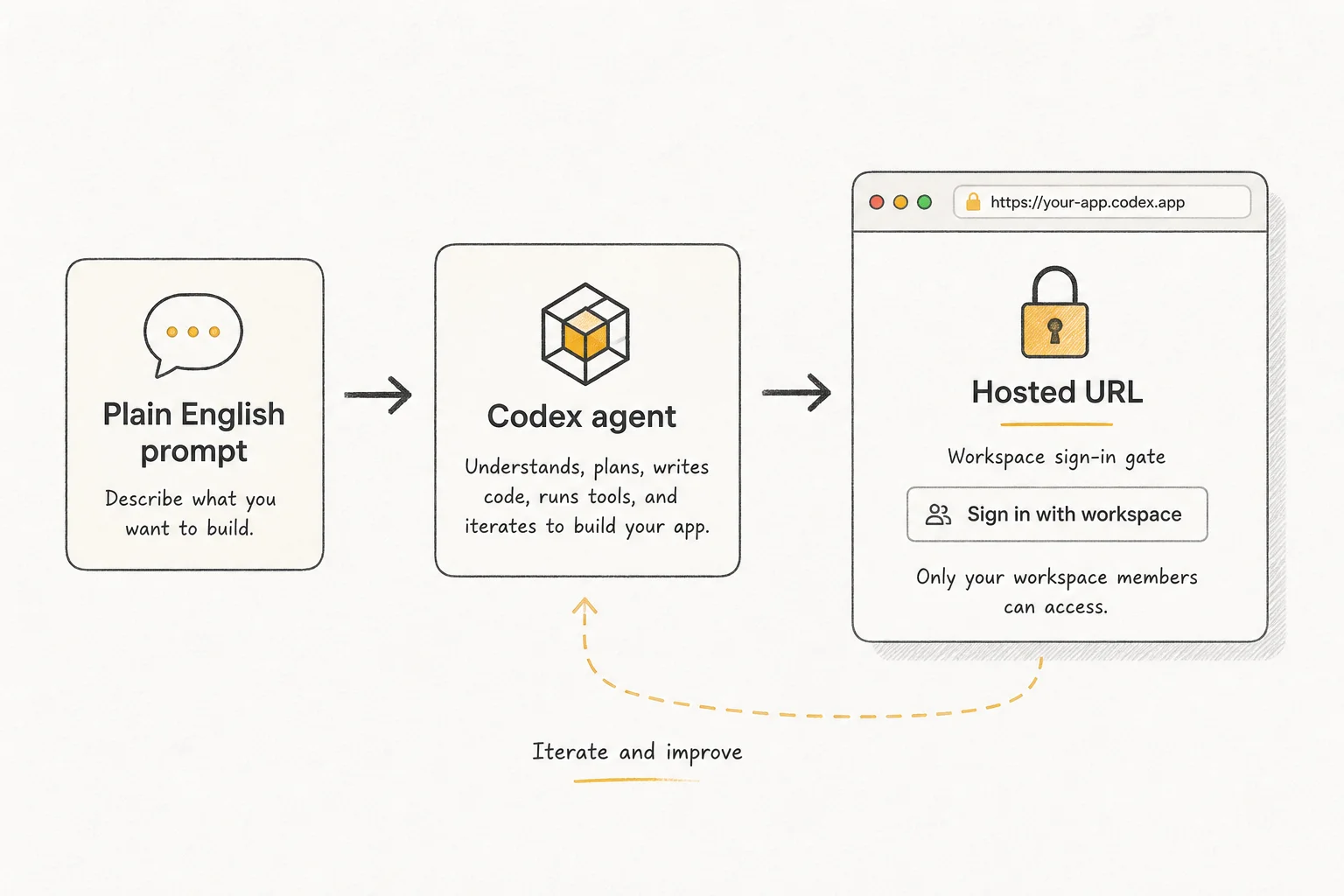
Access is enforced through Sign in with ChatGPT. Sharing lets people visit the Site. It does not let them edit source. Enterprise workspaces keep public publishing off until an admin flips it.
Storage and runtime constraints
Sites runs in a supported runtime. Not every framework, private network, database, or background worker pattern works on day one.
Practical implications I've already seen teams hit on similar hosted-agent surfaces:
- Treat external API keys as secrets, not hard-coded strings in client bundles
- Confirm data residency expectations before putting customer PII in a Sites-backed form
- Ask explicitly for auth boundaries when the tool is "internal only"
For content-only sites, you may not need D1 or object storage. For anything that remembers user state between sessions, plan storage up front in the prompt.
Sites vs Claude Artifacts (the comparison everyone asks)
Both turn language into UI. The access model is inverted.
| Surface | Hosting | Typical access |
|---|---|---|
| Claude Artifacts | In-chat preview / export | Every Claude plan including Free |
| Codex Sites | OpenAI-managed URL | Business / Enterprise workspaces |
Artifacts win for solo experimentation and shareable demos without IT approval. Sites wins when your buyer already standardizes on ChatGPT Enterprise and wants governed URLs, not zip files in Slack.
I'm not declaring a winner. I route by procurement reality. If the client pays for ChatGPT Business, Sites is the path of least resistance this week.
When I'd use Sites on consulting work
Good fits:
- Sales enablement hubs that change every quarter
- Launch war rooms during a two-week sprint
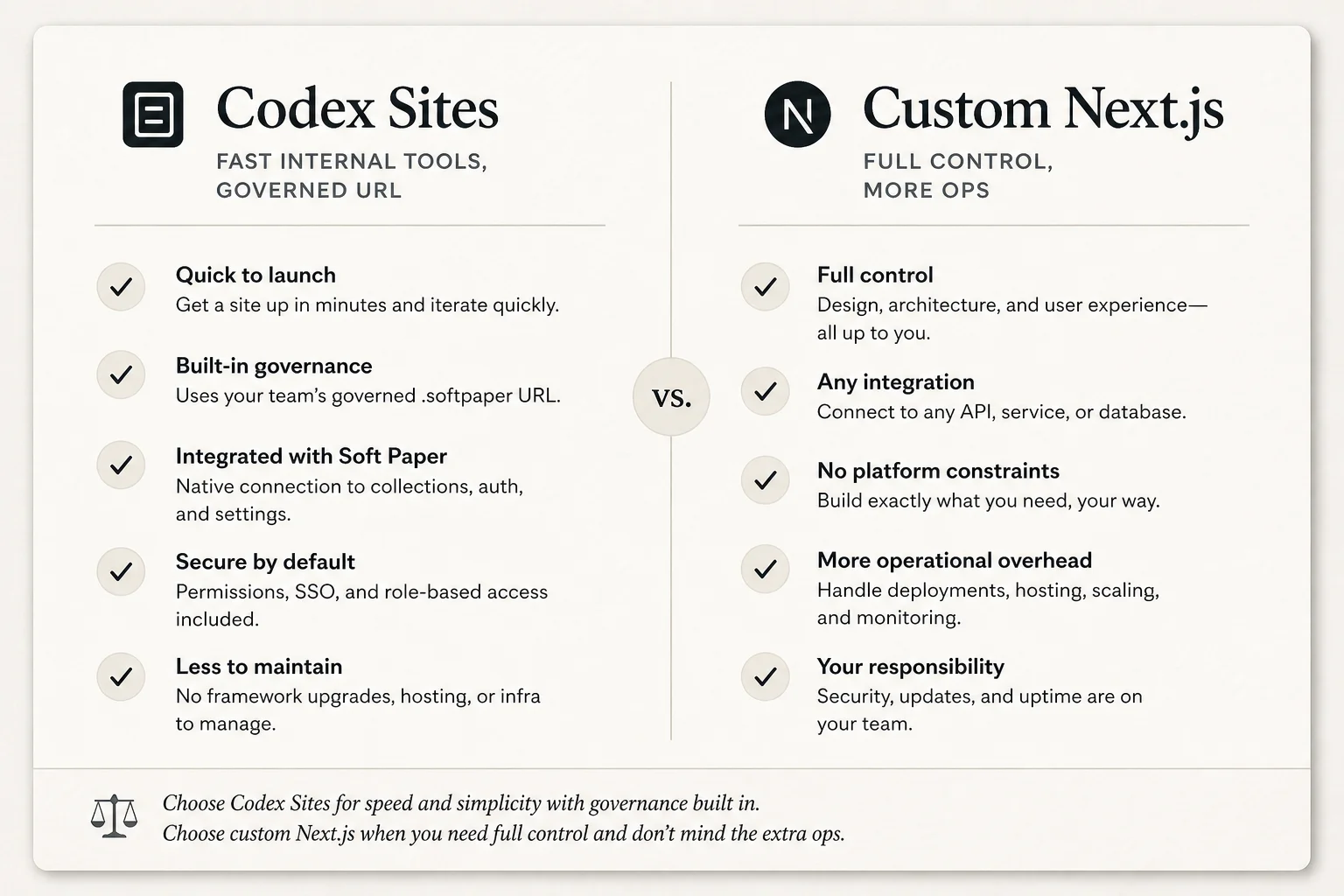
- Internal tools under 500 lines where maintenance cost kills a custom Next.js build
- Prototypes that need five stakeholders clicking the same URL tomorrow morning
Skip it when:
- You need VPC peering, on-prem data, or custom SSO beyond workspace login
- Compliance requires your own audit trail of every deploy artifact
- The app is the product, not a disposable ops surface
What to watch next
OpenAI will widen plan coverage. Competitors will copy the hosted-agent-app pattern. The durable question is operational: who owns the URL when the prompt author leaves the company?
For applied AI teams, Sites is a shipping surface, not a philosophy debate. If your stack already includes Codex, try one real internal tool this week. Measure time-to-URL, not slide-deck impressiveness.
If you want help scoping which internal workflows should stay in hosted agent apps versus graduate to production code, book a free discovery call.