
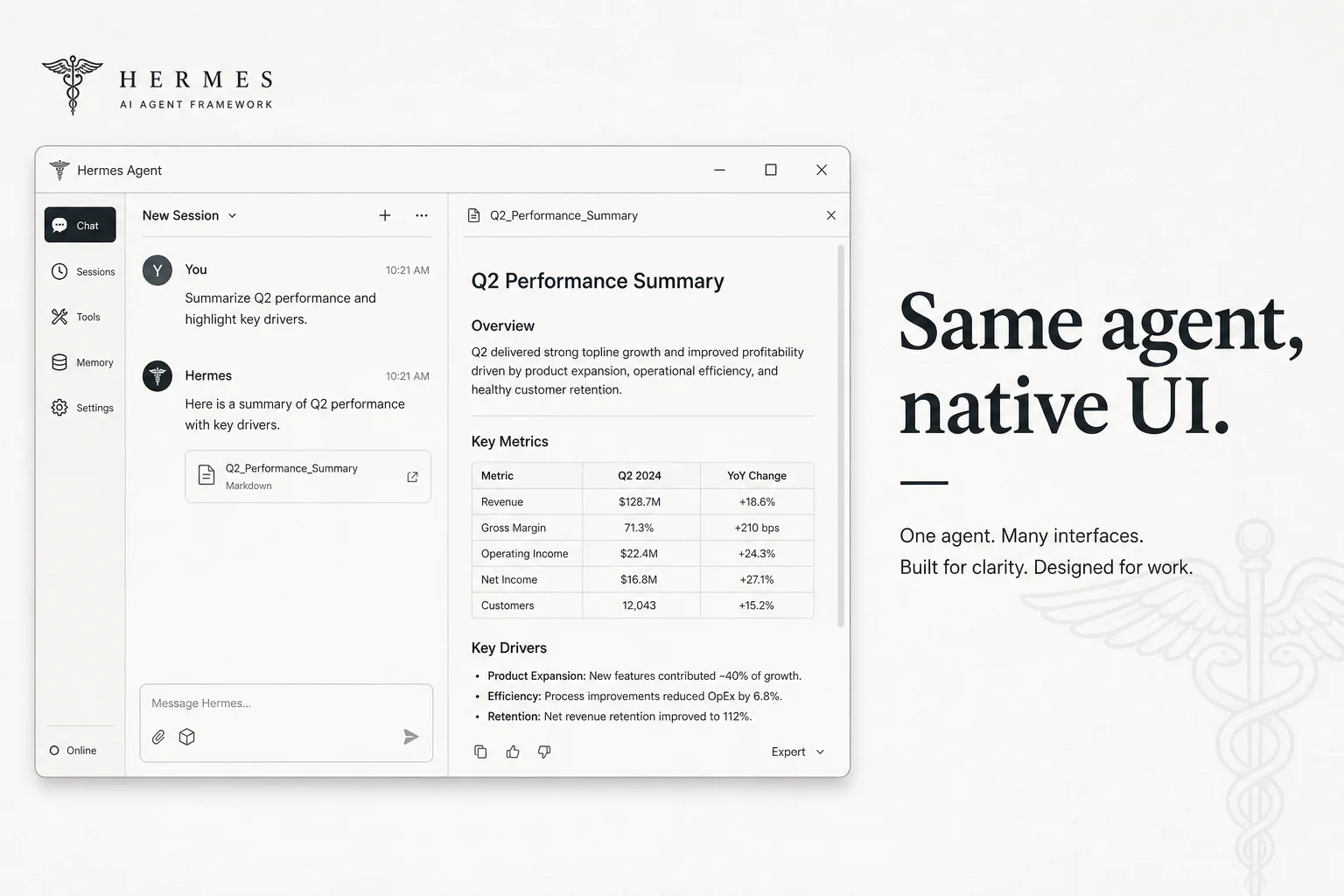
I've watched dozens of "agent with a GUI" launches that were really Electron wrappers around a chat box. Different config format. Different session store. Different skills folder. You'd try the desktop app, then go back to the CLI and feel like you switched products.
Nous Research Hermes Agent took a different route. On June 2, 2026, they dropped Hermes Desktop in public preview. Same agent core. Same API keys. Same sessions and skills as the terminal and gateway. Just a native window so your teammates stop glazing over when you say "open a shell."
What shipped in the desktop app
Hermes Desktop is an Electron shell over the existing hermes serve gateway. The renderer talks JSON-RPC/WebSocket through the shared apps/shared layer also used by the browser dashboard.
What you get out of the box:
| Feature | What it solves |
|---|---|
| Streaming tool output | See live tool calls instead of frozen "thinking…" bubbles |
| Side-by-side preview pane | Render HTML, files, and tool output while chatting |
| File browser | Inspect the working directory without leaving the app |
| Voice I/O | Talk to the agent when typing feels slow |
| Settings UI | Providers, models, tools, credentials without YAML surgery |
| Remote mode | Point at a Hermes gateway on another machine |
Sessions started in Desktop resume in the CLI and vice versa. That cross-surface continuity is the product decision worth copying.
Why this matters for agent adoption
Terminal agents win on power users. They lose everyone else.
When I onboard ops teams onto agent workflows, the failure mode is almost never model quality. It's friction:
- "Where do I paste the API key?"
- "Why did it edit a file I can't find?"
- "Can I see the webpage it generated without digging in
/tmp?"
Hermes Desktop attacks those three directly. Preview pane for outputs. File browser for paths. Settings for keys.
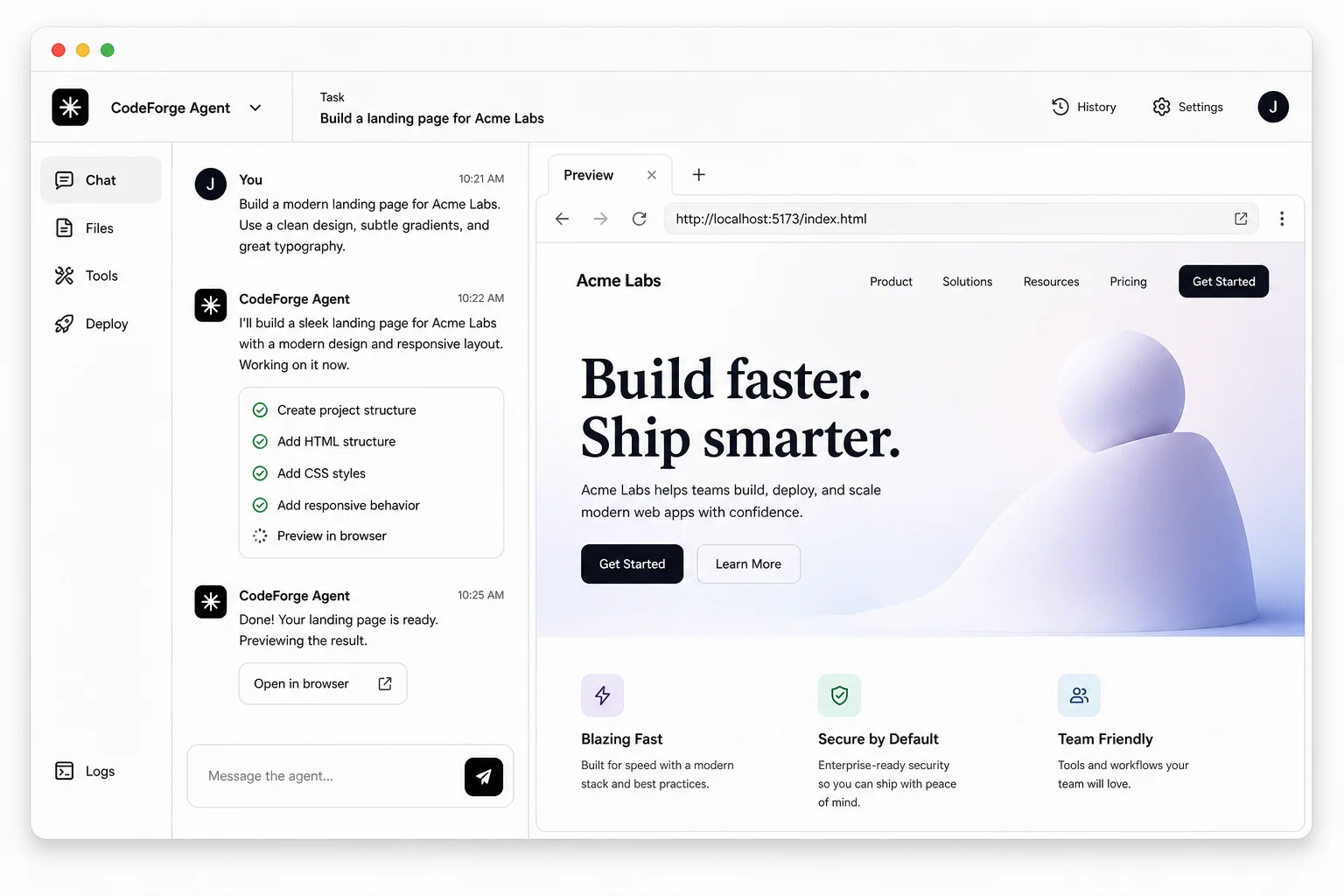
Nous demoed the project on stage at GTC before the public preview. The MIT license and model-agnostic routing (OpenRouter, Anthropic, OpenAI, Gemini, Grok, Ollama) make it a credible self-hosted alternative to closed chat UIs.
Install paths
Packaged installers exist for macOS, Windows, and Linux. You can also launch the GUI against an existing CLI install:
# From a full Hermes checkout
cd apps/desktop
npm install
npm run dev
First launch walks you through provider selection if no runtime is detected. The packaged app can install the Hermes Agent runtime into HERMES_HOME (~/.hermes on Unix, %LOCALAPPDATA%\hermes on Windows).
Built-in updates pull the latest agent and rebuild in place. For teams that self-host gateways on a VPS, remote mode keeps the heavy lifting off the laptop.
Honest limitations in public preview
Preview means preview.
- Linux desktop install still routes through terminal steps for some paths
- Autonomous memory and scheduling raise oversight questions (same as CLI)
- Broad tool surface = steeper learning curve for beginners
- Electron + local gateway = you still own security on MCP tools and sandbox backends
If you need managed channels and mobile chat without maintaining infrastructure, Nous also points teams at hosted options. Self-hosters should pair Desktop with their existing gateway hardening checklist.
How I'd evaluate it against Cursor or Claude Code
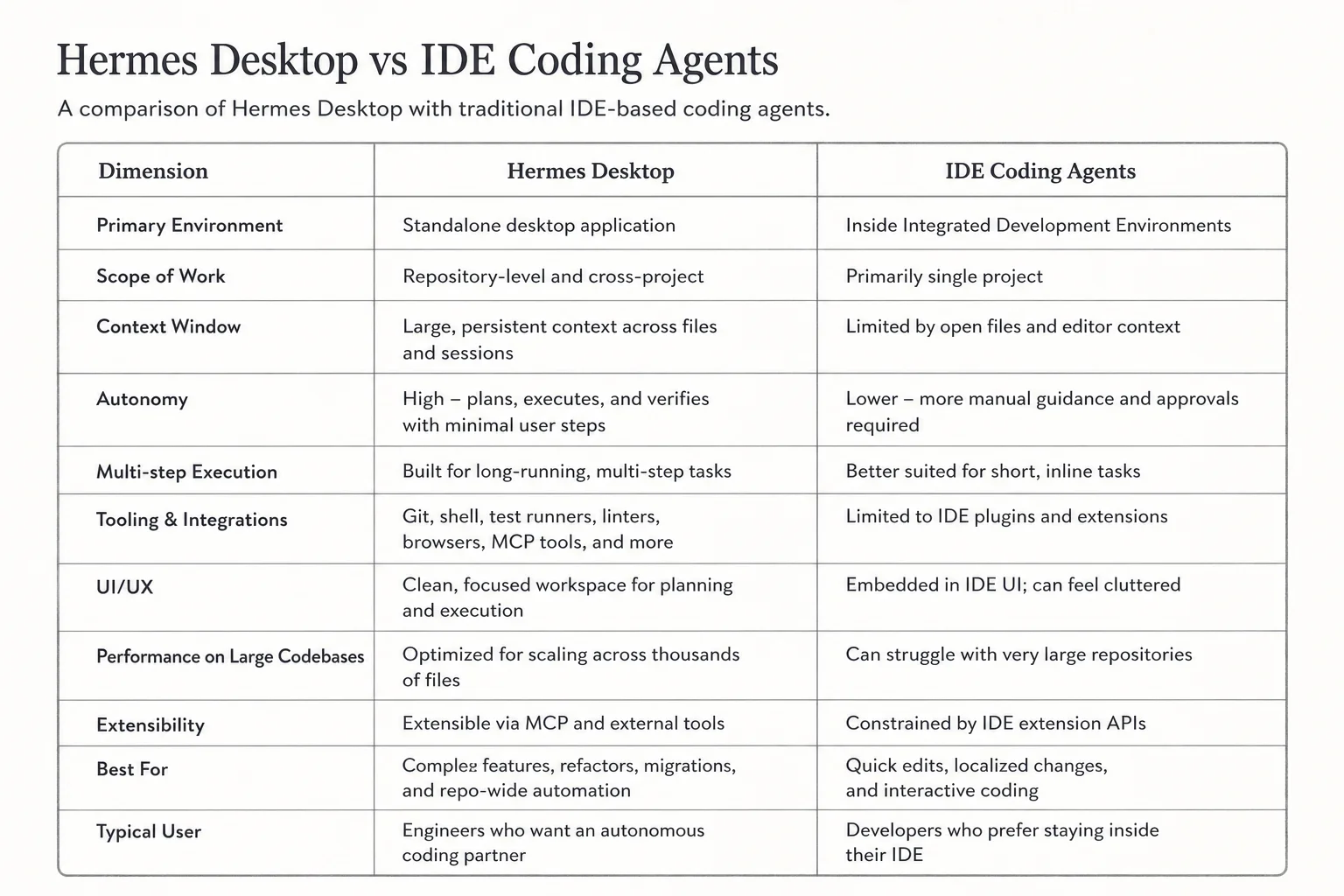
Hermes is not an IDE replacement. It's an agent runtime with surfaces.
| Tool | Primary job |
|---|---|
| Cursor | Edit code in-repo with inline agent help |
| Claude Code | Terminal agent tuned for software engineering |
| Hermes Desktop | General agent with skills, MCP, channels, and a GUI |
Use Hermes when you want one open-source agent stack across CLI, desktop, and gateway, with skills you control. Use IDE-native agents when the task is mostly multi-file refactors inside a monorepo.
Takeaway
Hermes Desktop is the right abstraction: one agent, many surfaces. Not another forked chat client with a incompatible config file.
If you've been telling non-engineers to "just use the CLI," send them an installer instead. Keep the same sessions when you drop back to terminal for the hairy debugging.
Building agent workflows for ops teams that won't live in a terminal? Book a free call and we'll map surfaces to roles.