
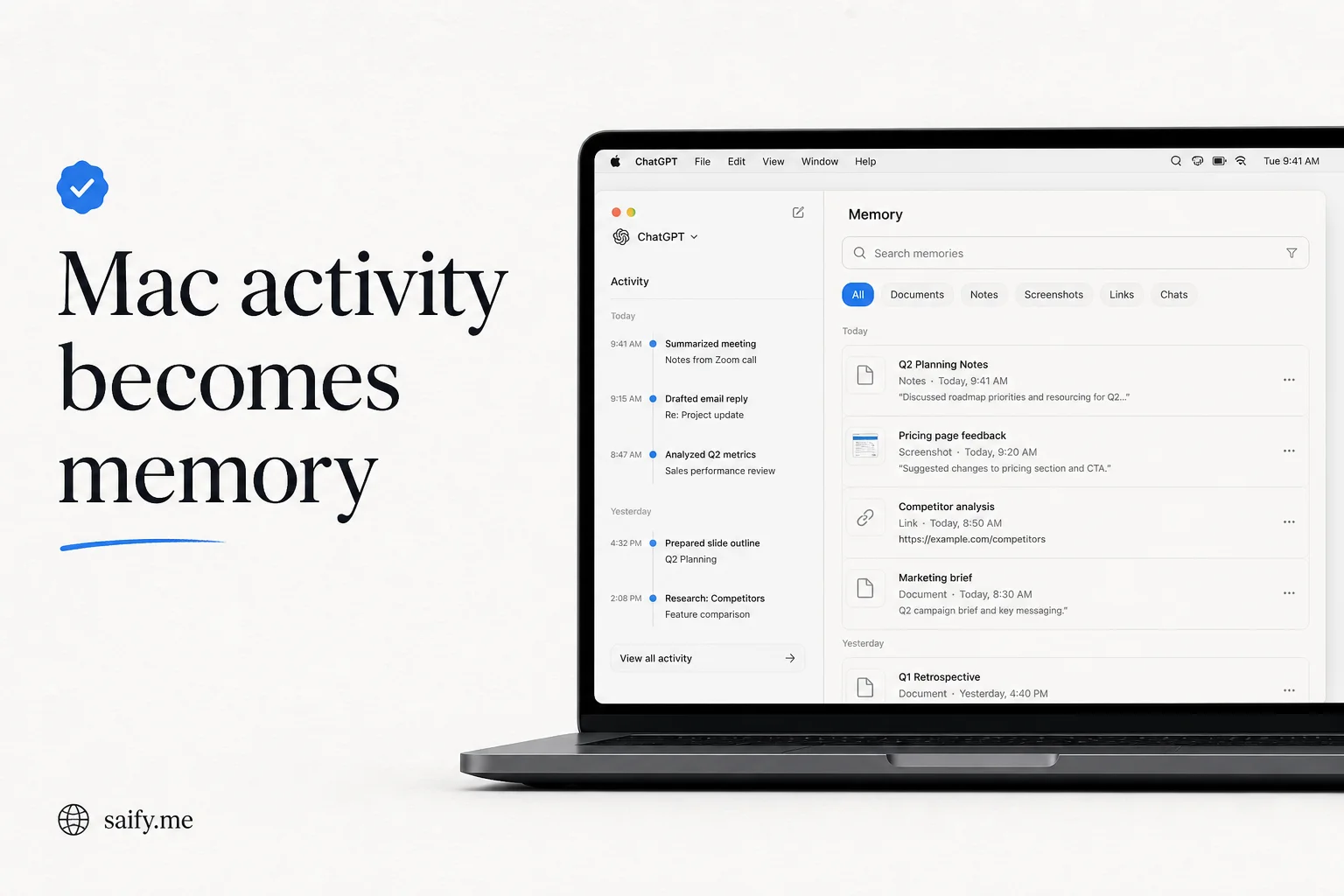
Your Mac already knows which Slack thread you had open, which Google Doc you edited, and which tab you abandoned at lunch. ChatGPT Computer History makes that activity legible to the model on purpose.
OpenAI shipped the feature in August 2026 as a rebuilt successor to the Chronicle research preview. It is off by default, macOS-only, and tied to Memories. If you run agent workflows on desktop, this is the closest OpenAI has come to a native "what was I doing?" layer without screen recording.
Official Computer History docsWhat it actually captures
Computer History builds an interaction-event stream from apps and websites you allow. Events can include clicks, typing, keyboard shortcuts, app switches, and text exposed through macOS accessibility APIs.
What it does not capture:
| Excluded | Why it matters |
|---|---|
| Screenshots | Reduces visual exfiltration risk |
| Microphone / system audio | Voice stays out of the timeline |
| Private browsing | Incognito sessions never enter history |
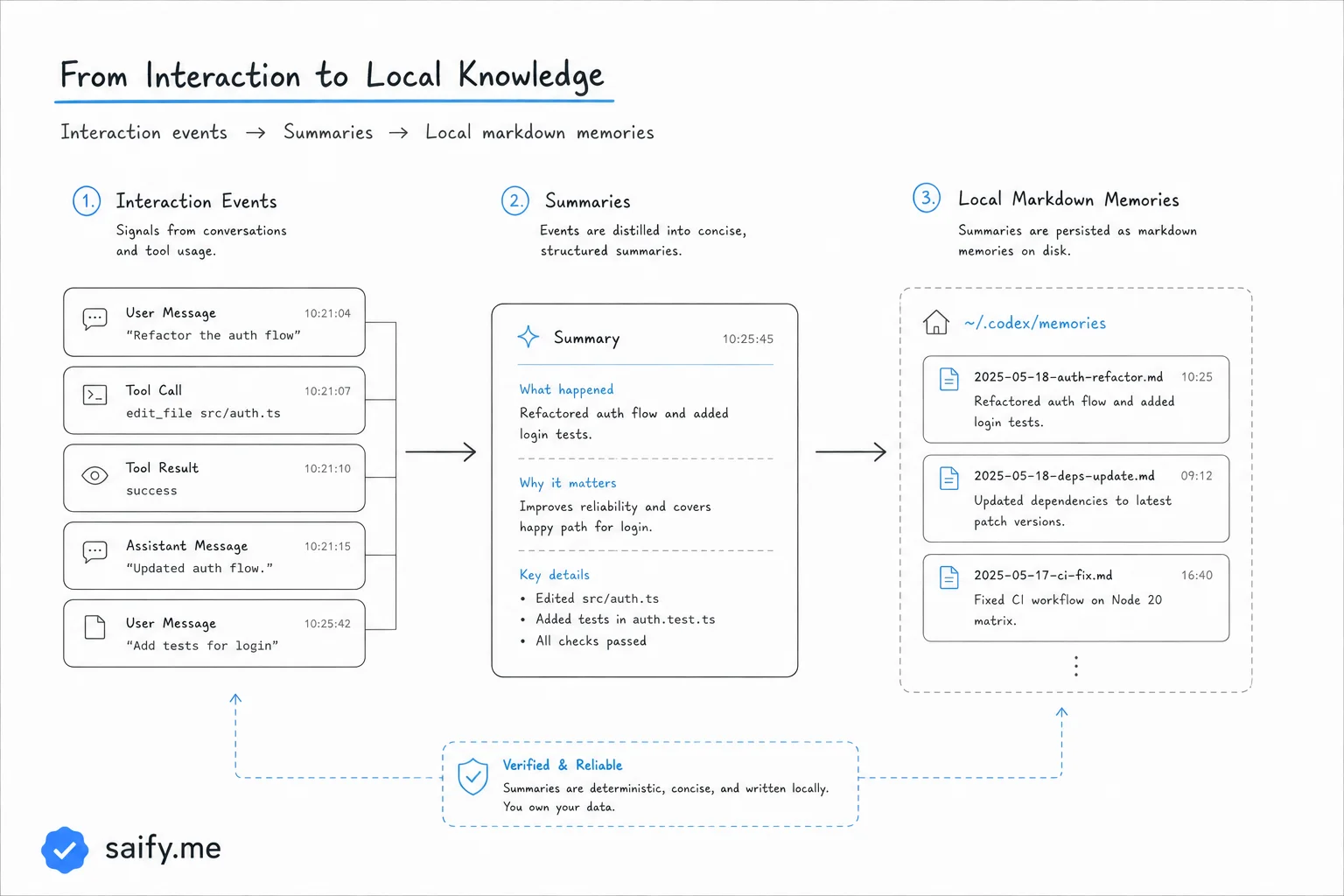
Every few minutes, an ephemeral Codex session summarizes events into local Markdown memories. You review them in Settings > Computer history > History, grouped by day.
The three jobs OpenAI highlights
Pick up where you left off. Ask what you were doing before a break without reconstructing every open window.
Find recent work. Refer to "that proposal doc from this morning" and let the timeline identify the source.
Reuse workflows. When the system spots repeatable work, it can suggest a skill or automation. You review, then ask Codex to codify the routine.
That third bullet is the agent-builder angle. Most teams I work with already have this pattern in n8n or Make: observe a human loop, propose automation, human approves. Computer History moves the observation layer onto the desktop, with plain-text memories you can inspect in Finder.
Permissions are layered on purpose
Access is not one toggle:
- Workspace admin must enable Computer History for Business/Enterprise roles.
- Individual opt-in still required even after admin approval.
- Memories must be on. Use
/memoriesper chat to control contribution. - Per-app and per-website allowlists or blocklists shape future collection.
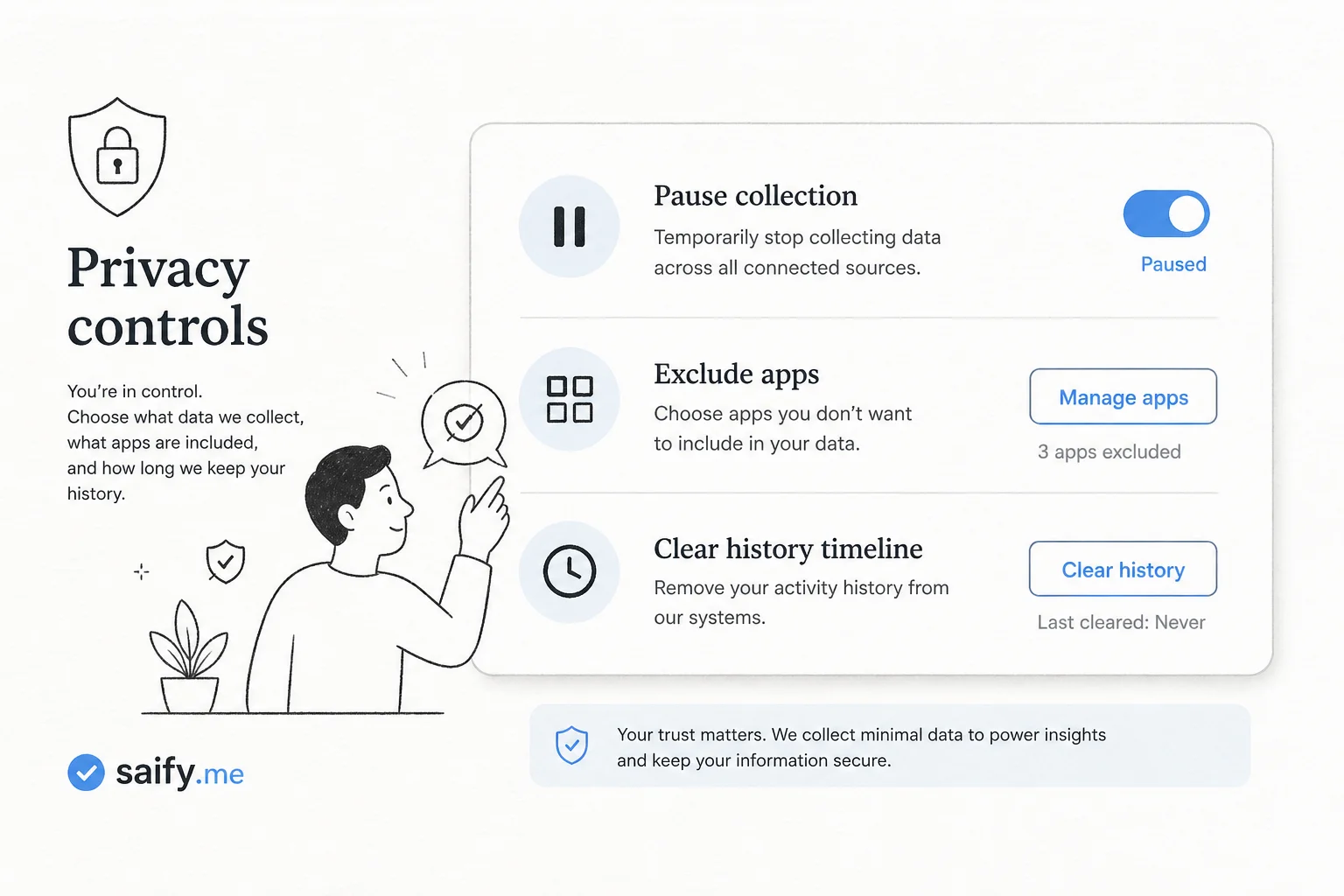
You can pause collection from the menu bar, exclude an app from a timeline entry, or clear the last 10 minutes through all history. Clearing deletes interaction events and derived memories permanently.
The risks nobody should hand-wave
OpenAI's docs call out prompt injection explicitly. Visit a malicious page with hidden instructions and a future ChatGPT session might follow them because the poisoned context entered your history.
That is not theoretical for agent builders. It is the same class of risk as connecting email or Slack MCP servers without scoping.
Other practical concerns:
- Communication apps can be included. Turn it off unless everyone on the call consented.
- Local memory files are not encrypted by Computer History. Other processes running as your user may read them.
- Sensitive verticals (health, finance) need exclude lists on day one, not after an incident.
I would not enable this on a machine that touches patient charts or unreleased financials without legal review, even with exclusions.
How this compares to how I wire client memory today
Most production setups I ship use explicit sources: CRM events, call transcripts (with consent), ticket systems, and RAG over approved docs. The memory boundary is contractual and queryable.
Computer History is ambient memory. Powerful for solo knowledge work. Harder to audit for teams with compliance obligations.
| Approach | Best for | Weak spot |
|---|---|---|
| Computer History | Individual operators on macOS | Team-wide audit trails |
| MCP + approved connectors | Shared business context | Setup time |
| RAG over docs | Stable knowledge | Misses "what you did yesterday" |
If you are prototyping personal agents, Computer History lowers the friction to get context into ChatGPT. If you are shipping multi-user ops automation, treat it as a research signal, not a production datastore.
Setup checklist if you try it
- Confirm your plan supports it (Pro, or Business/Enterprise with admin grant).
- Turn on Memories in ChatGPT desktop for macOS.
- Start with include-only lists for two or three apps, not "everything."
- Exclude browsers you use for banking, health portals, and admin consoles.
- Review the timeline daily for the first week. Delete summaries that feel too broad.
- Never enable during calls with customers unless policy explicitly allows it.
Computer History is the Chronicle idea with clearer storage rules and a path toward skills. It is also a reminder that agent memory is a product decision, not a model feature you inherit for free.
Book a free discovery call if you want help drawing memory boundaries for a team agent without betting the compliance story on a menu-bar toggle.