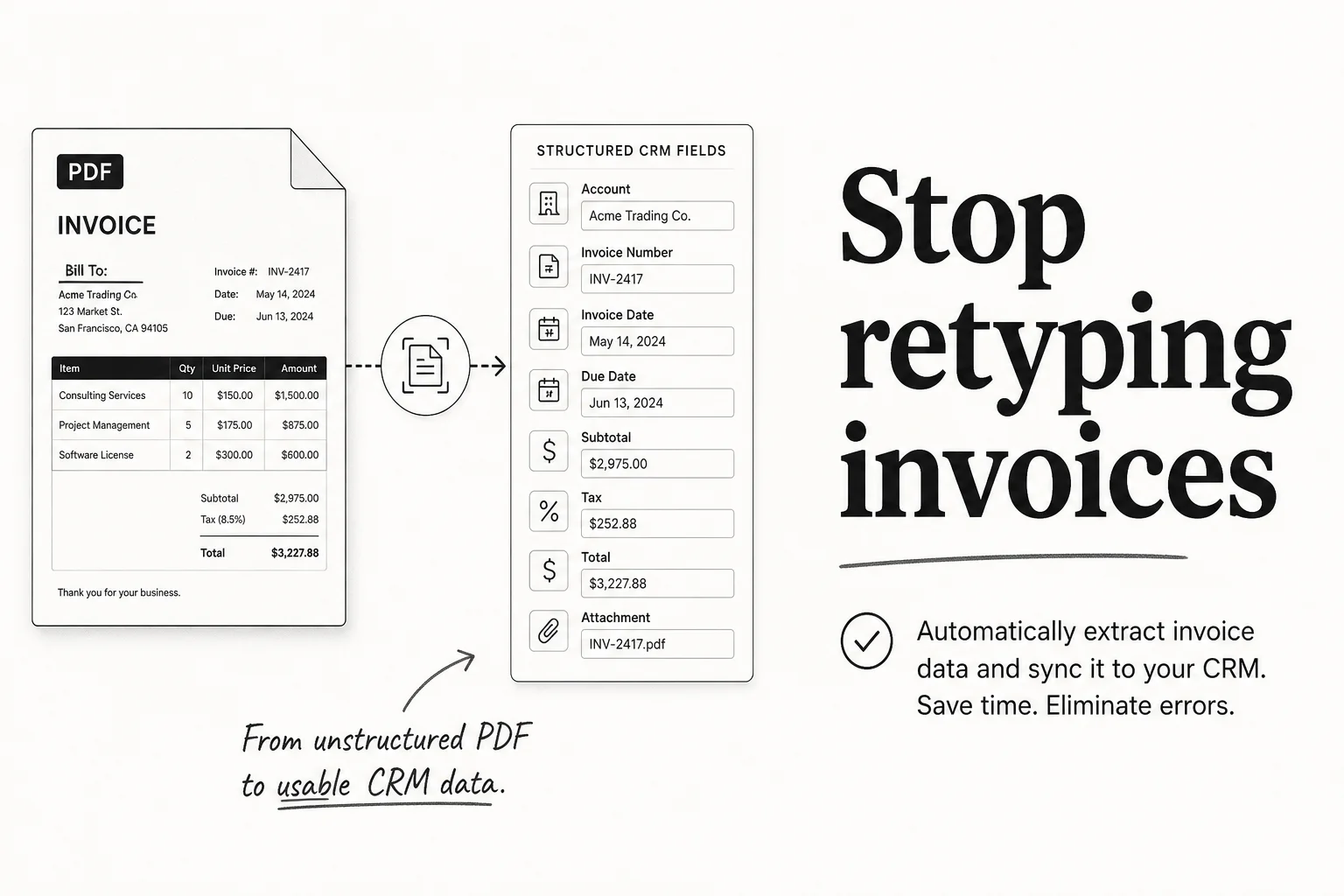
Someone on your team is still opening PDFs, typing line items into another system, and hoping the totals match. That is not a character-building exercise. It is a leak. Invoice and document processing extracts, validates, and files so humans only touch exceptions.
Why the usual fixes fail
- Shared inbox + junior admin. Volume grows faster than hiring, and typos still land in accounting.
- OCR alone. Raw text dumps without validation rules and destination mapping create a second mess.
- Waiting for a full ERP project. You do not need a two-year transformation to stop retyping invoices this quarter.
How the system works
- Document arrives. Email attachment, upload folder, WhatsApp file, or form.
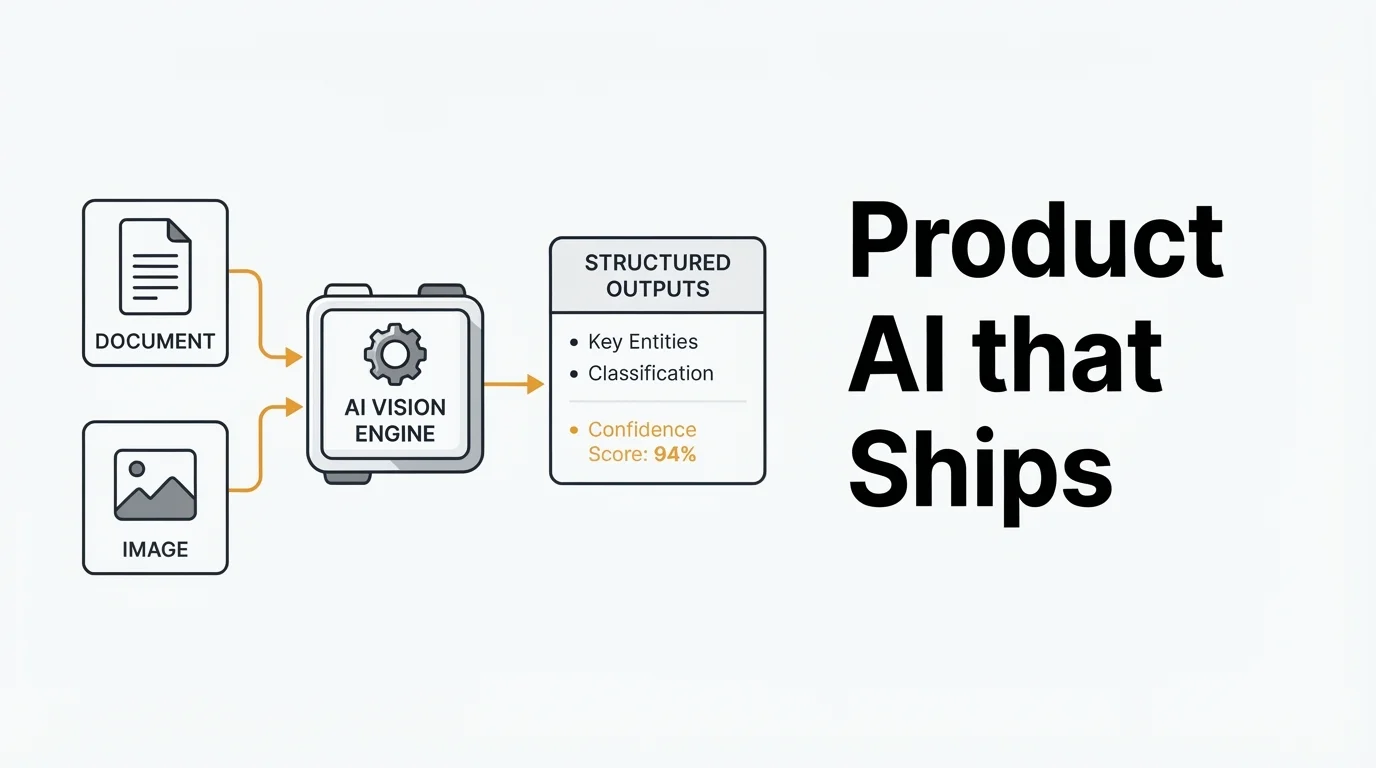
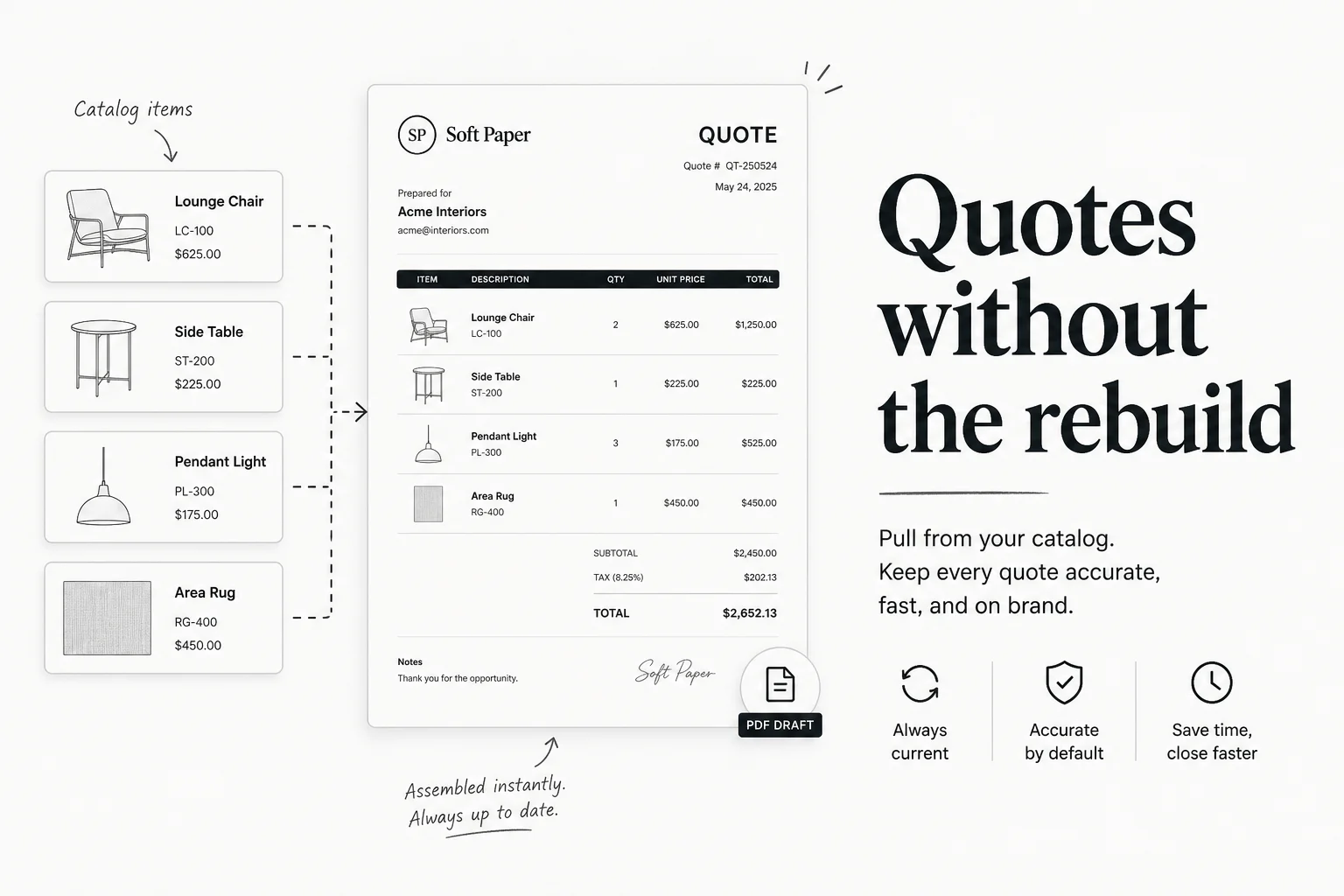
- Extract and structure. Vendor, amounts, dates, line items, and your custom fields.
- Validate. Totals, required fields, known vendors, duplicate detection.
- File or escalate. Clean records go to CRM/accounting; uncertain ones hit a review queue with context.
- Log and digest. Owner sees what processed overnight and what needs a human.
What it plugs into
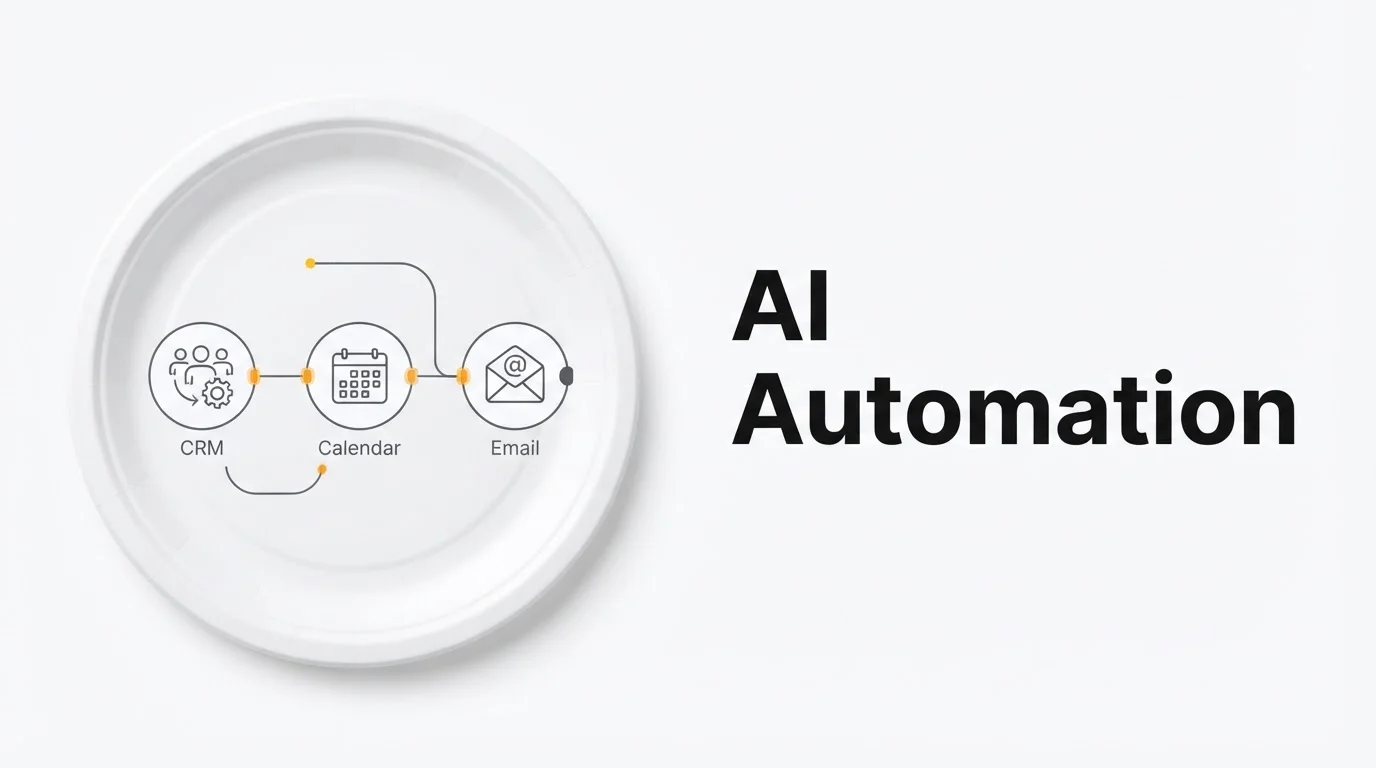
Email, cloud storage, n8n or custom pipelines, and your CRM or accounting stack. Built on AI Automation with Custom AI when vision and scoring need more than a workflow pack.
Timeline and next step
Usually a first document type live inside two weeks, then expand. Ready to stop retyping? Book a free discovery call or run the free ops audit.