
Your design.md was great for keeping brand colors and fonts consistent across pages and decks. Hand that same file to an agent and ask for a video, and you often get a webpage wearing a 16:9 costume. That gap is what frame.md is for.
HeyGen shipped it on top of HyperFrames: an open-source, Apache 2.0 stack where you write plain HTML with timing attributes, animate with GSAP or CSS, then render through headless Chrome and FFmpeg. No proprietary timeline tax. No per-render fee.
I care about this because product marketing for AI tools still burns hours in CapCut and After Effects for clips that should be code. If agents already write HTML, they should ship the MP4 too.
What HyperFrames actually is
HyperFrames treats a video like a web composition you can seek. Each clip is an HTML element with timing data attributes. The runtime builds a timeline, you preview in the browser, then npx hyperframes render captures frames deterministically and encodes an MP4.
| Piece | Role |
|---|---|
HTML + data-start / data-duration | Timeline truth |
| GSAP / CSS / Lottie / WAAPI | Seekable motion |
| Headless Chrome + FFmpeg | Frame capture and encode |
| Agent skills | Teach plan to lint to preview to render |
Quickstart paths from the docs:
npx skills add heygen-com/hyperframes --full-depth
npx hyperframes init my-video
npx hyperframes preview
npx hyperframes render --output demo.mp4
Works with Claude Code, Cursor, Gemini CLI, and Codex. Agents get a non-interactive CLI by default, which matters more than the cute demo reels.
Why frame.md is the missing layer
design.md (and DESIGN.md variants) encode brand for layout: spacing for cards, nav chrome, responsive columns. Cameras do not care about any of that. They care about scale in frame, dwell time, motion hierarchy, and whether type is readable at 1080p on a phone.
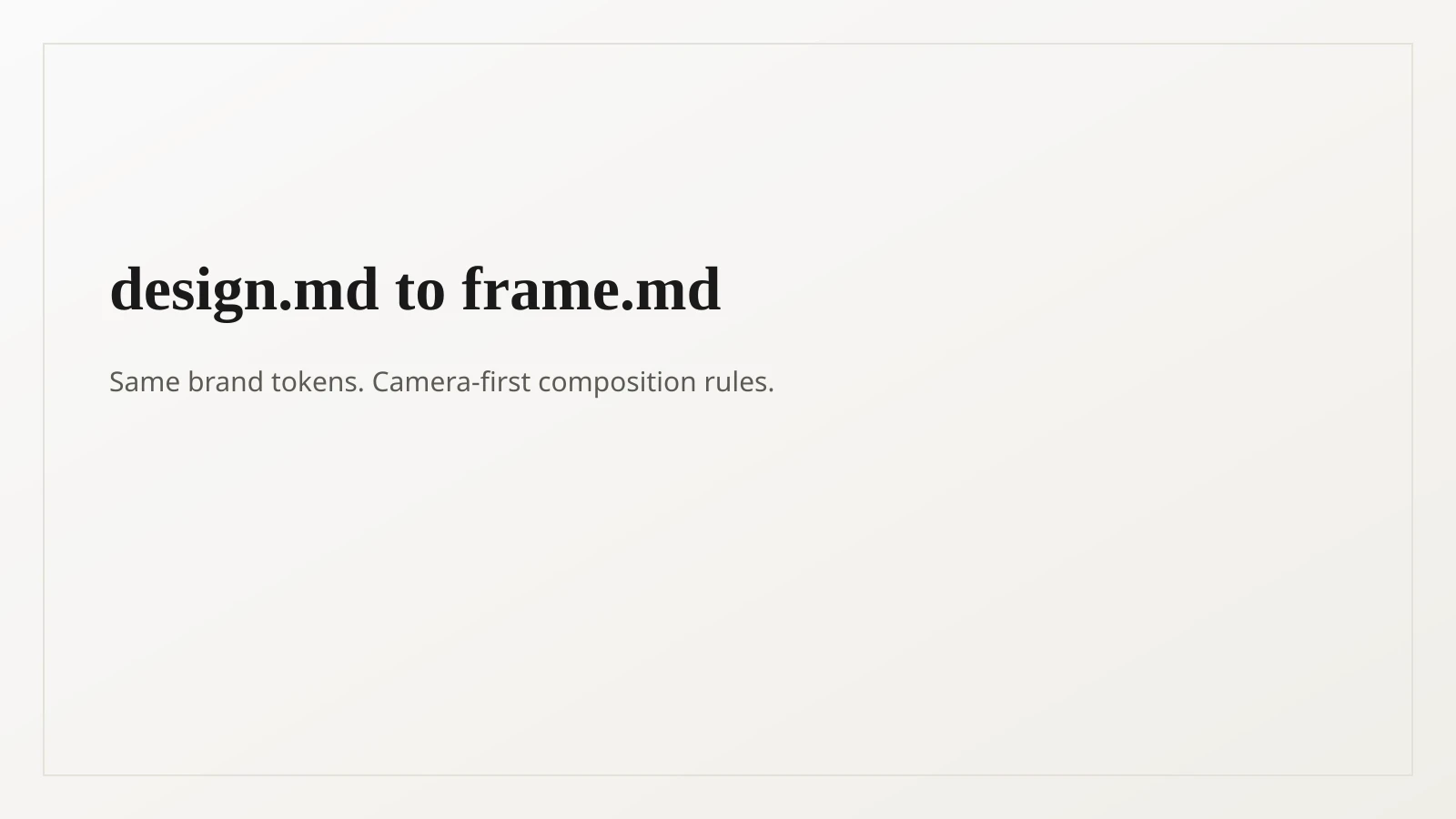
frame.md keeps the same tokens (hex, type, spacing rules) but reframes them for the shot. Frontmatter stays normative. Prose sections carry intent the tokens cannot hold. The HyperFrames creative skill treats frontmatter as machine-readable truth and prose as judgment context.
Brand is sacred. Layout is free. That is the consumption contract: quote hex and weights verbatim, then compose for the camera instead of the browser chrome.
| Spec | Optimized for | Agent failure mode without it |
|---|---|---|
design.md | Web / static pages | Video that looks like a landing page screenshot |
frame.md | Frame, motion, timing | Guessing scale, pacing, and dwell |
You can seed from presets on hyperframes.dev/design, or invert an existing design system. Either way, the agent stops inventing a brand mid-render.
A practical agent loop that works
The HeyGen team’s own playbook (captured in the full tutorial below) is more useful than another “just prompt it” claim:
- Gather assets (screenshots, logos, product UI).
- Create or convert a
frame.md. - Write a
storyboard.mdwith scenes and copy. - Pull reusable animation blocks from prior launches when you can.
- Generate static key frames first and review aesthetics cheaply.
- Expand to a full composition, preview, lint, render.
That static-frame checkpoint is the part most people skip. Agents are slow on a 45-second composition. Aligning on one dense frame per scene first saves rewrites.
Official overview if you want the 60-second version:
What I would ship with it first
Not every video belongs here. I would start with:
- Product launch and feature announcement clips
- Animated chart races and metric callouts
- Social cuts with captions and overlays
- PDF or doc to explainer videos for sales enablement
Skip it when you need live-action footage, complex human performance, or brand work that still needs a human editor’s taste pass on every frame. HyperFrames is strongest when the source of truth is already HTML-shaped (your site, your dashboard, your docs).
Useful refs:
HTML schema habits that keep agents honest
A few attributes do most of the work. From the HyperFrames schema:
data-start/data-duration/data-track-indexfor timing and z-orderclass="clip"on timed images and divs (not on<video>tags)- Composition roots with
data-width/data-height - GSAP timelines registered on
window.__timelines
Run npx hyperframes lint before you argue with the agent about aesthetics. Structural failures waste more time than taste debates.
<img
  id="hook"
  class="clip"
  data-start="0"
  data-duration="3"
  data-track-index="1"
  src="./assets/logo.png"
/>
Why this maps to applied AI shipping
Most “AI video” products sell magic prompts. This stack sells a contract agents can follow: brand tokens, scenes, seekable animation, deterministic render. That is the same pattern that makes Spec Kit useful for code. Structure the interface, then let the model fill it.
If you are building marketing ops or product-led growth systems, treat video like another CI artifact. Same repo. Same review. Same brand file. Render in Docker when you need reproducibility.
Quick frame.md explainer if you only have a minute:
I help teams wire agent workflows that actually ship. If you want a HyperFrames-style pipeline tied into your content or product stack, book a free discovery call.