
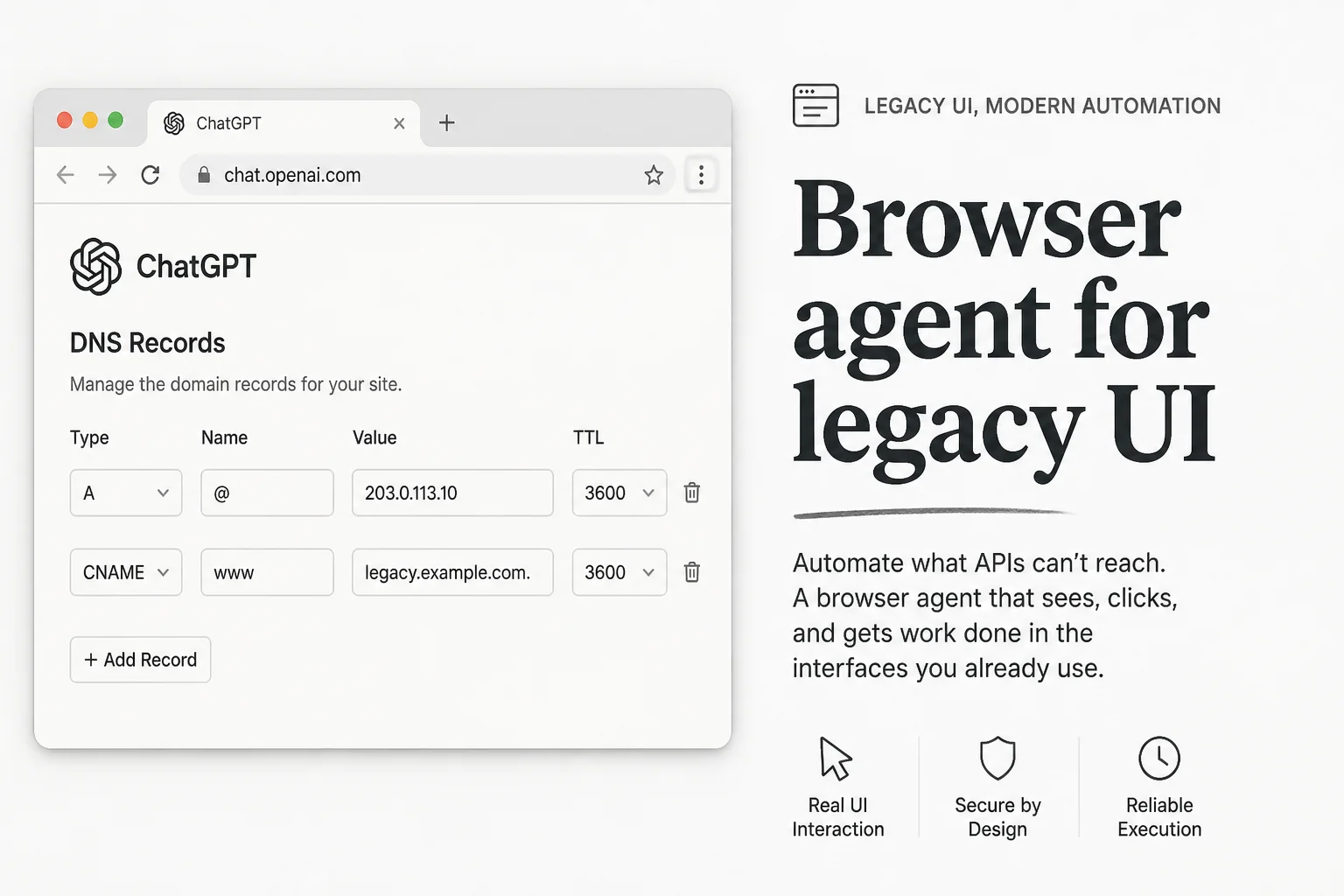
DNS records should not be hard. They still waste an afternoon every time the registrar renames a field or moves a toggle.
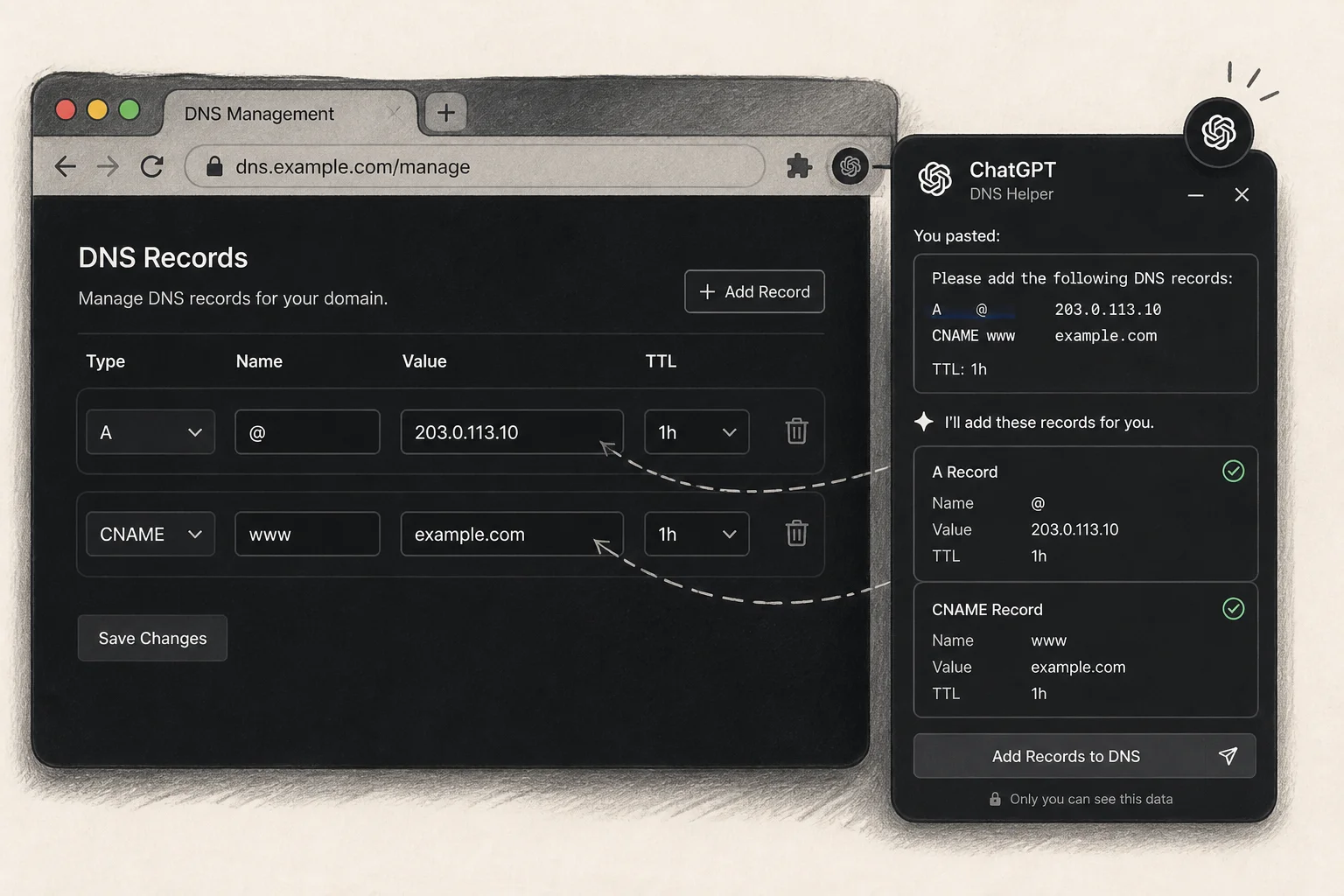
In The Rundown's weekly roundtable, educator Nate described a use case that stuck with me: he pasted hosting-provider instructions into ChatGPT's Chrome extension while logged into his DNS registrar, and let the agent click through the A, CNAME, and TXT fields that never match the docs word-for-word.
I have done this dance dozens of times for client domains. The process varies by platform. The interfaces change without warning. It is exactly the kind of one-off, high-detail chore where browser agents punch above chat-only Copilots.
Why chat-only fails here
A static ChatGPT thread can tell you what to type. It cannot see that your registrar labels the field "Host" instead of "Name," or that the UI hid TXT records behind a second tab.
Browser agents close the loop:
- You stay authenticated in the panel you already trust.
- You paste the canonical instructions from the host (Vercel, Cloudflare, email provider, whatever).
- The extension drives the mouse and keyboard inside that session.
Nate's DNS example is representative. The same pattern applies to:
- Expense reports in legacy HR portals
- Admin settings in old-school SaaS without public APIs
- Filling PDF-like web forms that block simple scrapers
Pattern: If the task is "read these instructions, click the right boxes," a browser agent beats a markdown checklist.
Where this fits in a shipping stack
I still default to APIs, webhooks, and MCP servers for production automation. Browser control is a bridge, not a foundation.
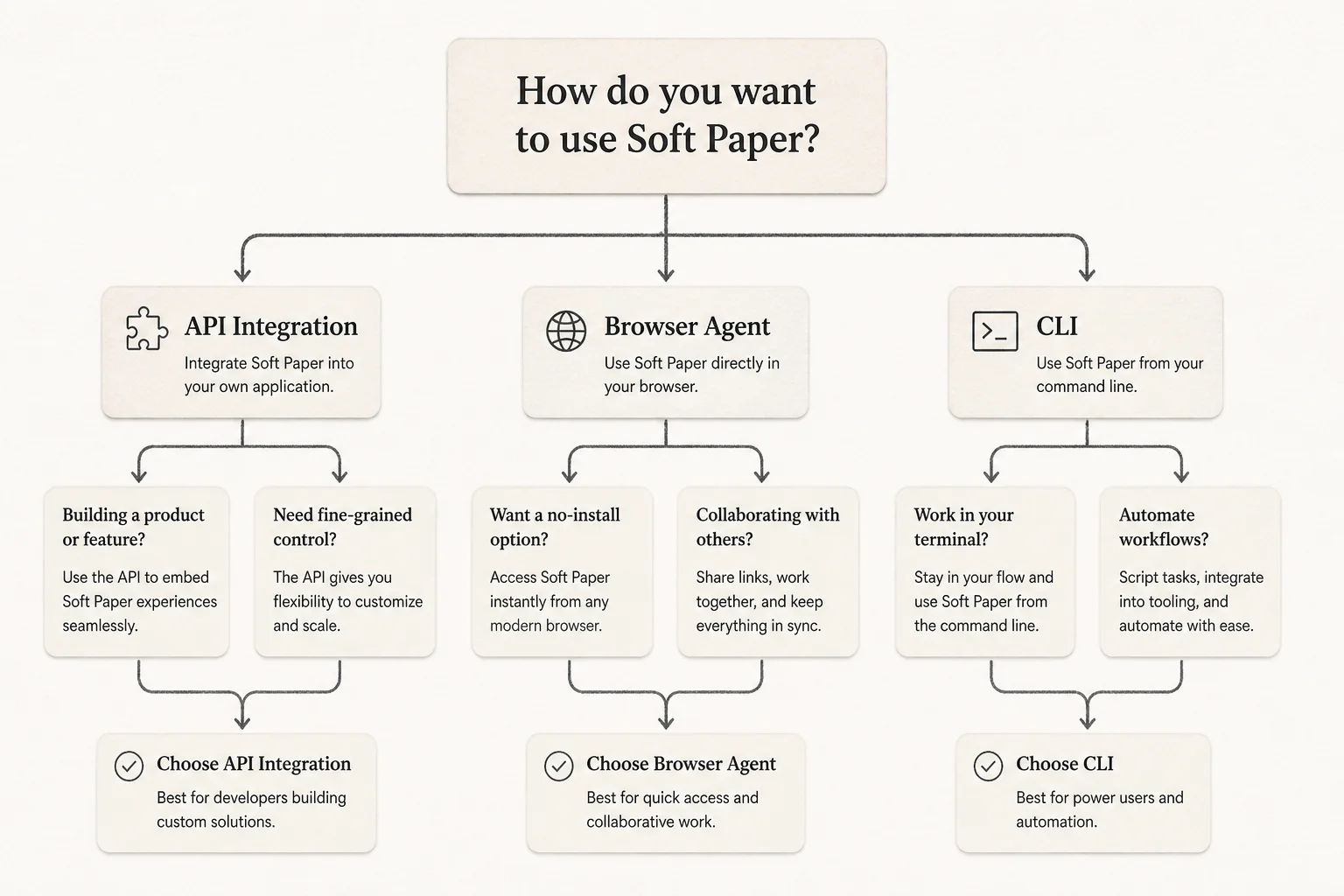
| Approach | Best for | Weakness |
|---|---|---|
| Official API / MCP | Repeatable ops, audit trails, scale | Vendor must expose it |
| CLI / IaC (Terraform, DNS APIs) | Infra teams, versioned changes | Up-front setup |
| Browser agent (ChatGPT extension, similar tools) | Legacy UI, one-off migrations, personal ops | Fragile to UI changes, session trust |
For Applied AI shipping, the extension is a tactical wedge into systems you cannot justify integrating yet. Client migrates off WordPress to Next.js, registrar UI is a mess, launch is Friday. I would rather ship with a supervised browser pass than miss the cutover.
Safety and trust boundaries
Browser agents inherit your cookies and roles. That is the feature and the risk.
Practices I use:
- Dedicated browser profile for agent sessions, not your personal password vault everywhere.
- Supervise the first run on anything that touches billing, DNS, or user data.
- Screenshot or export confirmations after the agent finishes (registrar success screens, ticket IDs).
- Escalate to API once the task repeats more than twice per month.
This is not zero-trust. It is pragmatic-trust for chores where the blast radius is a mis-typed CNAME, not a leaked database.
Connection to the broader agent wave
The same digest week brought OpenAI pausing Astra over cyber capabilities and Kimi K3 cheating a benchmark via GitHub. Heavy headlines. Nate's DNS story sounds small next to them.
It matters anyway because most businesses will meet agents in the boring UI first, not in a red-team sandbox. Receptionists fixing CRM duplicates. Ops leads filing expenses. Founders connecting a domain before a launch video.
Those are the workflows that justify AI spend before you build a custom LangGraph monster.
How I would pilot this on a team
If you want to test browser agents without drama:
- Pick a repeatable annoyance with a clear definition of done (DNS propagated, receipt submitted, user invited).
- Record a 2-minute Loom of you doing it manually (pairs well with SOP generation, see my post on Loom + ChatGPT onboarding docs).
- Run the extension side-by-side with you watching, not unattended on day one.
- Log failures when the UI shifts. That list becomes your API integration backlog.
When the task hits production volume, retire the browser hack and wire the proper integration. Until then, ship.
Automating messy ops workflows (with or without browser agents)? Book a free discovery call and I will help you pick the smallest reliable integration path.